Aina
25.Ноябрь.2019 14:24:46
1
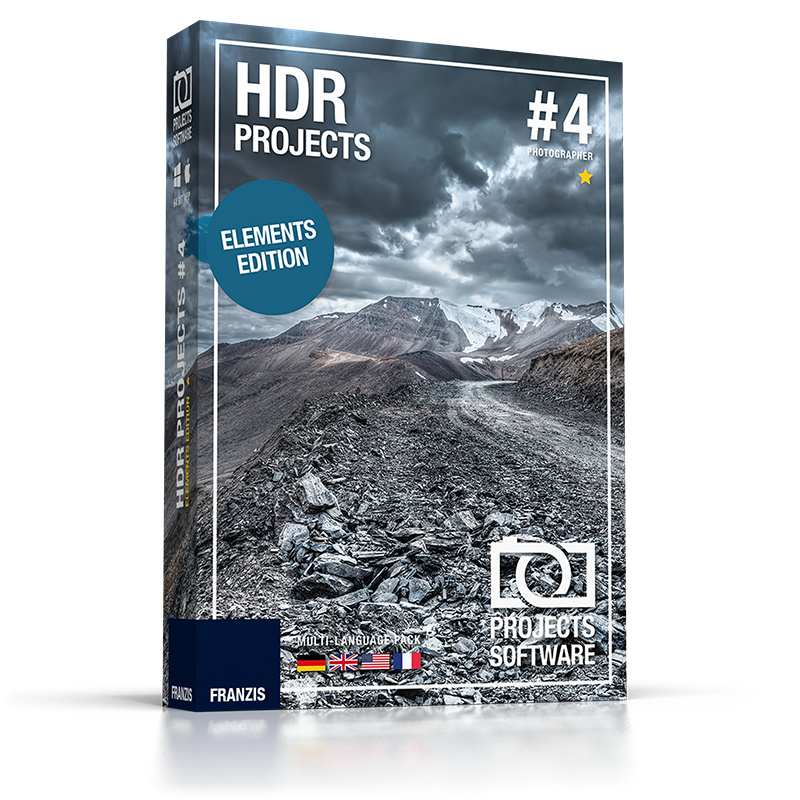
HDR projects 4 enables you to generate very precise lighting situations that are not possible with “normal” photography or photo editing. The newest process for super realistic images with unbeatable contrast and detail that you have never seen before.
Giveaway Information Instructions How To Use the package you`ve downloaded to a separate folder and run Setup_Win.exe or
Run the installer, click the “Internet” button and get redirected to the online page.
Fill in your email first and then your password for Franzis account if you already have one
After this, you’ll receive your USER-ID and personal registration code to your registered email address.
Please paste both values within the registration form of the software and confirm your input by hitting the “OK” button.
Run the program and use the registration code from the letter as the serial number to activate
You have to install it before the Giveaway offer for the software is over.
Terms of the offer
This is lifetime license for 1PC
Non-commercial use
No free updates
No free tech support
Register before this offer has ended
Colormango
Feature Highlights
Ultra HDR technology
Advanced RAW features
Interactive ghosting removal
Add-on system
360° panorama mode
HDR algorithms
Thank you @Aina Process done will need to get keys
UPDATE Project 5:Giveaway Link : HERE
UPDATE Giveaway Link : HERE
Aina
18.Декабрь.2023 12:41:47
8
Step 1. Visit the GIVEAWAY PAGE
Enter your email, check “I agree with the storage and processing of my personal data”, and click on the “send” button
Step 3. Login to your franzis.de account. A free license code will be sent to your email.
Step 4. Download and install the software on your computer. Insert the above license license key to activate it:
This is the lifetime license for HDR projects 8
Non-commercial use
No free update or upgrade
No free technical support
Aina
31.Май.2024 20:57:16
9
Step 1. Visit the Franzis HDR projects 8 giveaway page
Enter your email, check “I agree with the storage and processing of my personal data”, and click on the “send” button
Step 3. Login to your franzis.de account. A free license code will be sent to your email.
Step 4. Download this installer on your computer —> HDR-projects-8_winde.zip
When the installation is finished, launch it. Please insert the above license license key to activate the full functions
This is the lifetime license for HDR projects 8
Non-commercial use
No free update or upgrade
No free technical support
Aina
17.Сентябрь.2024 23:44:08
11
Step 1. Visit the Franzis HDR projects 8 giveaway pageFranzis HDR projects 8 giveaway page Franzis HDR projects 8 professional – Windows giveaway page
Enter your email, check “I agree with the storage and processing of my personal data”, and click on the “send” button
Step 3. Login to your franzis.de account. A free license code will be sent to your email.
Step 4. Download this installer on your computer —>HDR-projects-8_winde.zip HDR-projects-8-professional_winde.zip
When the installation is finished, launch it. Please insert the above license license key to activate the full functions
This is the lifetime license for HDR projects 8
Non-commercial use
No free update or upgrade
No free technical support
Aina
03.Декабрь.2024 21:20:34
12
Step 1. Visit the Franzis HDR projects 9 giveaway page
Enter your email, check “I agree with the storage and processing of my personal data”, and click on the “send” button
Step 3. Login to your franzis.de account. A free license code will be sent to your email.
Step 4. Download this installer on your computer —> HDR-projects-9_winde.zip
When the installation is finished, launch it. Please insert the above license license key to activate the full functions
This is the lifetime license for HDR projects 9
Non-commercial use
No free update or upgrade
No free technical support
Aina
07.Февраль.2025 21:23:22
13
Step 1. Visit the Franzis HDR projects 9 giveaway page
Enter your email, check “I agree with the storage and processing of my personal data”, and click on the “send” button
Step 3. Login to your franzis.de account. A free license code will be sent to your email.
Step 4. Download this installer on your computer —> HDR-projects-9_winde.zip
When the installation is finished, launch it. Please insert the above license license key to activate the full functions
This is the lifetime license for HDR projects 9
Non-commercial use
No free update or upgrade
No free technical support
Aina
04.Март.2025 22:13:31
14
Step 1. Visit the Franzis HDR projects 9 giveaway page
Enter your email, check “I agree with the storage and processing of my personal data”, and click on the “send” button
Step 3. Login to your franzis.de account. A free license code will be sent to your email.
Step 4. Download this installer on your computer —> HDR-projects-9_winde.zip
When the installation is finished, launch it. Please insert the above license key to activate the full functions
This is the lifetime license for HDR projects 9
Non-commercial use
No free update or upgrade
No free technical support
Aina
17.Июнь.2025 19:31:29
15
Step 1. Visit the Franzis HDR projects 9 giveaway page —> link-1 link-2
Enter your email, check “I agree with the storage and processing of my personal data”, and click on the “send” button
Step 3. Log in to your franzis.de account. A free license code will be sent to your email.
Step 4. Download this installer on your computer —> HDR-projects-9_winde.zip
When the installation is finished, launch it. Please insert the above license key to activate the full functions
This is the lifetime license for HDR projects 9
Non-commercial use
No free update or upgrade
No free technical support
Aina
28.Июнь.2025 04:49:03
16
Step 1. Visit the Franzis HDR projects 9 giveaway page —> link-1 link-2 link-3
Enter your email, check “I agree with the storage and processing of my personal data”, and click on the “send” button
Step 3. Log in to your franzis.de account. A free license code will be sent to your email.
Step 4. Download this installer on your computer —> HDR-projects-9_winde.zip
When the installation is finished, launch it. Please insert the above license key to activate the full functions
This is the lifetime license for HDR projects 9
Non-commercial use
No free update or upgrade
No free technical support

 but i trust it will always work like charm

 !
!