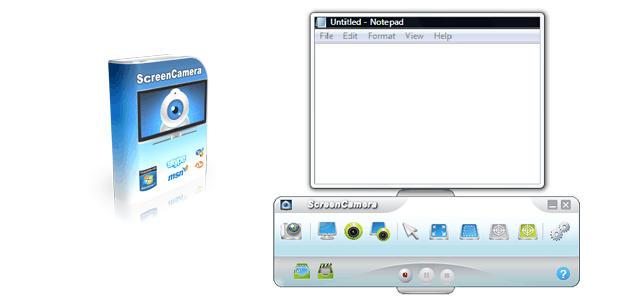
PCWinSoft Family ScreenCamera is a PC screen recorder software. It allows you to have full control over which part of the screen you want to capture and share your screen and webcam on multiple applications.
Download and install the software then click on Trial dialog > Click ‘Register’ > Mark ‘Send key to my e-mail’ > Click ‘Next’ > Then enter the e-mail address you used to register > Then click ‘Send’.
The key is sent to your e-mail address.
After you receive the key you go:
Trial dialog > Click ‘Register’ > Mark ‘Enter key’ > Click ‘Next’ > Then enter the key you have received on your e-mail > Then click ‘Authenticate’.
Note:- You have 7 days to register your giveaway license copy.
Download and install the software then click on Trial dialog > Click ‘Register’ > Mark ‘Send key to my e-mail’ > Click ‘Next’ > Then enter the e-mail address you used to register > Then click ‘Send’.
The key is sent to your e-mail address.
After you receive the key you go:
Trial dialog > Click ‘Register’ > Mark ‘Enter key’ > Click ‘Next’ > Then enter the key you have received on your e-mail > Then click ‘Authenticate’.
Note:- You have 7 days to register your giveaway license copy.


 !
!