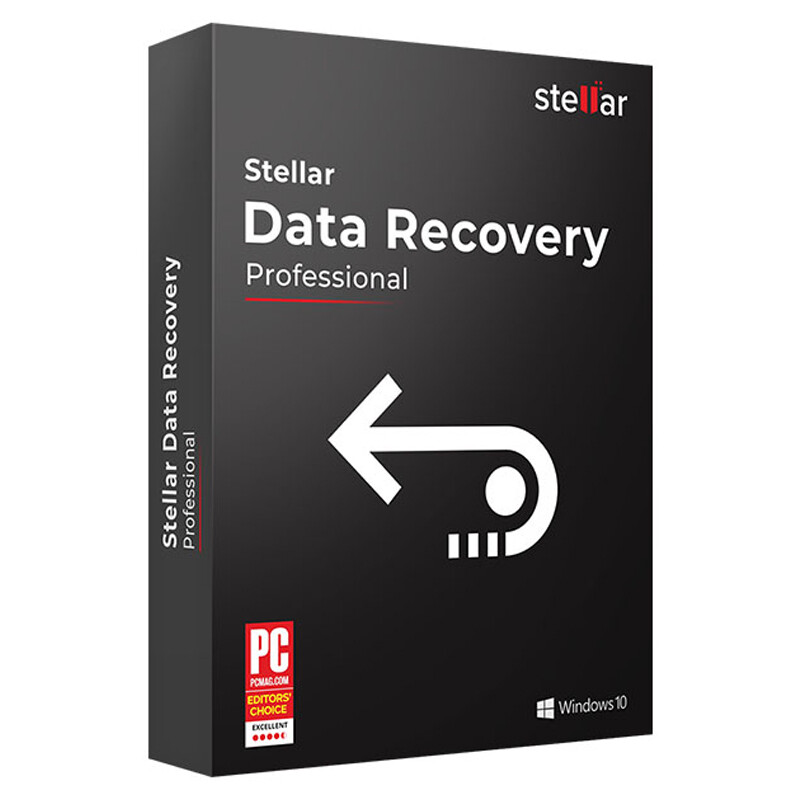
[Giveaway] Stellar Data Recovery | 1 Year License

Stellar Data Recovery Professional for Windows is powerful software, that recovers data from all types of Windows devices – PCs, laptops, ultrabooks, etc. Besides, it can get back all your valuable documents, emails, photos, videos, and audio files, quickly and easily from your workstation.

Key Features:

  • Restores all types of files for any data loss situation, including Office documents, photos, videos, emails & more,
  • Full recovery of data from inaccessible hard drive partitions, lost partitions, and optical media,
  • Restores data from HDD, USB flash drives, memory cards, CD-DVD & other storage devices,
  • The advanced search option to recover data from heavily damaged drives,
  • Restores data from hard drives, which bad sectors simply restore,
  • Add-on drive monitor utility and disk cloning for secure data recovery.

Pros:

  • 100% safe and trouble-free,
  • Deep scan for a better result,
  • User-friendly interface.

System Requirement: Windows 11/10/ 8.1/ 8/ 7/ Vista/ XP

Price: $79.99

How to get Stellar Data Recovery Professional for free?

If you want to get Stellar Data Recovery Professional for free, just follow the steps below:

Step 1. Go to this GIVEAWAY PAGE

Enter your name and Email address => Click to “Jetzt Ihren Schlüssel erhalten”

Step 2. Check your Email box to get the confirmation link => Click to link to download Stellar Data Recovery Professional for free

Step 3. Install the software, download link here: StellarDataRecoveryProfessionalWindows.exe
=> Enter the user name and the received key to activate,

  • This is a 1-year license code for one user
  • You get free update for 1-year
  • No free technical support

Enjoy!

Forget the above detail, it wasn’t that clear!

  • Go to the giveaway page

Giveaway Page

  • Enter your details and request a license key

  • After you confirm your email address by clicking the link on the received email, you will receive a unique activation key.

  • The giveaway page is in German. You may use Google Translate.

  • Download the official installer using the below link

Download Installer

  • Install the program

  • Activate the full version using the received key.

Enjoy! :heart:

Step 1. Go to this GIVEAWAY PAGE

Enter your name and Email address => Click to “Jetzt Ihren Schlüssel erhalten”

Step 2. Check your Email box to get the confirmation link => Click to link to download Stellar Data Recovery Professional for free

Step 3. Install the software, download the link here: StellarDataRecoveryProfessionalWindows.exe
Enter the activation key to activate the product:

  • This is a 1-year license code for one user
  • You get free updates for 1-year
  • No free technical support

Enjoy! :heart:

Step 1. Go to the Stellar Photo Recovery Standard giveaway page

Enter your name and your mail, then click “Down now for free”

Step 2. Go to your email account and find the email with the key to activate the full version

Step 3. Download Stellar Photo Recovery Standard —>
stellar_photo-recovery_STD_v9.0_windows_TickGiveaway.zip

Install the software on your computer. Activate with your license key.

  • Provided for lifetime use on Windows computers
  • Updates to newer versions are not available
  • For personal use only
  • There is no technical support

Enjoy! :heart: