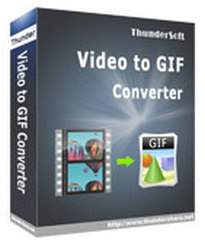
ThunderSoft Video to GIF Converter is a handy tool for making animated gif from video files. Preview original video frame by frame, easy crop and specify video clip, convert to gif with high quality.
Giveaway details
Product name: Thundersoft Video To GIF Converter 2.8.0
Download and install the software on your computer. Open the program and access the registration window upon launch.
Enter the user ID(your name) and registration key provided to activate the software.
Feature Highlights
Preview original video frame by frame
Easy crop and specify video clip accurately
Allow add texts and logo
Allow delete unwanted frames
Allow Change gif play speed, replay times
Supports almost all popular video formats, such as mp4, avi, mpg, wmv, flv, mov, vob, mkv, rmvb,…
NOTE: Your system may consider this download file malicious. To download it, you must Start, look for Windows Security/ Virus & Threat Protection/ Manage settings, and disable Real-time protection and Dev Drive protection. Then you can download the file right now.
Step 2. Install the software on your computer. Register software, use the license key below:
License Code
G438V0073WY509X3Y6A321127
This is a lifetime license for noncommercial ThunderSoft Video to GIF Converter v5.5


 !
!