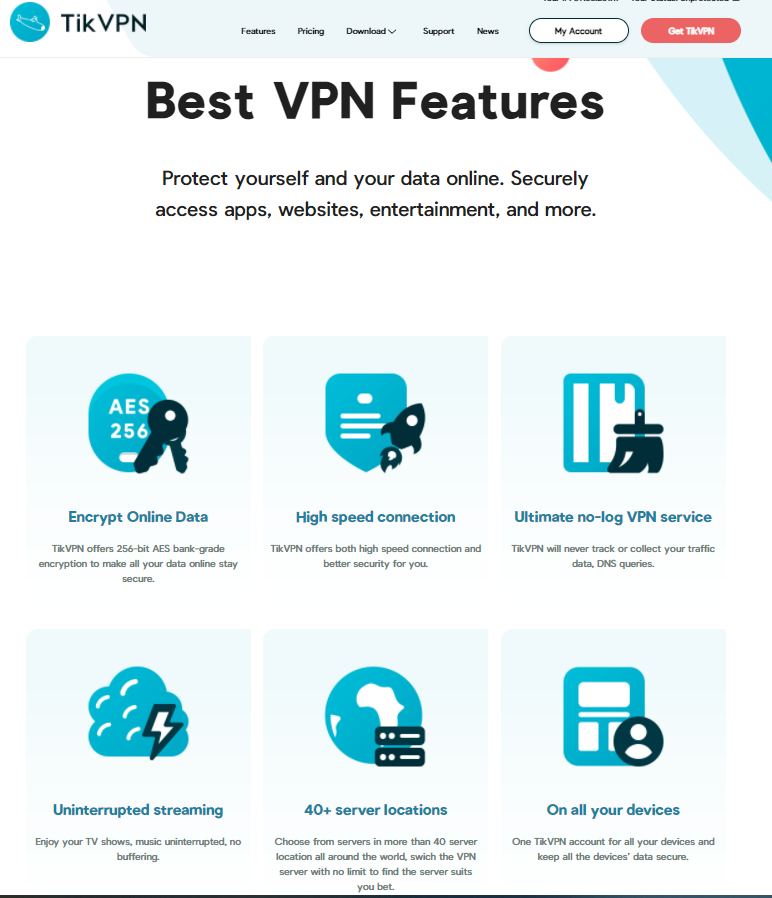
Protect yourself and your data online. Securely access apps, websites, entertainment, and more.
Instructions 
- Create a new account HERE
- Verify mail and Login
- Head over to ‘Account’ section and redeem coupon
GIVEAWAY COUPON : B5LR8-CZDFP-65XGJ
70+ Location Servers
Best for PUBG game with good ping

Thanks for share…!!
But code is not working anymore
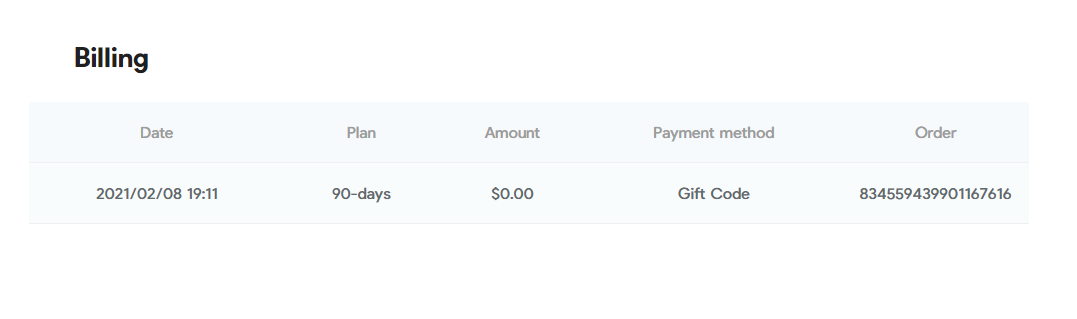
It is working I get 90 day premium thank you
This VPN service is too bad ! cannot connect to any server on windows
Ardyey
5
1.) Sign up here:
2.) Confirm the verification through email
3.) Use this Code:
VD29D-ZQQA6-9Q4ZG
COMPATIBLE FOR:
ios, mac, windows, and android
Enjoy!
Nice !
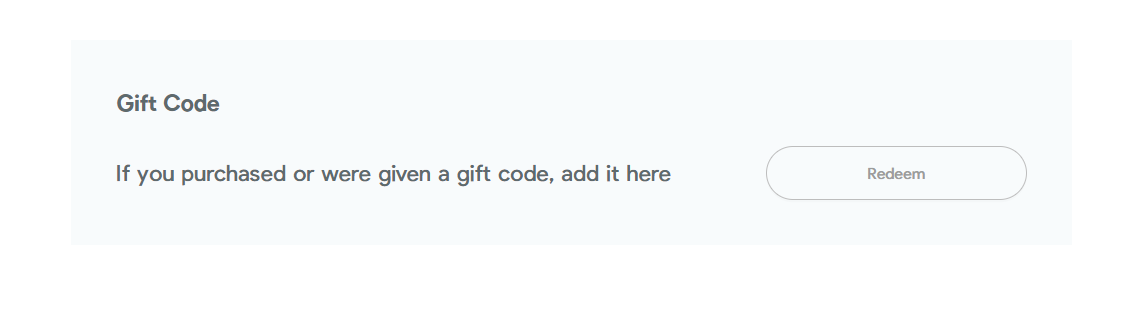
To reedem go into the My Account > Personal > Redeem Gift Code
You’re right, There are some limitations, but not mentioned.
Overall its an average VPN.
Suggest : Keepsolid VPN
Aina
11
Step 1. Go to the registration page –> click here
Enter your email address and password for your TikVPN account then click on the “Get Started For Free” button.
Step 2. An email will be sent to your e-mail with a link to confirm your registration. Follow the link to confirm your account and activate trial:
After successfully login, find the Gift Code field, click on the “Redeem” button. Use the activation code below :
PKPNE-RL8AC-5899G
Step 3. Download and install TikVPN software on your computer or mobile device. TikVPN for Windows TikVPN for macOS or from the home page
Step 4. After installing the program, log in by entering your email address and password and clicking Sign in and enjoy TikVPN for 4-month free!
- You get a free TikVPN license for 120 days
- Free application updates to new versions are available
- Free technical support available
- For personal non-commercial use
ENJOY!
Wow, @Aina it works thank you so much, big brother, u r always a gem… for us..
Valid until 10/20/21 Will do for my small needs. Thanks for the share.
The best as always, Thank you,
Thanks so much for your sharing.
Stay safe!
kukno
17
Thanks for the share!
Stay blessed!
It works got 120 days Trail. Thanks
Aina
20
4 Month Premium!
Step 1. Go to the registration page –> click here
Enter your email address and password for your TikVPN account then click on the “Get Started For Free” button.
Step 2. An email will be sent to your e-mail with a link to confirm your registration. Follow the link to confirm your account and activate trial:
After successfully login, find the Gift Code field, click on the “Redeem” button. Use the activation code below :
PKPNE-RL8AC-5899G
Step 3. Download and install TikVPN software on your computer or mobile device: TikVPN for Windows TikVPN for macOS or from the home page
Step 4. After installing the program, log in by entering your email address and password and clicking Sign in and enjoy TikVPN for 4-month free!
- You get a free TikVPN license for 120 days
- Free application updates to new versions are available
- Free technical support is available
- For personal non-commercial use
70+ Location Servers
ENJOY! 
Aina
21
Step 1. Go to the registration page –> click here
Enter your email address and password for your TikVPN account then click on the “Get Started For Free” button.
Step 2. An email will be sent to your e-mail with a link to confirm your registration. Follow the link to confirm your account and activate trial:
After successfully login in, find the Gift Code field, click on the “Redeem” button. Use the activation code below :
Redeem code #1: PKPNE-RL8AC-5899G
Redeem code #2: 3NPE4-THLCA-TT633
Step 3. Download and install TikVPN software on your computer or mobile device: TikVPN for Windows TikVPN for macOS or from the home page
Step 4. After installing the program, log in by entering your email address and password and clicking Sign in and enjoy TikVPN for 4-month free!
- You get a free TikVPN license for 120 days
- Free application updates to new versions are available
- Free technical support is available
- For personal non-commercial use
Enjoy!


 !
!