TunesKit Screen Recorder helps you to record anything on the PC screen, such as online videos, computer games, app tutorials, how-tos, video lectures, webinars, video conferences, video calls, live broadcasts, and much more in an easy way.
Install the software on your computer, then go to the program menu, click ‘Register’ and activate the software with the activation key above.
Once you have successfully registered the software, please do not update it or reinstall, otherwise, the registered version would be turned into a trial.
Sorry for the inconvenience, Kindly remove the previous program and install again by using the Setup file that I updated now, mistakenly added the trail exe. all fixed.
Use your real email and the given key to activate the program. Good luck!
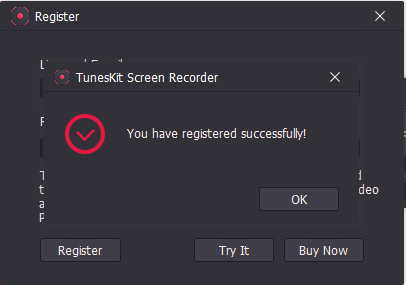
Step 2. To register the software, go to MENU → Register from within the main program window, enter your email and free license key below then click on the “Register” button:
Step 2. To register the software, go to MENU → Register from within the main program window, enter your email and free license key below then click on the “Register” button:
Step 2. To register the software, go to MENU → Register from within the main program window, enter your email and free license key below then click on the “Register” button:

 !
!