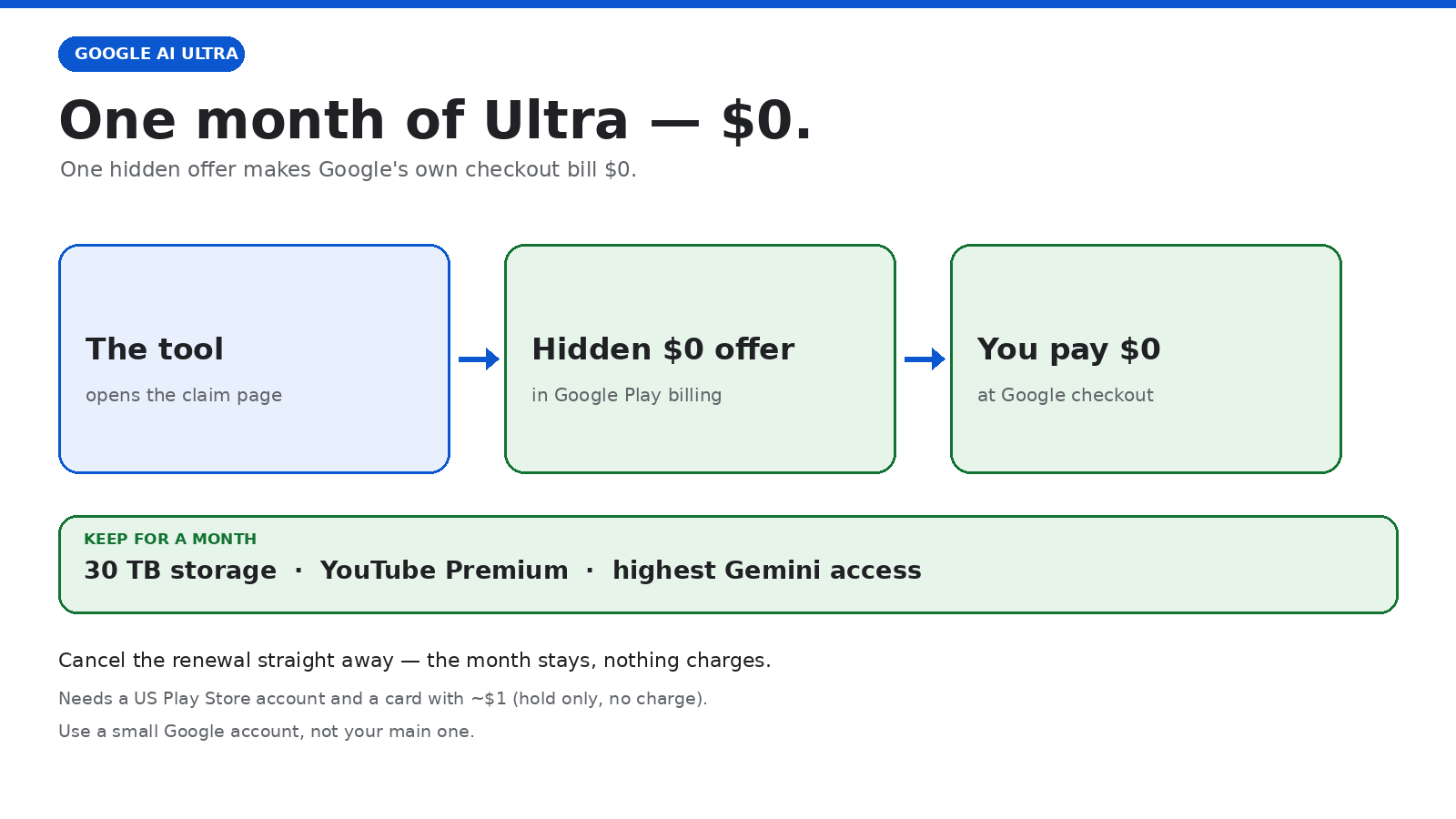
The claim path
digraph G {
rankdir=TB;
graph [ranksep=0.32, nodesep=0.22, pad=0.2];
node [shape=box style="rounded,filled" fontsize=15 margin="0.22,0.14" fontcolor="#202124" color="#b7c3d8"];
edge [color="#7d93b8" penwidth=2 arrowsize=0.7];
a [label="🧑 1 · Small Google account", fillcolor="#eef3fb", color="#0b57d0"];
b [label="💳 2 · US Play + $0 card", fillcolor="#eef3fb", color="#0b57d0"];
c [label="🧩 3 · Open the tool page", fillcolor="#eef3fb", color="#0b57d0"];
d [label="🟢 4 · Pick Ultra trial → $0", fillcolor="#eef3fb", color="#0b57d0"];
e [label="✅ 5 · Cancel renewal now", fillcolor="#eef3fb", color="#0b57d0"];
f [label="🎉 Ultra active — you pay $0", fillcolor="#e6f4ea", color="#137333", fontcolor="#137333"];
a -> b -> c -> d -> e -> f;
}
What it looks like
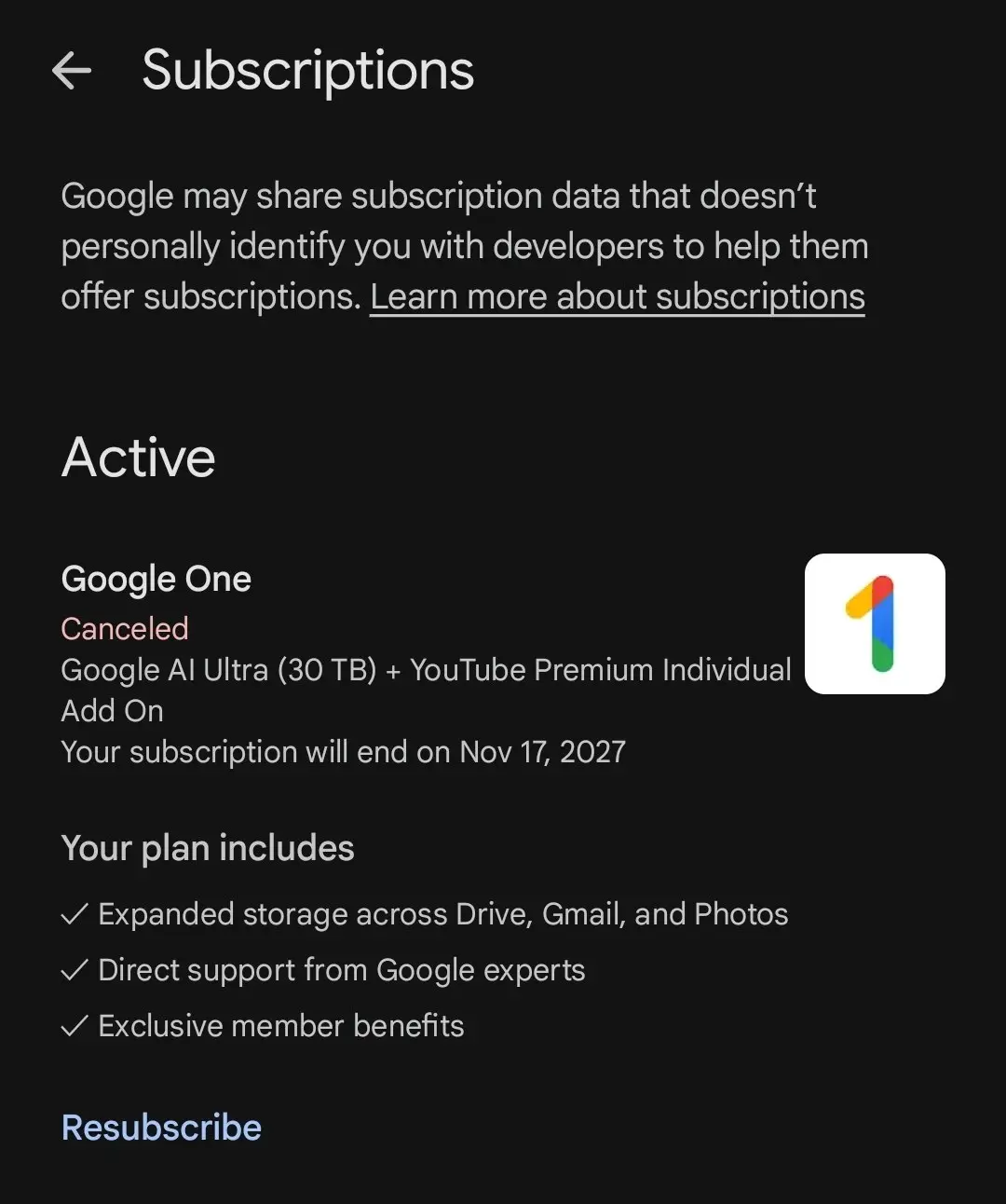
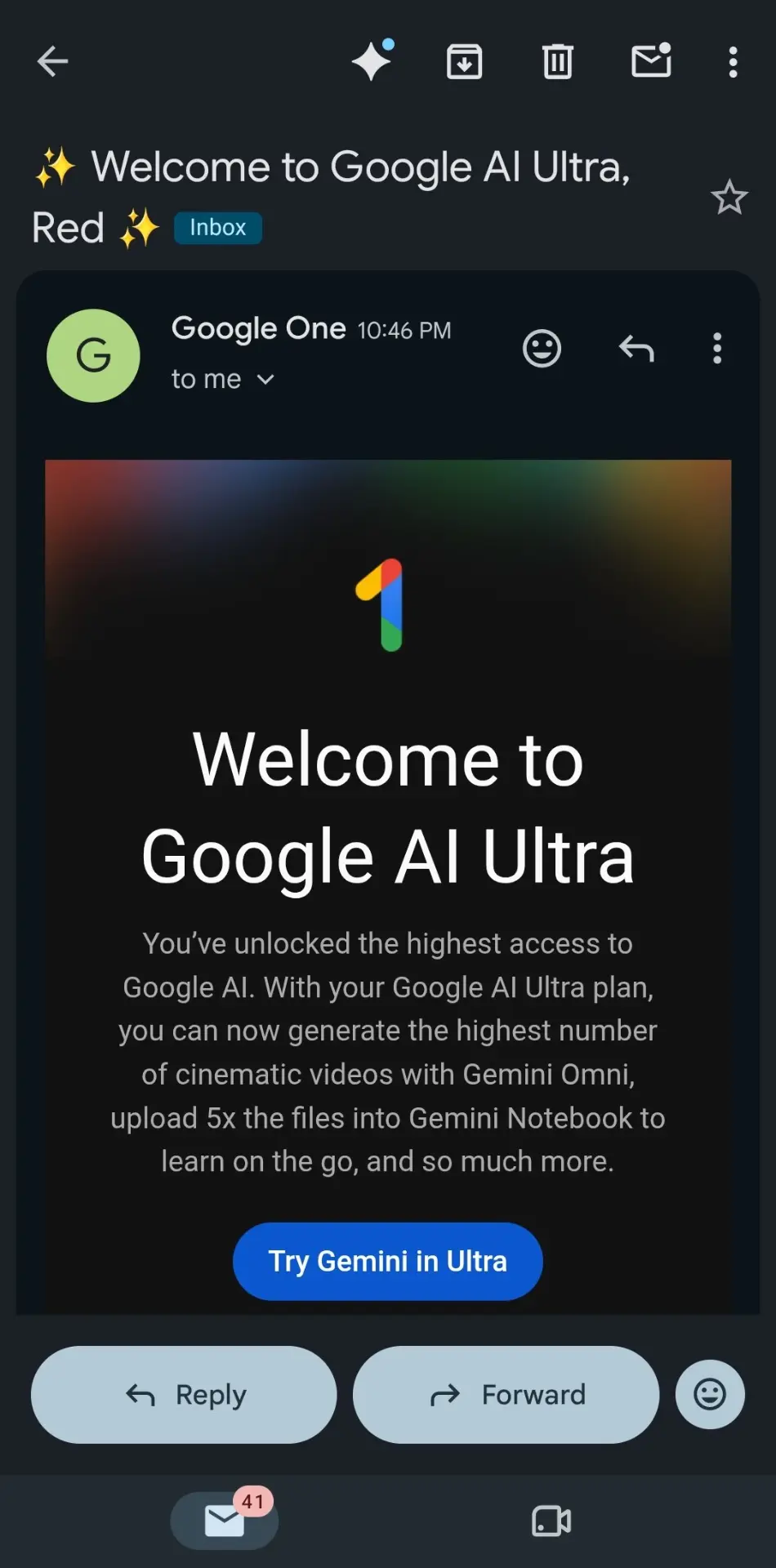
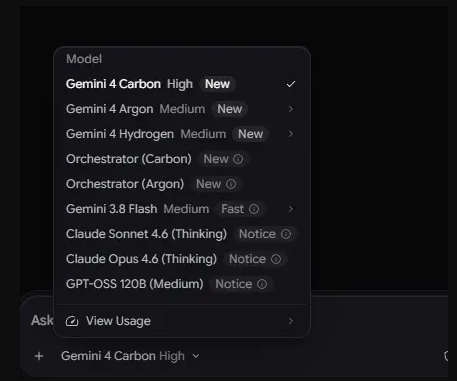
The activated plan, the welcome mail, and the models Ultra opens up.
Resources & tricks
 The tool — open the no-install claim page or the source repo. Pick Ultra, checkout shows $0.
 Full method — the technical write-up shows how the hidden $0 offer is found.
 Official — Google AI plans lists what Ultra includes.
 Related — Google AI Pro free for 2 years — same idea on the Pro plan.
 !