This “This offer is not available. You can check out other Google One plans to find the right one for you.” error is super common when trying to subscribe or grab a promo (like student deals, Pixel bundles, AI Pro/Gemini Advanced trials, etc.). It usually means the specific plan/promo you’re eyeing isn’t eligible for your account right now—Google’s system is picky about region, account history, existing subs, payment setup, or even device status.
Here are the most reliable fixes that work for a lot of people in 2026 (pulled from Google Support threads, Reddit, and community reports):
Log out completely and log back in with only one account
Sign out of ALL Google accounts on your phone/browser (including any work/school ones).
Clear cache/cookies in your browser if using web.
Log in only with the personal Gmail you want to use for Google One.
Then retry subscribing via one.google.com or the Google One app. (This fixes multi-account conflicts 90% of the time.)
Check/cancel any existing or pending Google One subscription
If you have (or recently had/cancelled) any Google One plan—even 100GB—pending cancellations or family group overlaps can block promos.
Go to one.google.com → Manage plan → Cancel if active, wait for it to fully process (sometimes takes a day).
Also check for pending downgrades or refunds in your email.
Payment method & profiles cleanup
Delete old/unused payment profiles in Google Pay (pay.google.com).
Make sure only one valid payment method is active and selected.
Try adding a different card or PayPal if possible—some promos glitch on certain methods.
Device & app troubleshooting
Update your phone OS and the Google One app to the latest version.
If on Android beta (e.g., 15/16), switch back to stable—betas often break offers.
Try from a different device/browser or incognito mode.
If it’s a Pixel-specific promo (like AI Pro with new Pixel), make sure you’re not rooted/unlocked bootloader.
Region/VPN check (if going for geo-locked deals like student offers)
Some AI Pro/student promos are US/UK-only or require edu email verification.
If you’re outside the region, a VPN set to US/UK sometimes helps, but Google detects it more now—better to use a legit eligible account if possible.
Other quick checks
Not on a family plan where someone else already claimed?
Offer expired? (Many student/Pixel ones are time-limited.)
If none of that works, hit up Google One support directly (in the app: Help & feedback → Contact us) or post in the Google One Community with your exact setup—they sometimes manually fix eligibility glitches.
What plan/promo are you trying exactly (e.g., regular paid, student free trial, Pixel bundle, AI Premium)? More details = better help. Hang in there, most people get it sorted with 1-3 of these steps!
This error is very common (especially with promos like Google AI Pro / Gemini Advanced student deals, Pixel bundles, or special discounts). It usually happens due to region mismatch, account conflicts, existing subscriptions, payment profiles, or eligibility issues.
Most Effective Fixes (Try in Order)
Single Account Login (Fixes ~70-90% of cases)
Sign out of ALL Google accounts on your browser/phone.
Clear browser cache/cookies (or use Incognito).
Log in with only the target Gmail account.
Go to one.google.com or open the Google One app and try again.
“This offer is not available” isn’t your account breaking. It’s an eligibility gate — Google quietly checks 4 things before the Subscribe button unlocks. Match them, the wall’s gone.
Open any section below.
🧱 The 4 checks behind the wall
The same error fires no matter which one fails:
Account region — the country Google tied to your account (based on where you log in from over ~a year, not today’s VPN).
Payment-profile country — the country tag on your Google wallet. Can’t be edited, only rebuilt → official note.
Live IP — your exit country + how clean it looks (shared VPN nodes get flagged; ASN = the network that owns your IP).
History — already claimed once, had Google One before, or a school / work / child account = instant block.
Fix: make all 4 point to the same eligible region.
⚡ 60-second checks (do these first)
Half of you finish here:
Wrong Gmail? The offer is often tied to one account of your three.
Old cookies? Open an incognito tab (tracks nothing) and load the offer clean → method.
Test the door first → one.google.com/ai-student. “Verify your eligibility” = you’re in. A wall = region/history block, not a fluke.
🌍 The real fix — line up your region
Where 90% of stuck cases die. Three settings must match:
Payment profile country — can’t edit it, create a new one → step-by-step.
Google Play country — must be in-country (IP-matched), 90-day lock between switches, no Family group → official.
Account region tied wrong? (VPN, border, moved) — dispute it with the Country Association Form → how-to · how region is decided.
Proof it’s the real fix → live case. Then wait 48h, clear Play cache, relog.
🎓 Student / AI Pro — the SheerID split
Note: the free-year student deal wound down (ended ~early 2026), but the same gate still guards the 1-month trial, bundles, and any next promo → status.
SheerID = the outside company Google hires to confirm you’re a student. Passing SheerID is not the same as passing the region check — two separate doors. That’s why “verified” people still hit the wall → FAQ.
Even when it’s free, you must bind a card. Trap: billing address must match your exit country, or it dies at the final step with no reason → that exact fail.
Fix = a region-flexible virtual card (throwaway number, address set to match):
Revolut — single-use cards built for trials (dies after one charge, no sneaky renewals)
Wise vs Revolut (Wise killed new US cards Jan 2025 — check region)
 Problem
 Screenshot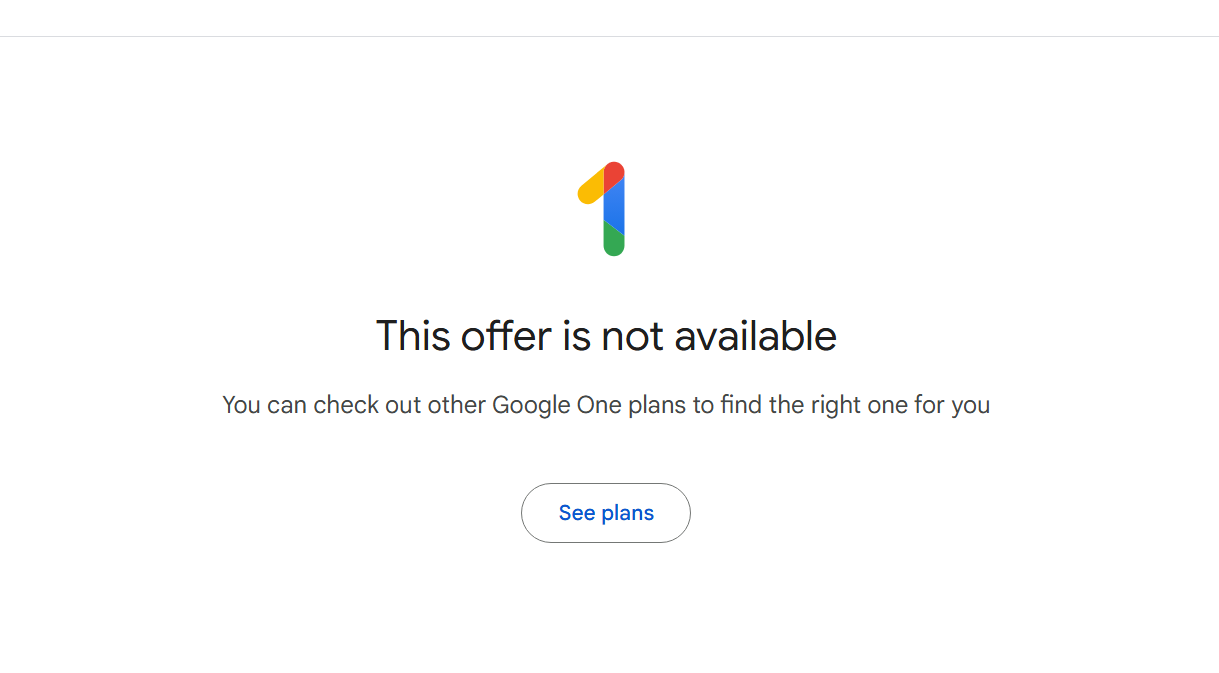


 !
!