Easy Trick:
- Just copy the below link and paste it into a player that supports M3U playlists.
- For example VLC on PC or IPTV Pro on android. It’s that easy.
Link:
iptv-org.github.io/iptv/index.m3u
Happy learning!
Easy Trick:
Link:
iptv-org.github.io/iptv/index.m3u
Happy learning!
Perfectly working with VLC. If you have a smart DNS in place, you see most of the content blocked due to geo restrictions
please can share steps how to use in vlc
Here try this website it worked for me: https://zistreams.com/how-to-play-iptv-on-vlc-player-using-m3u-list/
Great Share! Thank you 
thank you 
not working for me.
check below site to know perfect steps
for i:= 1 to 1000
T-H-A-N-K Y-O-U
end loop ;=)
Over 10000+ Channels, Over 25+ Sources
JioTV Channels!
Star Network Channels Added!
SUNXT Channels Added!
Star 7 All Indian Channels Added!
Cloud Tamil Channels Added!
All Tamil Genre Added!
Pakistani Channels Removed!
Indian VIP Channels Removed!
Live Cricket Channels Added!
VOOT Channels Added!
SonyLiv Channels Added!
Zee5 Channels Added!
MxPlayer Channels Added!
Pluto TV Channels Added!
Hindi/Tamil Radio Channels Added!
JioTV+ Channels Added!
JioTV Channels Addded!
AdultSwim Channels Under Kids Category Added!
Airtel Channels Added!
Bumblebee TV
Multi TV
Mx TV
FPT Play
Echo TV
Go IPTV
Omohak TV
Gen IPTV
Distro TV
Tubi TV
Roku TV
Samsung TV+
Stirr TV
Regional Channels
ALL (USA, UK, Canda ,India, Pakistan, Germany, Italy, Span, France ,Switzerland,Austria, Korea)
Telugu Channels.
123 (WWC)
JioTV+ Fixed
VOD Movies All (Testing)
Re-Add the playlist to get all the channels and tick mark the VOD option.
Restriction: Tivimate Only!
The playlist will work only in Tivimate!
Link- http://rftv.xyz/RedjoyIPTV.m3u
Proof - https://imgur.com/EA6wouZ
Thanks its worked. But will view nice in Androidtv, not phone. Anyway thanks.
Here the screenshot who are curious.
Yes it worked. Haha
Thanks 
Yeah it works but advised to use it in TV not mobile . Thanks 
Hi @Shubhu
Could you help?
What you use to open the file?
TIA
Hi use Tivimate App to open it , here is it’s playstore link . Enjoy 
You have to use that given link in the Tivimate app whose link is given just above your comment.
Its an android app which you can use in your mobile or I believe in an android TV.
Hope that helps with your query.
You don’t have to click on that m3u link , just copy it and paste it in Tivimate App and it should work fine .
Hii sam, I am trying to play this link in VLC but there are some errors while playing.Can you please suggest in which player I can play this link in my laptop?
hi
Thank you, but this app doesn’t run with my smartphone (Samsung J10).
Anyway, thanks
Thanks for sharing. It works perfectly.
For those who are struggling to open this follow these steps:
this will open up a prompt and allow you to download a file called “index.m3u”
Download this file to your desktop.
Open VLC (if you don’t have it download and install). Click “View” on menu bar and select “Playlist”. This will open up a VLC playlist window, just drag and drop the “index.m3u” file on to this playlist.
Now double click this file and it will load all the channels.
Enjoy!
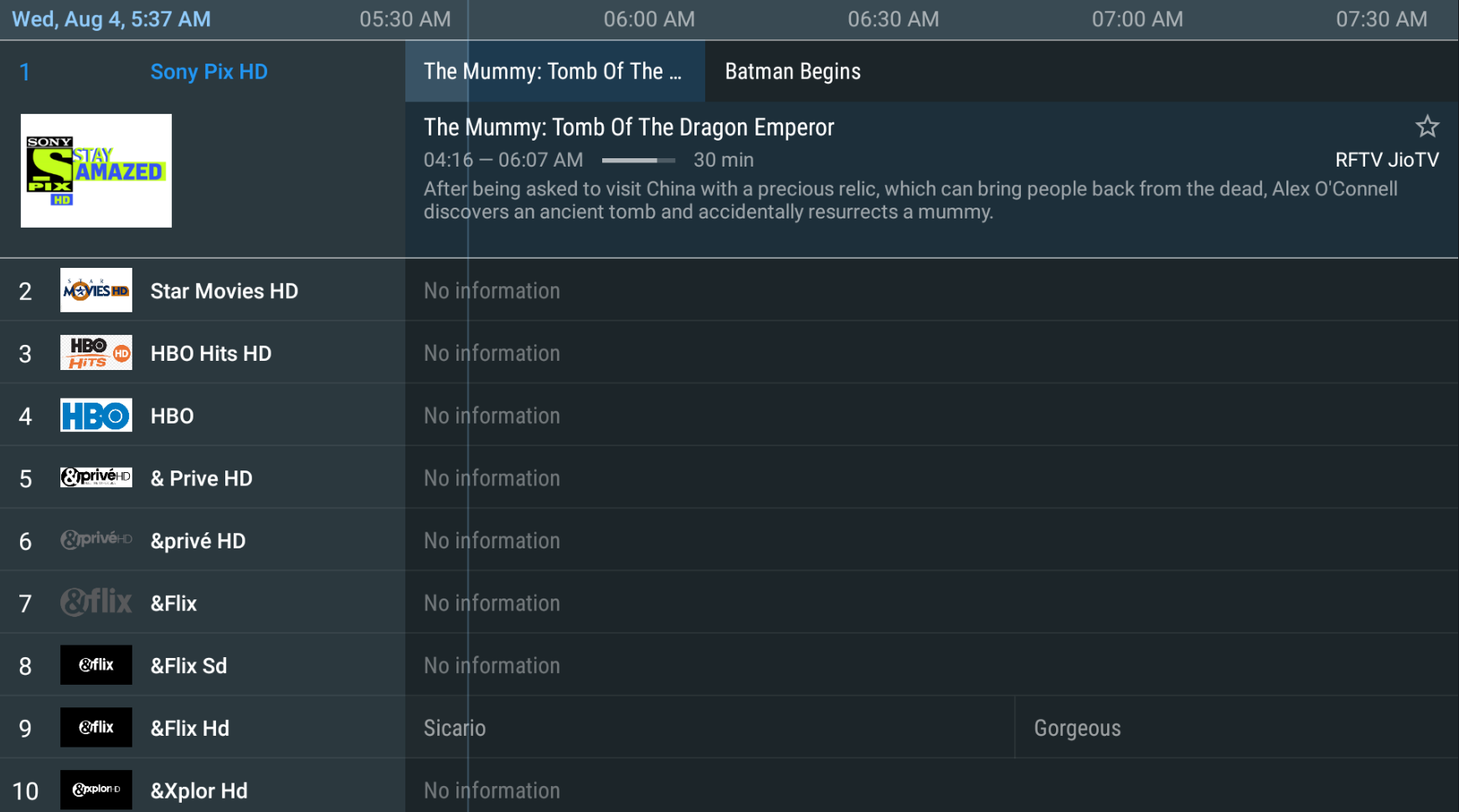
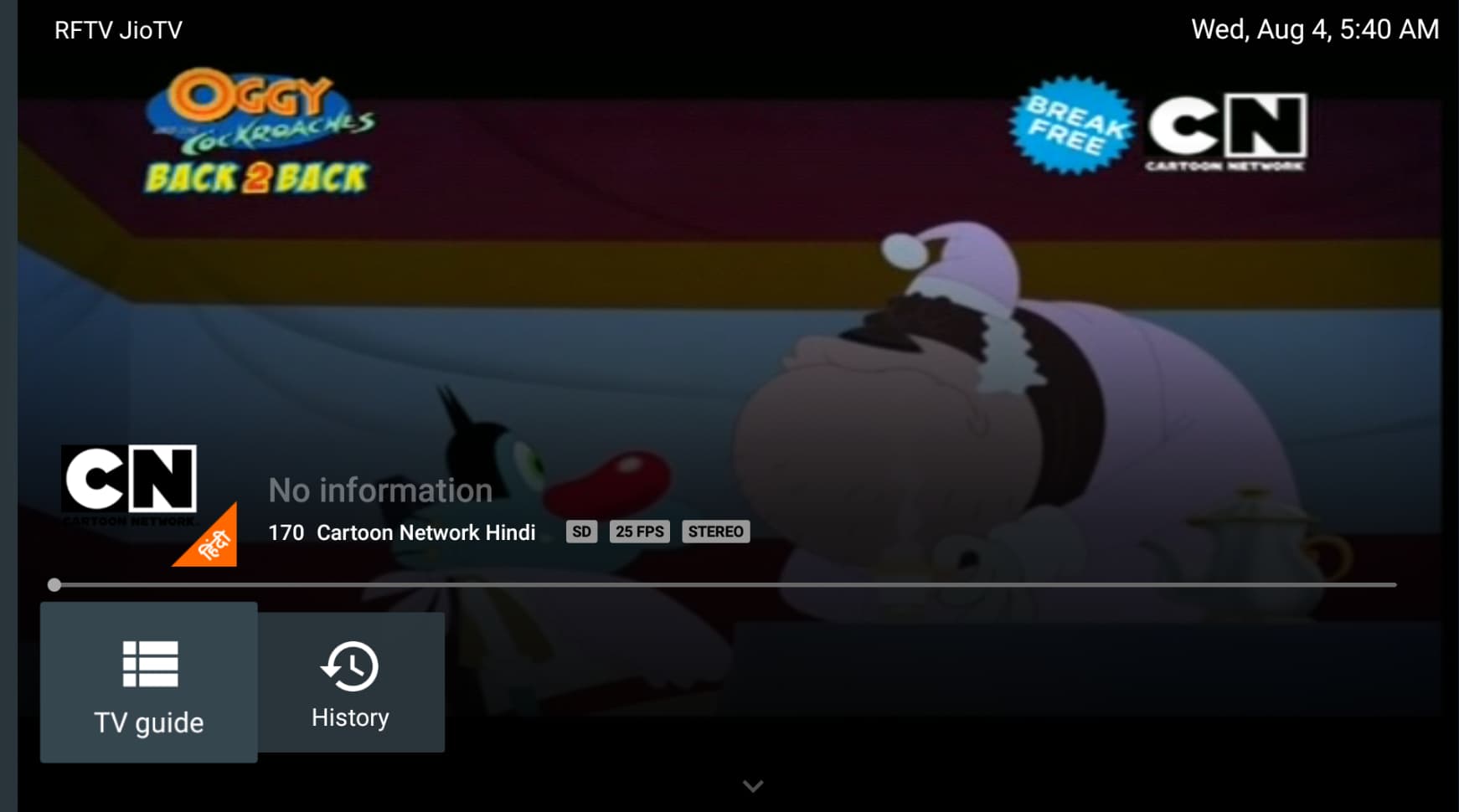
 !
!