works like a charm. if you could find a way to do the the same with Neetcode and AlifeAfterLayoff.
it would be whole awesome.
works like a charm. if you could find a way to do the the same with Neetcode and AlifeAfterLayoff.
it would be whole awesome.
The new next.js 13 course isn’t working https://fireship.io/courses/nextjs/
Sorry
This video does not exist.
The old courses still work though. Any idea why?
Thanks! the copypasta is outdated. Here’s the 1.3 version
// ==UserScript==
// @name         Freeship
// @namespace    lemons
// @version      1.3
// @description  Unlock all Fireship PRO courses/lessons.
// @author       lemons
// @match        https://fireship.io/*
// @icon         https://emojipedia-us.s3.dualstack.us-west-1.amazonaws.com/thumbs/120/apple/325/fire_1f525.png
// @grant        none
// ==/UserScript==

setInterval(async () => {
    document.querySelectorAll("[free=\"\"]").forEach(el => el.setAttribute("free", true)) // set all elements with the attribute free set to "" to true

    if (document.querySelector("if-access [slot=\"granted\"]")) { // replace HOW TO ENROLL to YOU HAVE ACCESS
        document.querySelector("if-access [slot=\"denied\"]").remove()
        document.querySelector("if-access [slot=\"granted\"]").setAttribute("slot", "denied")
    }

    if (document.querySelector("video-player")?.shadowRoot?.querySelector(".vid")?.innerHTML) return; // return if no video player
    const vimeoId = document.querySelector("global-data").vimeo; // get id for vimeo video
    const youtubeId = document.querySelector("global-data").youtube; // get id for vimeo video

    if (vimeoId) { // if there is an id,
        document.querySelector("video-player").setAttribute("free", true) // set free to true
        const html = (await fetch(`https://vimeo.com/api/oembed.json?url=https%3A%2F%2Fvimeo.com%2F${vimeoId}&id=${vimeoId}`).then(r=>r.json())).html
        document.querySelector("video-player").shadowRoot.querySelector(".vid").innerHTML = html // set video
    }
    if (youtubeId) { // if there is an id,
        document.querySelector("video-player").setAttribute("free", true) // set free to true
        document.querySelector("video-player").shadowRoot.querySelector(".vid").innerHTML = `<iframe src="https://youtube.com/embed/${youtubeId}" allow="autoplay; fullscreen; picture-in-picture" allowfullscreen="" title="${location.pathname.split("/")[3]}" width="426" height="240" frameborder="0"></iframe>` // set video
    }
}, 100)
Thanks Mate!
thank you for this bro
Hi @Aina, I made some code, please allow me to post it here.
const vimeoId = document.querySelector("global-data").vimeo; const html = (await fetch(`https://vimeo.com/api/oembed.json?url=https%3A%2F%2Fvimeo.com%2F${vimeoId}&id=${vimeoId}`).then(r=>r.json())).html; const template = '<div class="vid" data-vimeo-initialized="true">'+html+'</div><div class="autoplay-cover"><p>Autoplaying next video in <span class="big-text">10</span> seconds... </p><div><button class="btn">Cancel</button><button class="btn btn-blue">Go</button></div></div>'; const videoRaw = document.createElement("div"); videoRaw.className="wrapper"; videoRaw.innerHTML = template; document.querySelector("video-player").shadowRoot.querySelector(".upgrade-required").replaceWith(videoRaw)
Simply run on the browser console only.
Without having to log in. Select the locked course item, open browser console and paste this code → Enter. Taraaaa. 
Hope it is useful and thanks…
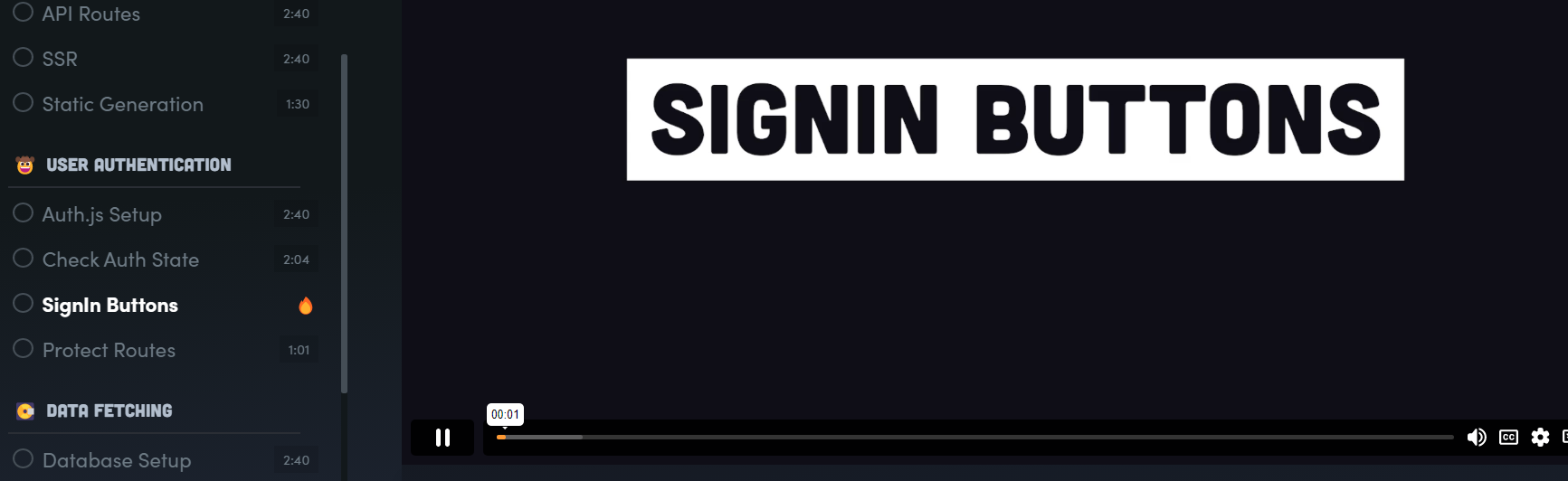
 !
!