Yes, as image shows it’s working but all videos are not playable sometime it’s showing privacy error and after reload it’s just blank. But yes it’s working as like image. if possible please solve the issue show we can injoy those videos
I’m using this script, just paste it once into the console and I’m done, no issues with it for many months:
setInterval(() => {
    document.querySelectorAll("[free=\"\"]").forEach(el => el.setAttribute("free", true)) // set all elements with the attribute free set to "" to true

    if (document.querySelector("if-access [slot=\"granted\"]")) { // replace HOW TO ENROLL to YOU HAVE ACCESS
        document.querySelector("if-access [slot=\"denied\"]").remove()
        document.querySelector("if-access [slot=\"granted\"]").setAttribute("slot", "denied")
    }

    if (document.querySelector("video-player")?.shadowRoot?.querySelector(".vid")?.innerHTML) return; // return if no video player
    const vimeoId = document.querySelector("global-data").vimeo; // get id for vimeo video
    const youtubeId = document.querySelector("global-data").youtube; // get id for vimeo video

    if (vimeoId) { // if there is an id,
        document.querySelector("video-player").setAttribute("free", true) // set free to true
        document.querySelector("video-player").shadowRoot.querySelector(".vid").innerHTML = `<iframe src="https://player.vimeo.com/video/${vimeoId}" allow="autoplay; fullscreen; picture-in-picture" allowfullscreen="" title="${location.pathname.split("/")[3]}" width="426" height="240" frameborder="0"></iframe>` // set video
    }
    if (youtubeId) { // if there is an id,
        document.querySelector("video-player").setAttribute("free", true) // set free to true
        document.querySelector("video-player").shadowRoot.querySelector(".vid").innerHTML = `<iframe src="https://youtube.com/embed/${youtubeId}" allow="autoplay; fullscreen; picture-in-picture" allowfullscreen="" title="${location.pathname.split("/")[3]}" width="426" height="240" frameborder="0"></iframe>` // set video
    }
}, 100)
I hope this solves your problem. The code is almost identical with the one provided on tampermonkey, I hope this solves it. Fireship guy most probably left this intented for people that really want to learn but don’t want to pay. Kind of a nice gesture that if there’s a want there’s always gonna be how.
Happy learning, he has really nice coures and makes fun most of the time.
setInterval(async () => {
document.querySelectorAll(“[free=""]”).forEach(el => el.setAttribute(“free”, true)) // set all elements with the attribute free set to “” to true
if (document.querySelector("if-access [slot=\"granted\"]")) { // replace HOW TO ENROLL to YOU HAVE ACCESS
    document.querySelector("if-access [slot=\"denied\"]").remove()
    document.querySelector("if-access [slot=\"granted\"]").setAttribute("slot", "denied")
}

if (document.querySelector("video-player")?.shadowRoot?.querySelector(".vid")?.innerHTML) return; // return if no video player
const vimeoId = Number(atob(document.querySelector("global-data").vimeo)); // get id for vimeo video
const youtubeId = atob(document.querySelector("global-data").youtube); // get id for vimeo video

if (youtubeId) { // if there is an id,
    document.querySelector("video-player").setAttribute("free", true) // set free to true
    document.querySelector("video-player").shadowRoot.querySelector(".vid").innerHTML = `<iframe src="https://youtube.com/embed/${youtubeId}" allow="autoplay; fullscreen; picture-in-picture" allowfullscreen="" title="${location.pathname.split("/")[3]}" width="426" height="240" frameborder="0"></iframe>` // set video
    return;
}
if (vimeoId) { // if there is an id,
    document.querySelector("video-player").setAttribute("free", true) // set free to true
    const html = (await fetch(`https://vimeo.com/api/oembed.json?url=https%3A%2F%2Fvimeo.com%2F${vimeoId}&id=${vimeoId}`).then(r=>r.json())).html
    document.querySelector("video-player").shadowRoot.querySelector(".vid").innerHTML = html // set video
    return;
}
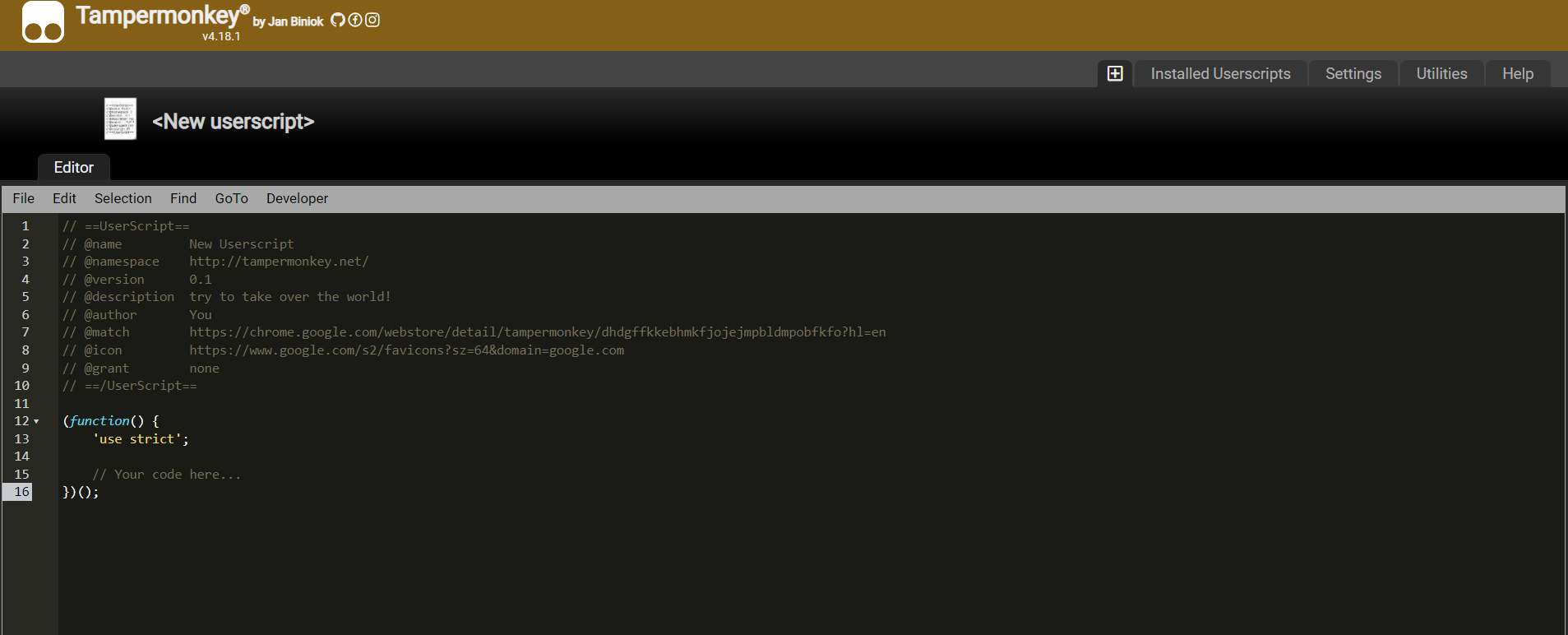
For anyone wondering in the future, this is the script used to make it work with tampermonkey as the one in the post is OLD and only a version 1.5, the current version is 1.12+:
You can also look for a script called “Freeship”. If the script stops working then update the script.
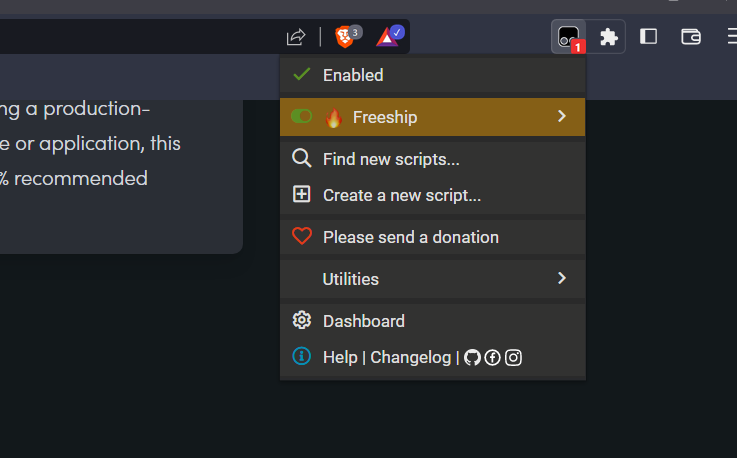


 Freeship
 !
!
