Malware Packing:
Malware packing is the process of obfuscation of malware code. This can be done by either compressing the code or encrypting the data. It is usually done to protect malware from being detected by Anti-Malware(Anti-Viruses) or by Security Analysist.
By Doing Packing of Malware, its Functions and Signatures are hidden away. But it still can execute itself, like it was intended to.
**EXEINFO**
The ExeInfo utility shows general information about executable files, dynamic-link libraries (.dll) and drivers files. It can recognize all major types of executables like MS-DOS files and Portable Executable files (PE).
This tool doesn’t require any installation. We can download it from Net, and simply Run EXEINFO.exe file on computer.
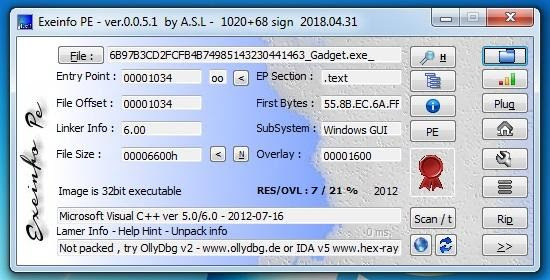
Lets see some of its functions
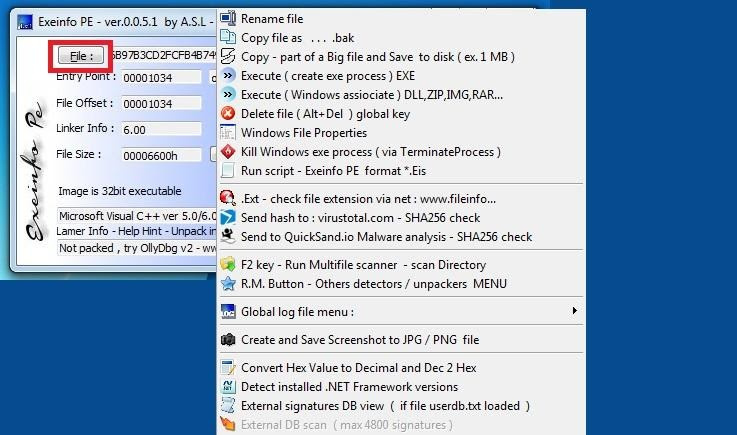
With “File” function another menu is opened in which we get options to rename file, execute file, Delete file , Take screen shot etc.
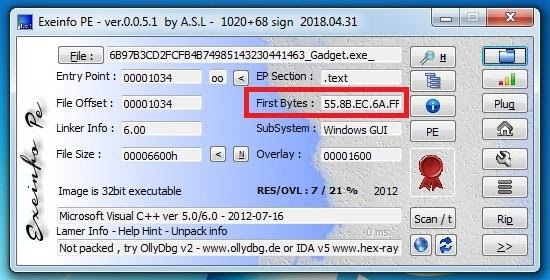
Main Fields of this tools are
Entry Point:
starting of code in file.
File offset:
Character bits from where they starts.
First Bytes:
For first byte we have to have knowledge of PE(Portable Executable). Windows executable file is the PE. PE could be in the form of .exe, .dll etc. To accurately identify a file type we need to analyse the file signature. The file signature for PE files are represented by hexadecimal values of 4D 5A or MZ in the first 2 bytes (0-1). The PE header begins at hex 50 45. These values differ for different extensions and platforms, so by knowing these values we can tell the extension or platform of the file we are analysing.
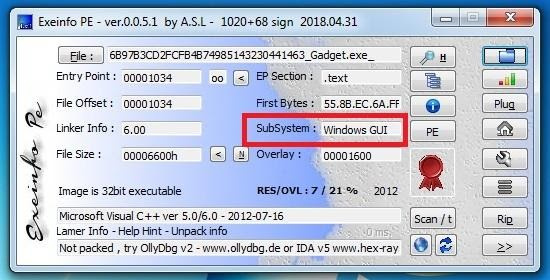
Subsystem:
By this we could tell which on which subsystem the file is made.
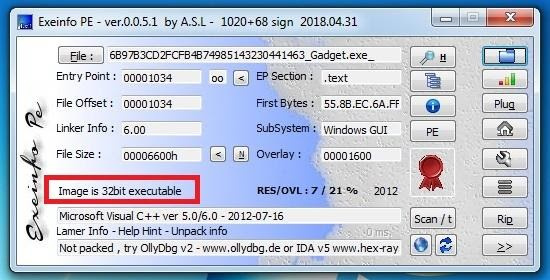
By this option we get to know that if file is executable or not.
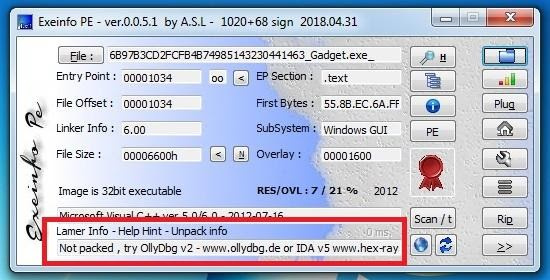
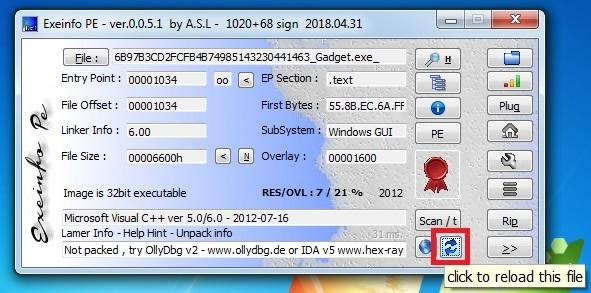
It’s very important Field as it tells about if the file is Packed or Not Packed. And gives us Link for disassembler and debugger sites.
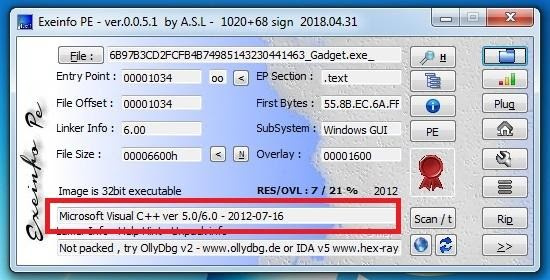
This is another important Field as it tell about the detail of compiler used. And in case if the file is Packed it tells us about the tool used to Pack that file. And with the help of it we can unpack the file.
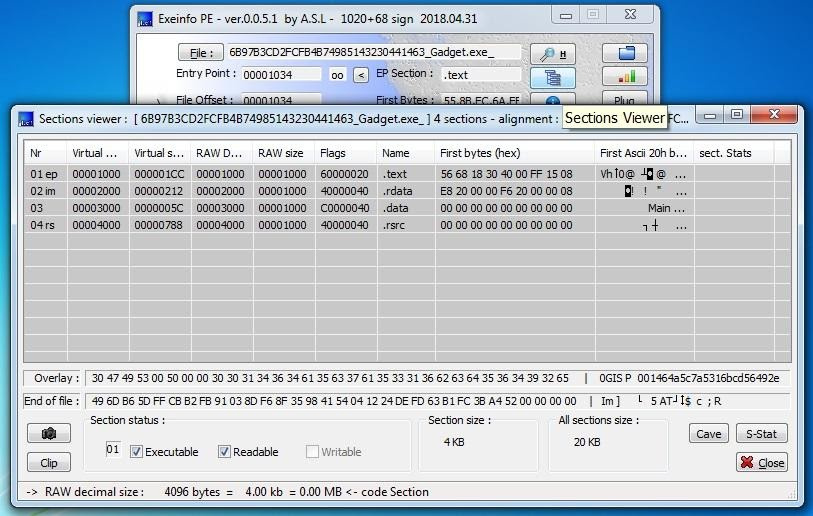
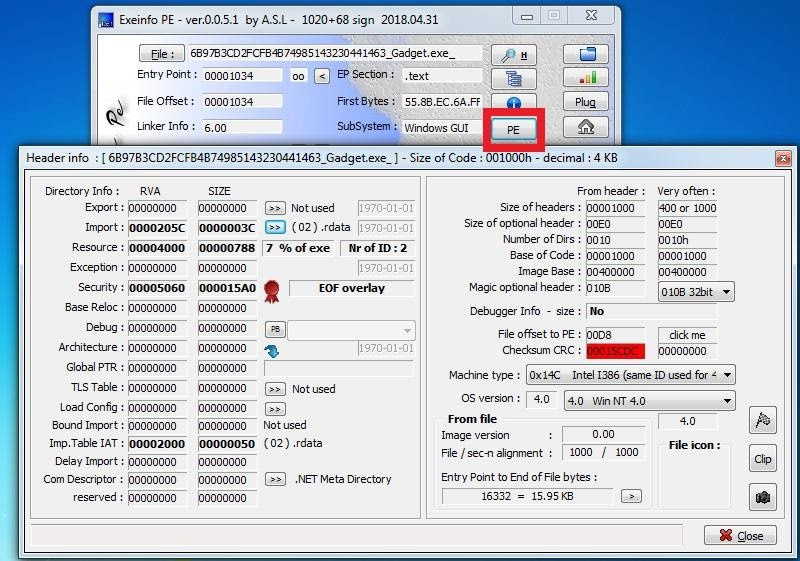
Section viewer: This field show us different sections of the file. And tells us which section is Executable, Readable and Writable.
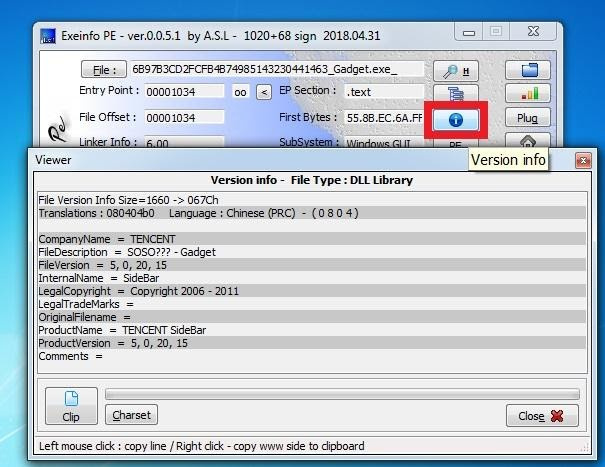
Version Info: It tells about version and other things.

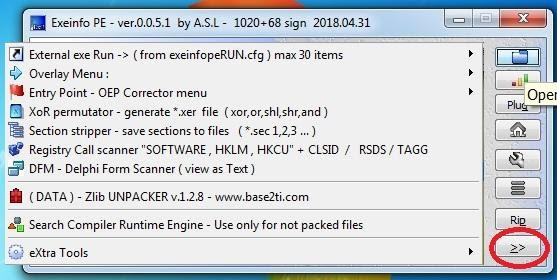
That’s all.
Source: hackernewsdog
Enjoy!
 !
!