Hey bro, when download file. Where is the file located? i set the dir but not thing show up in my google drive
some how i cant download from this zippy share and my computer come with alots ads from chrome
Try
1 Like
Whith this scripts Works well. thx
@Ahmed-Hanif
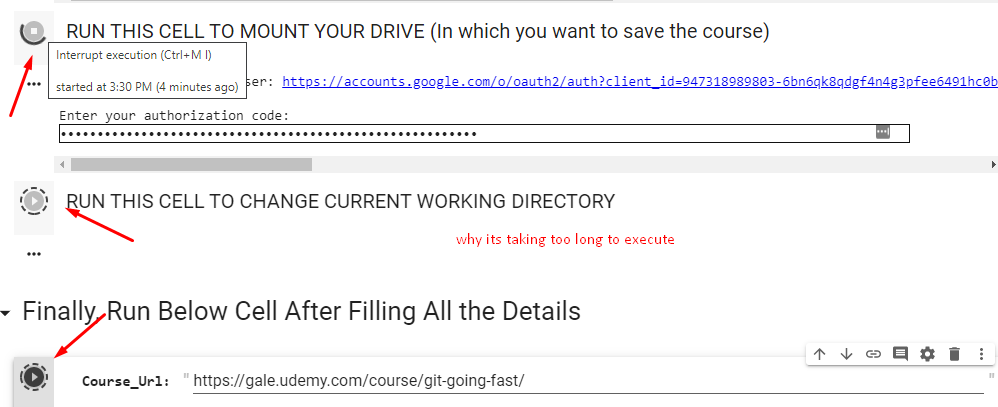
lol…you are running all cells at once…
after pasting authorization token, don’t forget to press enter.
first let one cell finish executing and then only run another.
i uploaded udemy course in TD but now i am not able to share link with anyone.
and if i manually upload in TD then there is option for shareable link.
Any help regarding this would be appreciated.
Thanks in advance.
you cant share link from team drive .. move it into main drive first then u can share it
for cell 3 i copied path from explorer and then executed the cell then it shows
/content/udemy-dl
i re executed the cell
[Errno 2] No such file or directory: ‘udemy-dl/’
/content/udemy-dl
it shows this
how can i change the directory now
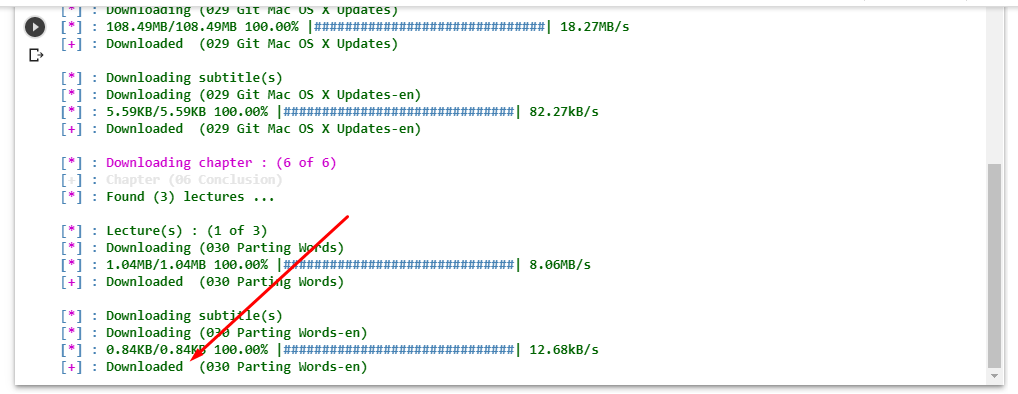
ive downloaded it
around 4;15 pm
This is fantastic .Thank you it worked
can I run multiple tabs of the notebook?
anyways, for you guys to access your team drive go to this directory
“/content/drive/Shared drives”
Create new cell and run this command
cd “/content/udemy-dl”
3 Likes
same
i did go left and click on Folder icon then move it to my drive
python3: can’t open file ‘udemy-dl.py’: [Errno 2] No such file or directory
what now
ive put accestoken and link as well
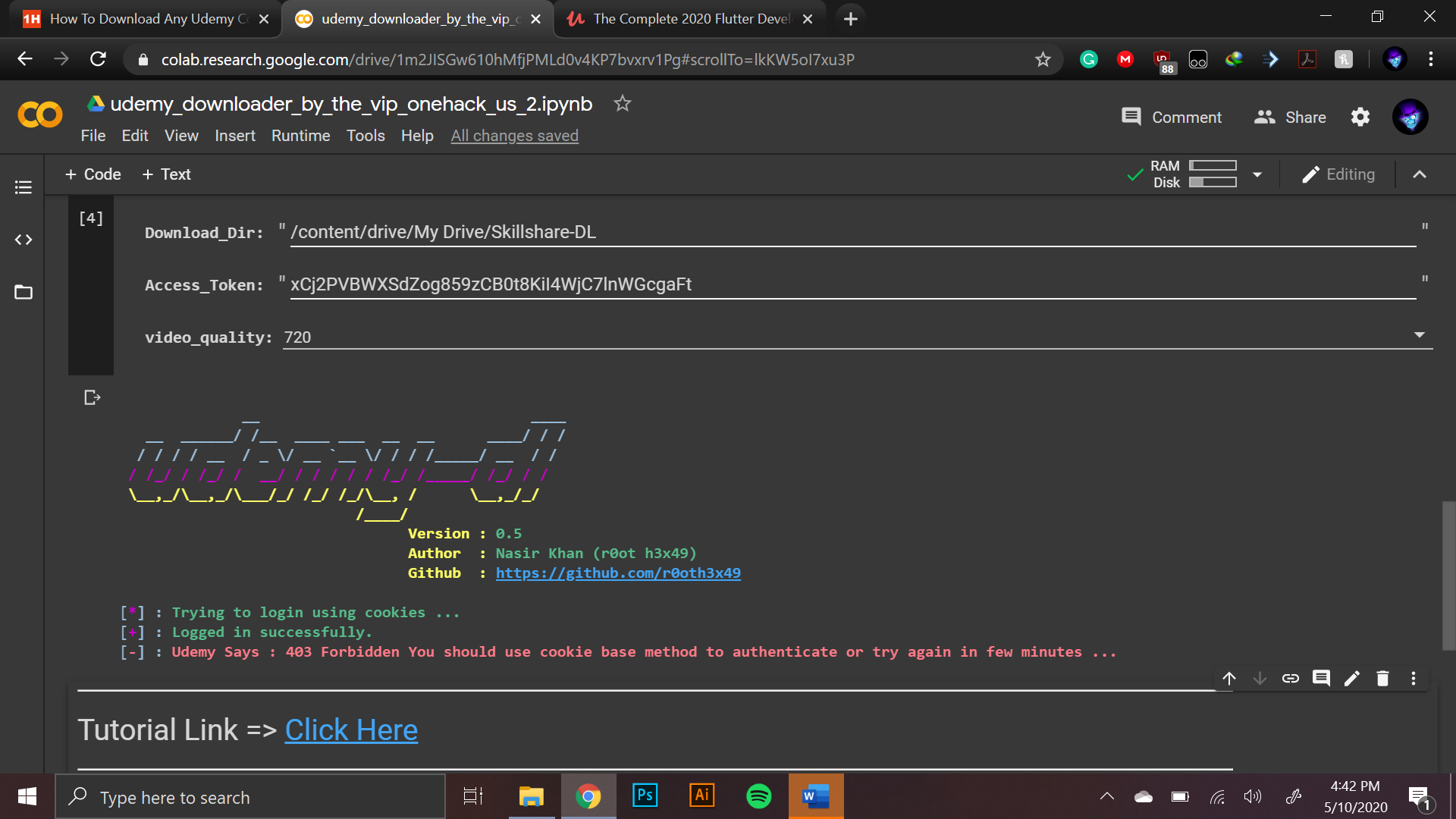
I got it in cell 3 execute it once with course udemy-dl directory .
In the last cell where course link etc is asked, paste your desired path in download dir paste the path from left folder icon and paste it there and the n run it
IT IS WORKING EXCELLENT SCRIPT. THANKYOU SI MUCH MAN . YOUVE EARNED A FOLLOWER… 
1 Like
no, i am able to share link from teamdrive’s link also if i upload fil/folder manually to teamdrive from my computer.
well the only solution i know for know is to move it in main drive
 !
!