I recently purchased the course on telegram i want to download all the videos sent in the group i am also member of the group i want to download the videos on bulk it has 419 videos of java dsa
There are basically 2 easy ways to do it:
- Use Telegram Desktop Export
This is the easiest option if you don’t want to deal with any code. I mostly use this option also.
Install Telegram Desktop on your PC, open the course group, click the 3 dots at the top, then select Export Chat History.
Choose Videos only, select where you want the files saved, increase the file-size limit if necessary, and start the export.
Telegram will go through the group and download the videos for you.
This is what I’d recommend trying first.
- Use a Python Telegram Library
If the group has hundreds of videos and you want more control, you can use a Python library like Telethon.
Install it with:
“pip install telethon cryptg”
Here is the link to Telethon installation process
After the installation then create your Telegram API ID and API Hash from my.telegram.org and use a simple Python script to download videos from the group automatically.
The good thing about this method is that you can make the script:
Download only videos
Number the videos automatically
Skip videos already downloaded
Continue if your internet disconnects
Save everything into one course folder
Advisibly try the Telegram Export option first. If it gives you problems, then use the Python/Telethon method.
Just make sure you’re downloading content you’ve purchased or otherwise have permission to save.
Good luck.
ᕙ(⇀‸↼‶)ᕗ The clean way is Telegram Desktop → Export Chat History. You do not need to download the 419 videos one by one.
This works for a group you already belong to, as long as the course owner has not enabled content-protection settings that prevent saving or forwarding. Do not try to bypass those restrictions; ask the seller for an official download option instead.
 01 · Use Telegram Desktop
Install the official Telegram Desktop app on Windows, macOS, or Linux and sign in to the same account that is a member of the course group.
On Windows or Linux:
- Open the Java DSA group.
- Click the three-dot menu in the top-right.
- Select Export chat history.
- In the export window, enable Videos.
- Disable photos, stickers, voice messages, and other media if you only want lectures.
- Set the maximum file size to the highest available value.
- Set the date range from the earliest course message to today.
- Choose a download folder with plenty of free space.
- Click Export.
Telegram’s export tool can batch-export media from a chat and lets you filter by media type, maximum file size, and date range. telegram.org1
 02 · macOS note
If the export option is missing on Mac, use the Telegram Desktop version downloaded from the official desktop site rather than the Mac App Store version. The export feature may not be available in the App Store build. witness.org
 03 · What the downloaded folder looks like
Telegram normally creates a folder similar to:
text
Telegram Desktop Export/├── ChatExport_1/│ ├── videos/│ │ ├── video_001.mp4│ │ ├── video_002.mp4│ │ └── ...│ ├── messages.html│ └── result.json
The videos may not initially be named according to the lecture titles. Keep messages.html or result.json; those files preserve the connection between the video filename and the original Telegram message. witness.org
 04 · Check storage before starting
| Average video size | 419 videos require approximately |
|---|---|
| 200 MB | 84 GB |
| 500 MB | 210 GB |
| 1 GB | 419 GB |
| 2 GB | 838 GB |
Keep an additional 15–20% free space for temporary files. If the lessons are high quality, a 1 TB external SSD is the safer choice.
 05 · Keep the export from stopping
- Use a computer rather than a phone.
- Keep Telegram Desktop open.
- Prevent the computer from sleeping.
- Use a stable Wi-Fi or Ethernet connection.
- Export in smaller date ranges if the full export fails.
- Start with one month or one module to confirm the settings.
- Do not select the entire Telegram account if you only need this group.
- Leave the computer connected to power.
 06 · Keep the lessons in order
Telegram’s export may save generic names such as video_001.mp4. For reliable ordering:
- Open the exported
messages.html. - Find the first lesson title.
- Match its video filename.
- Rename videos as
001 - Introduction.mp4,002 - Arrays.mp4, and so on.
Do not rename files until the export is completely finished, because the HTML/JSON metadata may still refer to the original filenames.
 If “Export chat history” is missing
| Problem | Fix |
|---|---|
| Using Telegram mobile | Use Telegram Desktop |
| Using Mac App Store version | Install the desktop build from Telegram’s official site |
| Videos are larger than the selected limit | Increase the maximum media size |
| Only recent videos appear | Change the date range to all time |
| Export stops halfway | Export module-by-module |
| Videos cannot be saved or forwarded | The group may have content protection enabled |
| Not enough disk space | Use an external SSD |
 Best setup
Use Telegram Desktop, export only Videos, choose the full date range, set the largest media limit, and save to a drive with at least 500 GB–1 TB free
https://chromewebstore.google.com/detail/dkmobgecamjcambdhhfealmndloceblo?utm_source=item-share-cp
Try this chrome extension on Telegram Web
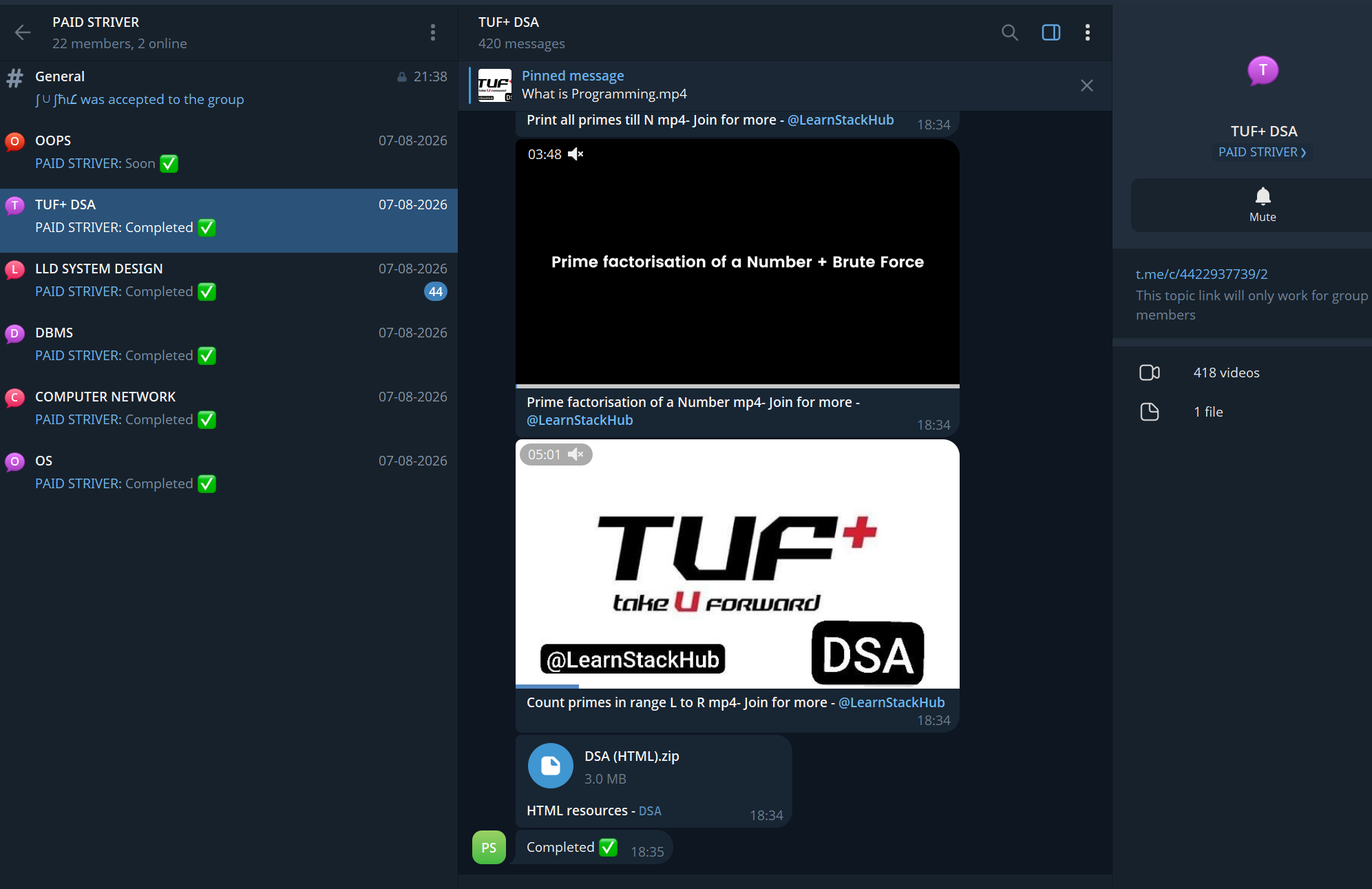
Try this script it will work
Install them with:
“pip install telethon cryptg”
If that doesn’t work try
“python -m pip install telethon cryptg”
or
“python3 -m pip install telethon cryptg”
To confirm everything installed properly run.
“python -c “import telethon, cryptg; print(‘Telethon and cryptg installed successfully’)””
“cryptg” can help improve Telegram download performance because it speeds up the encryption/decryption part.
okie i will give it a try
Install https://www.tampermonkey.net/ chrome extension and add a telegram downloader script from https://greasyfork.org/en. Check the documentation on how to use it.
Try it and get back to me.
You already tried Telethon and it was slow, and the admin’s killed off the normal export/save option in Telegram — so stop throwing random browser downloader scripts at it. That’s not going to get you anywhere.
First thing to figure out: is this actually a speed problem, or is Telegram just refusing to let the media come down at all?
To check, run Telethon on 3–5 videos and print the throughput. cryptg reduces the encryption overhead, sure, but it won’t do a thing about Telegram throttling you, a slow CDN, or your own connection.
If it turns out it’s just slow, here’s how I’d set it up for 419 videos:
- Pull only the video messages. Don’t try to grab the whole chat.
- Record each message ID once a file lands, so you have a track record of what’s done.
- On restart, skip anything already on that list.
- Go one at a time, or with very low concurrency. Firing off hundreds at once is exactly how you get throttled or banned.
- Keep the message ID, date, and caption in a small JSON or CSV so the course doesn’t come out shuffled.
- Test 5 first and work out the real average MB/s before you commit to all 419.
That said — if the group has content protection turned on and the API won’t hand over the files either, that’s the end of the road. Ask the owner or admin for an official downloadable archive. Don’t try to get around a restriction they deliberately enabled with Tampermonkey or some download extension.
And if Telethon can reach the videos and it’s simply crawling, reply with:
- OS (Windows/macOS/Linux)
- your rough internet speed
- average size of one video
- the speed Telethon is reporting
- whether these are normal Telegram uploads or streaming videos
Then I can tune the downloader for your actual case instead of us both guessing.
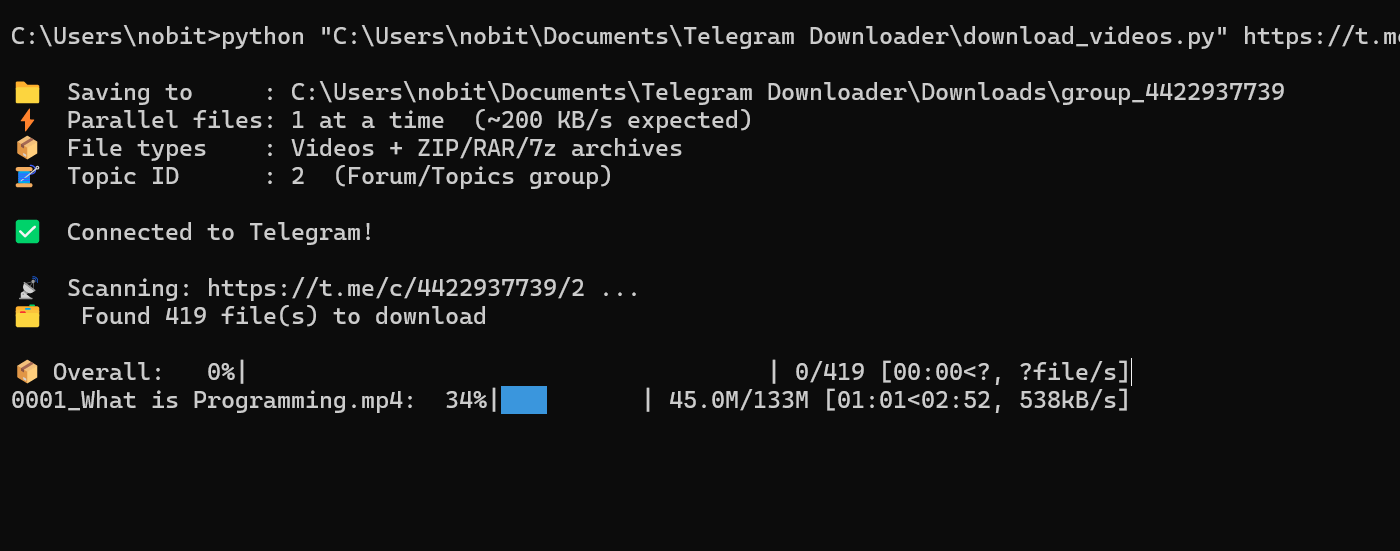

the new script is pretty fast it is able to download the both two videos fast about 10 minutes, okay now tell me is there any way to download fast
- os windows 11 pro
- internet speed is roughly 300 to 400 mbps
- it differs 80 percent of the videos are 25 or below 25mb and remaining 20 percent are 1hr 30 min and 30 to 40 min long
to be more precise the below 4th vides is about 1hr 36 minutes 8 seconds dwonloaded in 11 minutes approx it is full hd videos btw
Note : I am downloading its sequentially one after one not paralelly
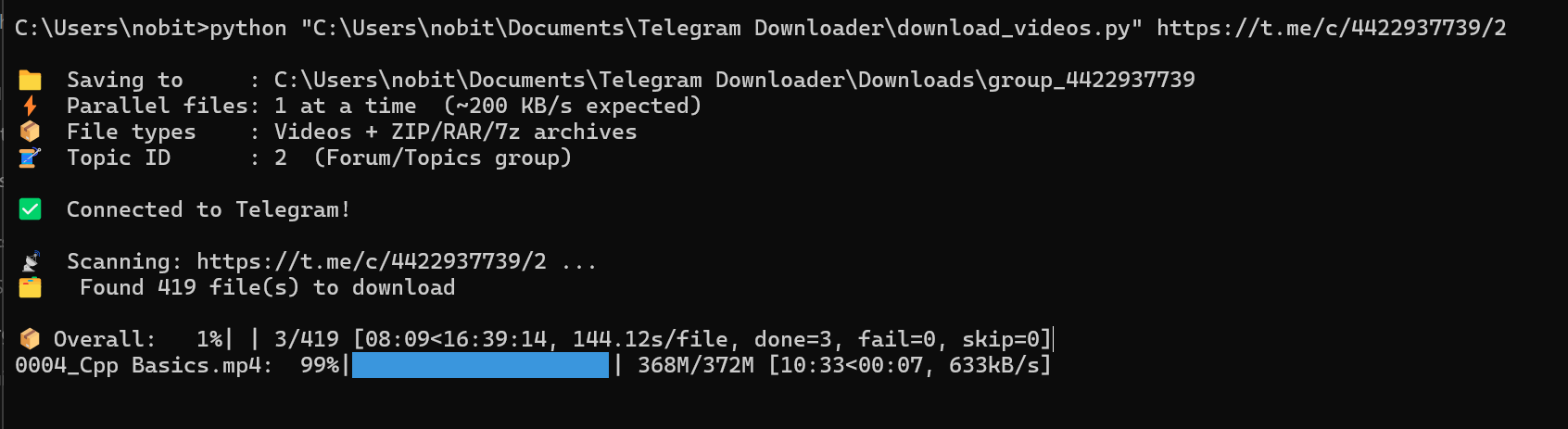
Its still not fast enough, send me the script download_videos.py file will modify for better performance.
Thanks brother
i attached the python file below it
python file.txt (10.2 KB)
Here is the tweak script attached for better performance run it.
Telegram.txt (13.7 KB)
Bruh thanks for enhancing the script it was just awsome yesterday night i ran your script i downloaded 218 videos but i ran out of data thanks it pretty first i am here to appreciate you for ur work bruh 

Glad it work well for you. 218 videos in one go that’s quiet a good progress.
 419 videos, no export button — the route that ignores it
419 videos, no export button — the route that ignores it@NOBITHEMADNESS — you already hit the real wall: the group has exporting turned off, and the Python script was slow. Both have answers, and the second one is a flag most people never touch. 
digraph G {
rankdir=TB; bgcolor="transparent"; nodesep=0.30; ranksep=0.42;
node [shape=box style="rounded,filled" fontname="Helvetica" fontsize=11 color="#2E4A6B" fillcolor="#EDF3F8" penwidth=1.3];
edge [color="#8A9A8F" penwidth=1.3 arrowsize=0.8];
A [label="📤 Export button\navailable?" fillcolor="#E8F1FB"];
B [label="✅ Telegram Desktop\nexport chat history"];
C [label="🔑 tdl — logs in as you,\nno export needed" fillcolor="#FBF0E8" color="#8C5B3B"];
D [label="⚡ cryptg + --threads 16\n(all your bandwidth)" fillcolor="#EAF5EC" color="#2F6B4A"];
E [label="🚀 local Bot API server\n(no 2 GB limit)" fillcolor="#EAF5EC" color="#2F6B4A"];
A -> B [label="yes" fontsize=10];
A -> C [label="no" fontsize=10];
C -> D;
D -> E;
}
 The tool for your case: tdl
tdl ★8,186 · AGPL-3.0 · a single Go binary. It signs in as your account, so it reads the messages your app already receives — the export switch is irrelevant to it. It also takes all your bandwidth, resumes with --continue, and filters by type or date.
tdl login -T codes          # one-time, scan the QR or type the code
tdl download -c <link> -f "video,photo" --threads 16 --continue -d ./java-dsa
--threads 16is the speed change. Default parallelism is polite; yours does not need to be--continuepicks up exactly where an interrupted run stopped, so 419 files is fine-f "video"keeps it to the videos and skips thumbnails, voice notes and stickers
If you stay on the Python script
pip install telethon cryptg
cryptg replaces Telethon’s pure-Python encryption with a C library. It is usually a 2–5× speed-up on downloads and costs nothing. The thread above already pointed at it; it is the difference between hours and an evening.
 The one nobody mentions: your own Bot API server
The public Bot API caps bot downloads at 20 MB, which is why bot-based scripts crawl. Run your own local Bot API server and the cap disappears — it serves files up to 2 GB at full speed, from your own machine.
# the short version
git clone https://github.com/tdlib/telegram-bot-api && cd telegram-bot-api
cmake -B build && cmake --build build -j
./build/telegram-bot-api --api-id=<id> --api-hash=<hash> --local
The official note explains the two flags that matter: --local and --dir.
 No terminal at all
telegram-media-downloader — self-hosted, opens a web dashboard, Docker one-liner, dedupes what it has already pulled, works on private channels. ★19 · MIT
 And if the group ever opens up
Telegram Desktop → the group → ⋮ → Export chat history → tick Videos only → raise the size limit. It writes a folder of files plus an index you can search later. 4 GB per file is the ceiling there, so it handles everything in a course.
The flags that matter, in one place
tdl: --threads N parallelism · --continue resume · --desc newest first · -f "video,photo,document" type filter · --rewrite-ext fix extensions · -i <file> read a list of links
Telethon: cryptg install · limit=None to walk all messages · reverse=True oldest first · sleep_threshold=0 to keep going on FloodWait
Speed order, worst to best: official client → bot script → script + cryptg → tdl with threads → local Bot API server. Every step up is free.
 !
!