- Open the Microsoft PowerShell ISE → Using an admin account that has full access to your file share, run the following script on the workstation, specifying the network path of the shared drive:
$share = Get-ChildItem '\\pdc\Shared' -Recurse | Where { $_.PsIsContainer -eq $true }

$share | Where { $_.GetFiles().Count -eq 0 -and $_.GetDirectories().Count -eq 0 }
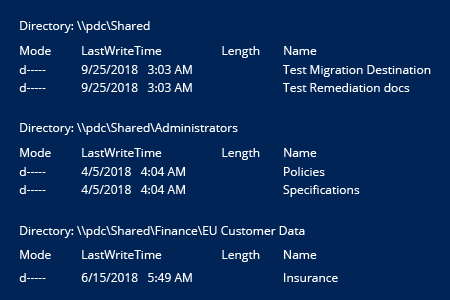
- Review the results.
Enjoy!
 !
!