Are you interested in finding the geographic location of the person you are talking to?
This type of information can be very useful if you are tracking someone.
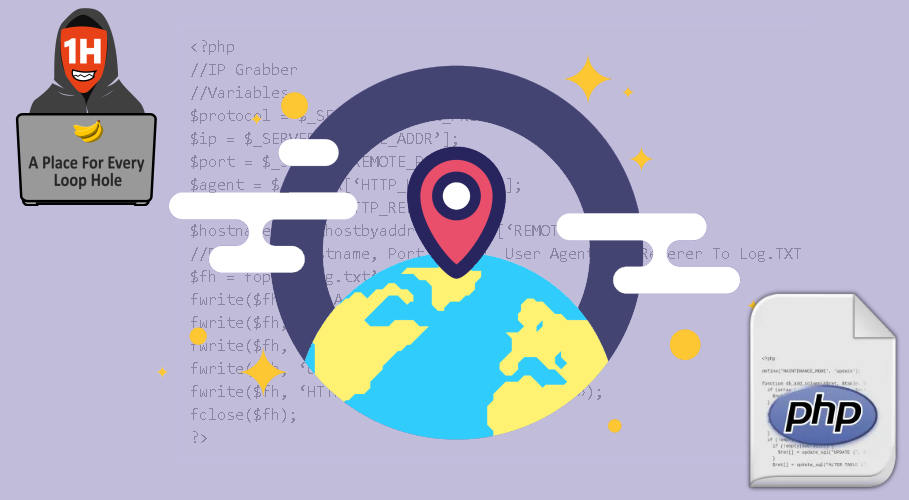
I will share with you some websites that create a link that you can send via social networks or using social engineering methods, and can instantly find out the IP address of the target.
Let’s do it.
If you are interested in creating your own IP grabber tool because you want to use your own domain, then here is a simple code:
<?php
//IP Grabber
//Variables
$protocol = $_SERVER[‘SERVER_PROTOCOL’];
$ip = $_SERVER[‘REMOTE_ADDR’];
$port = $_SERVER[‘REMOTE_PORT’];
$agent = $_SERVER[‘HTTP_USER_AGENT’];
$ref = $_SERVER[‘HTTP_REFERER’];
$hostname = gethostbyaddr($_SERVER[‘REMOTE_ADDR’]);
//Print IP, Hostname, Port Number, User Agent and Referer To Log.TXT
$fh = fopen(‘log.txt’, ‘a’);
fwrite($fh, ‘IP Address: ‘.«».$ip .«\n»);
fwrite($fh, ‘Hostname: ‘.«».$hostname .«\n»);
fwrite($fh, ‘Port Number: ‘.«».$port .«\n»);
fwrite($fh, ‘User Agent: ‘.«».$agent .«\n»);
fwrite($fh, ‘HTTP Referer: ‘.«».$ref .«\n\n»);
fclose($fh);
?>
IP logger
IP Logger URL Shortener allows you to track and register IP addresses, GPS locations.
IP Logger URL Shortener provides checking access to IP addresses, checking what my IP services, counters, and informants are.
- Step 1. Go to https://iplogger.org.
- Step 2. Select an option. Location Tracking, Image / Link, Invisible Logger
- Step 3: For the purposes of this guide, we will use the URL Shortener. Enter the URL and click Get Logger Code.
- Step 4: Copy the IPLogger link to collect statistics (no BB codes)
- Step 5: Remember the IPLogger ID (required to access registration statistics!), You will need this later to get the registered IP addresses.
Grabify
Grabify IP Logger lets you track who clicked on your links. Find IP addresses from Facebook, Twitter, friends on other sites.
-
Step 1: go to https://grabify.link
-
Step 2. Enter the link to the web page on the Grabify website and click the “Create URL” button
-
Step 3: Now you will have a new tracking link, similar, for example. https://grabify.link/GK9OK5 you can use the button below to change the link domain to another domain that is less recognizable, or you can use your own domain.
-
Step 4: Save the tracking code or connection link that you will need to get the IP addresses of those who clicked on your Grabify link.
Blasze
- Step 1: Go to https://blasze.com
- Step 2. Enter a new URL or tracking code and click Submit.
- Step 3. Copy the tracking link.
- Step 4. Copy the access code that you will need later to get the registered IP addresses.
- Step 5: Enter the access code at https://blasze.com to receive registered IP addresses.

Credits: Shaurya Sharma & Cyber Verse

 !
!