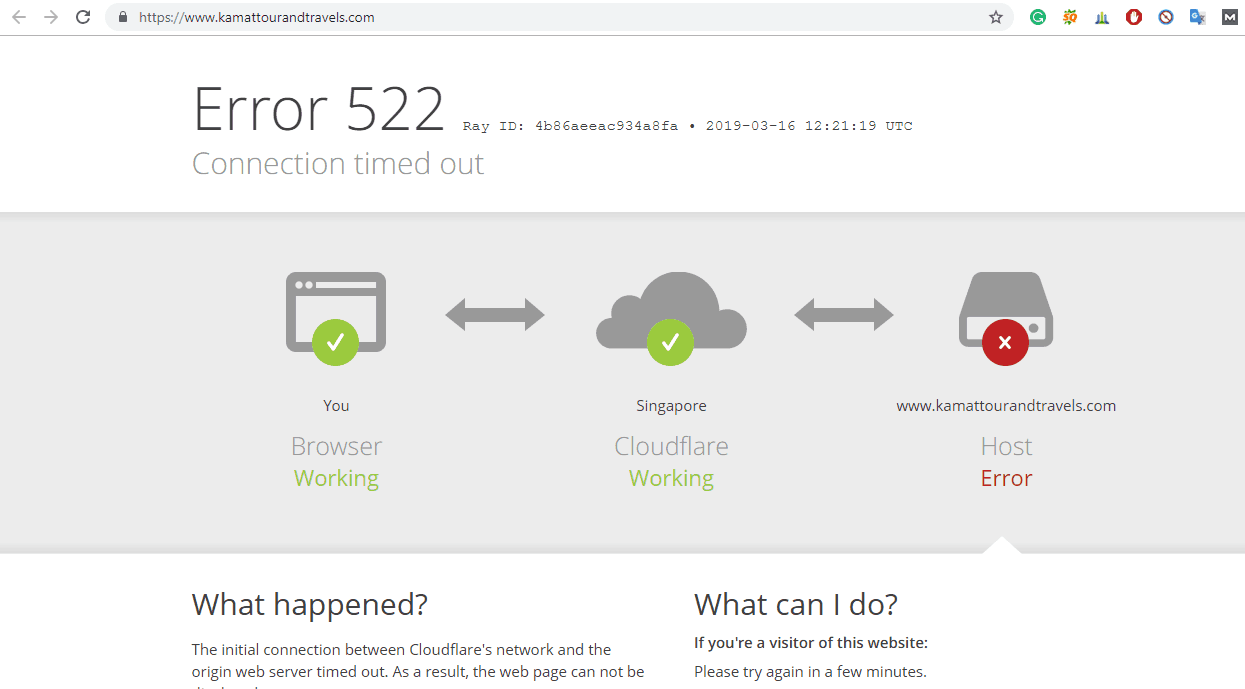
This tutorial will help you to easily fix Cloudflare error 522 connection timed out (host error) and error 1016 origin DNS error. Both the error occurred due to one reason that I have explained in this post step by step with images. Video tutorial is also provided at the end of this tutorial.
I have also faced the same situation. I have fixed both these two errors. It is easy to fix it. If you recently redirected your website from http to https on Cloudflare, then this error is due to incorrect or missing Cloudflare DNS settings. You have to do a Cloudflare DNS setup to fix these errors.
This is my website and it is showing Error 522. Now, just follow all the steps to fix Cloudflare Error 522 Connection Timed Out.
Error 1016 origin DNS error
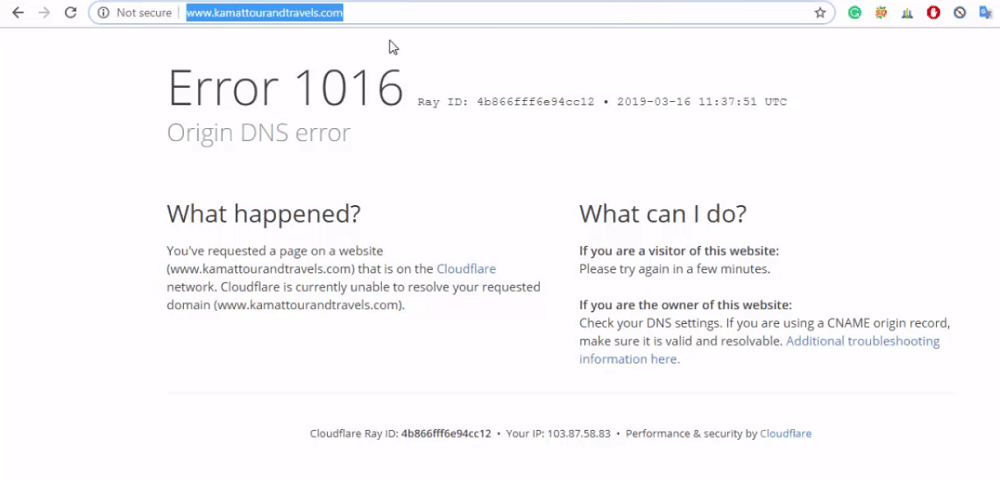
Both the error is due to incorrect or missing Cloudflare DNS settings. If you are getting any of these two errors then don’t worry. This tutorial will help you to fix these errors easily.
Table of Contents
- Fix Cloudflare Error 522 Connection Timed Out – Cloudflare DNS Settings
- Open your Cloudflare account
- Cloudflare DNS setup
- Add the Records in the right way
- Open your cPanel
- Start adding records
- Reload Your website
- Video Tutorial to Fix Error 522 Connection Timed Out and Error 1016
continue tutorial here:
https://www.hackchefs.com/cloudflare-dns-settings/
 !
!