
- Create an account on ide.goorm.io .
- Go to your Dashboard
- Go to your profile.
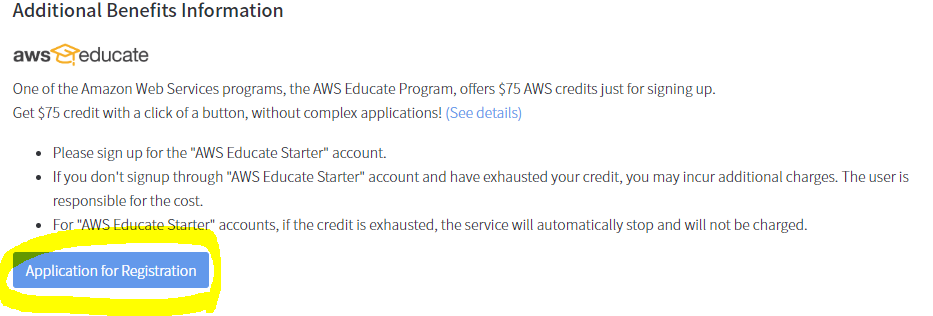
- Click on Application for registration
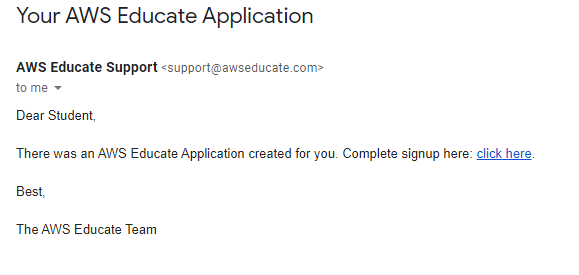
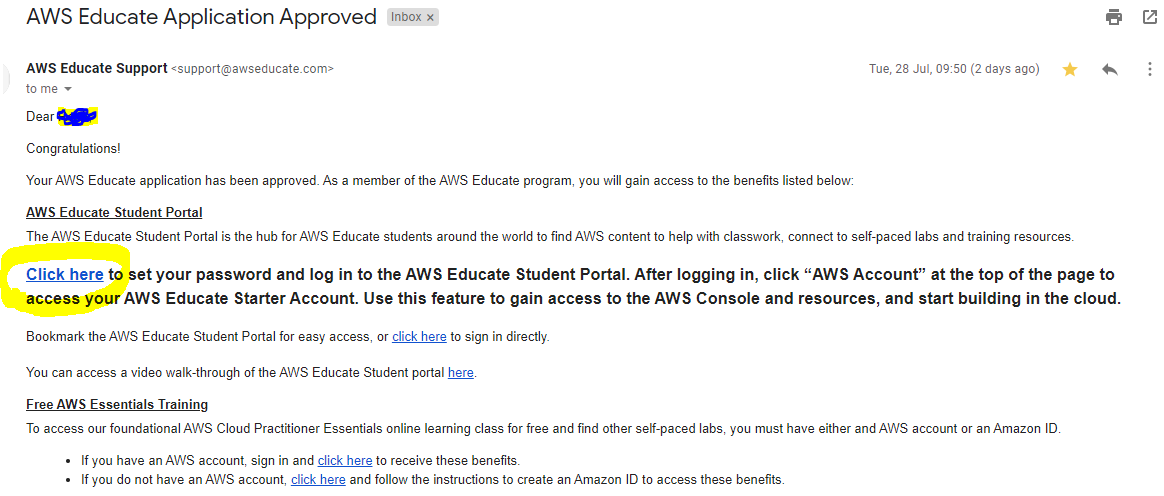
- You will receive an email like this. click on click here
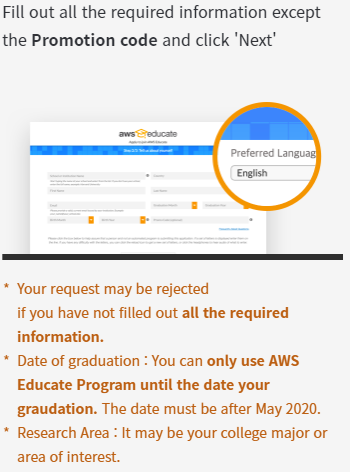
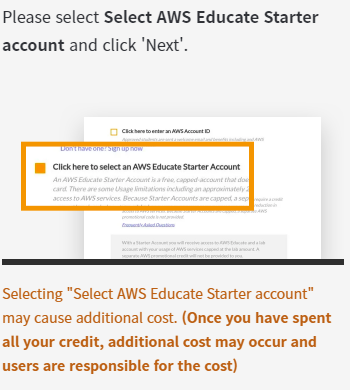
- Your application page wil be opened.
- Set your password .
- go there and sign in to aws educate accouwith your email and recently set password.
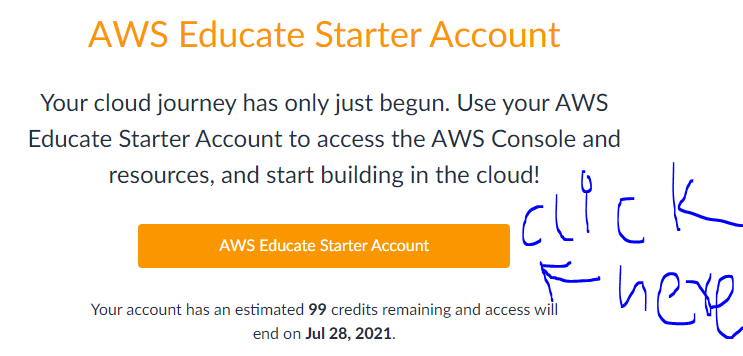
- Click on AWS Account on the navigation bar.
- Click on AWS console .
- All done now use AWS Services worth 100$ ..
Note : Click on Application of registration after 7 or more days from the day you created goorm.io account for increase your chance in application approval (I registered after 1 month when i see fit.)
10 Likes
**You will also get benefit of AWS educate courses and can earn badges and certifications. **
1 Like
If you go directly you need to provide .edu email address
2 Likes
it says:
> You can apply a week after signing up at goorm.
> The application for registration will be rejected in order to prevent abusing if there is no goorm service usage history.
> Please apply for registration after using the goorm service.
1 Like
Yes, I am using groom for 3 months .
And thought let’s give application a shot and got accepted the first time.
1 Like
I tried but
You need institute email.
From my email application got rejected .
i see. ill wait after 1 week then. thanks for this though. great help
You can use goorm in the meantime it has features like AWS cloud9 service.
Any tutorial how to use hadoop with groom
its not working with gmail ? or need edu email to accepted ?
it will work with gmail if you use institute and address provided by goorm
 !
!