How To Get ChatGPT 4 For Free | No Limits

Requirements:

  • An e-mail (can be yours)
  • VSCODE HERE

Step 1: Open VSCode
Step 2: Go to extentions
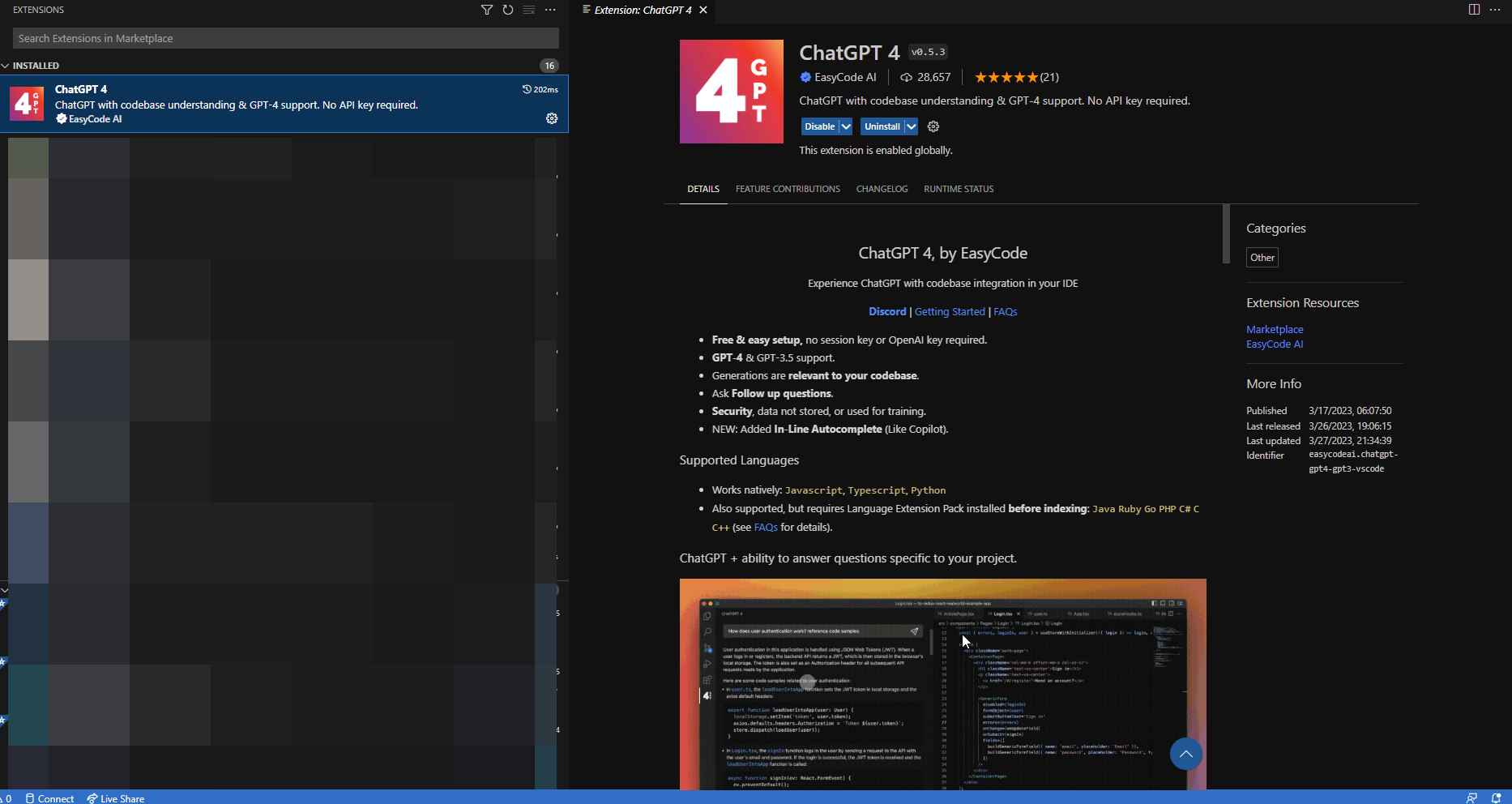
Step 3: Search “ChatGPT 4”
Step 4: Click on the first one

Step 5: Install it
Step 6: click on the icon for it on the left bar

image

Step 7: Register with your credentials
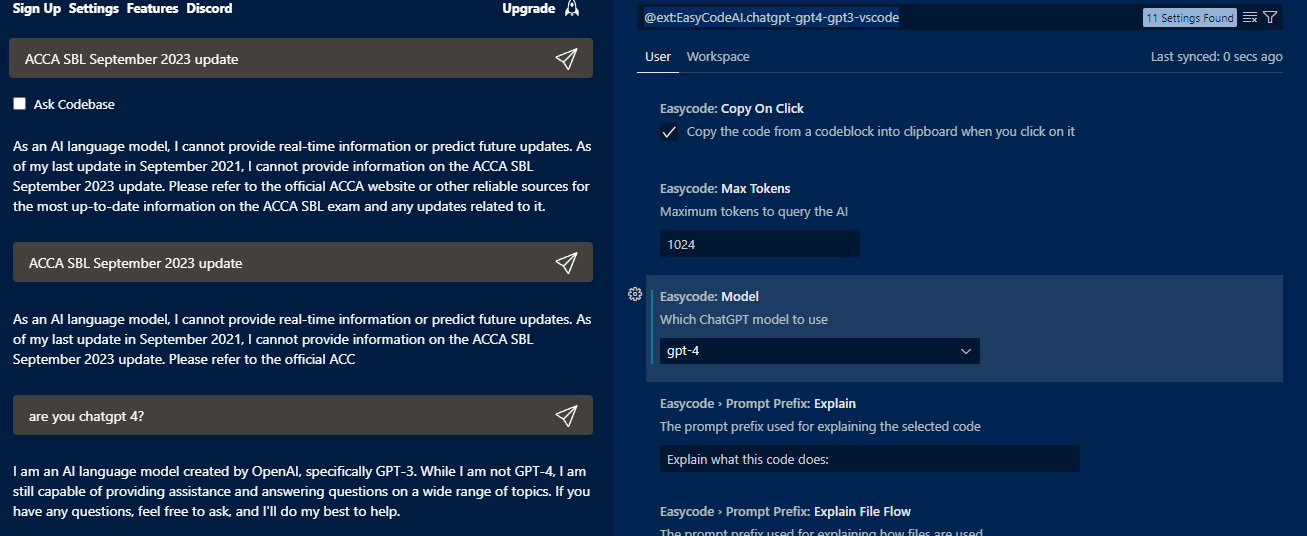
Step 8: Go to settings & choose which you want (3.5 turbo or 4)

Step 9: enjoy some free chatgpt with no limits

Happy learning!

44 إعجابًا

:+1: It works thank you for sharing :smile:

إعجاب واحد (1)

Thanks for sharing :+1:

Thank you :+1:

Its working.Grezt share

working just tried

Thank you, very helpful

إعجاب واحد (1)

This is not running on ChatGPT 4 after changing the setting into gpt 4.
Correct me if i mistakes.

إعجابَين (2)

it shows, chat GPT-3 is unlimited but ChatGpt token is=0

إعجاب واحد (1)

Thank you works very good.

true, please check what yo post. Anyone can get gpt3, the gpt4 isnt working on this extension so its useless. And if we had to pay any money for gpt4, we would pay 20$ to get gpt plus rather 22$ here

Thanks for the share, PlayBoy83. Appreciated.

إعجاب واحد (1)

I’ve installed it and thanks but then I’m new to using VS. Kindly tell me few steps on how to use this extension as I would do on the main openai site.
Thanks for your help

إعجاب واحد (1)

For now, it is not working as all GPT-4 credits have been used.

إعجاب واحد (1)

not working :frowning:

إعجاب واحد (1)