me too.
- Your request could not be processed. Check your card and PIN and try again. If problems persist, contact your library.
me too.
Make sure you use any VPN, I used VPNcity, to get the account of VPNcity check the forum.
NordVPN or any other would also work fine..
First of all you need to get a random(disposable) Massachusetts address, because it will not work with your real address. To create Massachusetts account
Click the following link : https://www.fakeaddressgenerator.com/World_Address/get_us_address
Now you need to register in Boston library to get the card number for Boston library https://apps.bpl.org/ecard
Fill the details being asked in 2nd step using the link given in step 1 and make sure you check yes when asked are you from Massachusetts?
Now when you have done you will get a temporary user id in your provided email, Note that down.
(USE TEMPORARY EMAIL ACCOUNTS LIKE temp-mail.org to receive emails)
Finally go to lynda by clicking http://www.lynda.com/signin/organization
Put “www.bpl.org” in the field without inverted commas. And hit continue then you will be asked for library card number and PIN you set that you set while following step 2 (put that temorary user id in library card number which you’ve got in your mail).
Now proceed further, Now Lynda will ask you have you ever had account on Lynda?
Click, I never had an Account on Lynda.
Proceed with the further info being asked during form filling … prefer to use the Same details that you applied while following step 2.
HIT CREATE ACCOUNT and you’ll be done…
Enjoy..
Pls comment, like and share the proofs!
worked fine for me bro thanks.
Thank you so much!
Love you @Aina
No brother please go below down the comments you’ll find another way out..
Thanks, This works
Dude You are a legend. Thank you so much!!! 
Can you please help me I have got an error
You’re using the outdated method. Scroll up and find the updated method of Pawan_Kumar. I followed his method and it work.
After trials and errors, I notice something that help the registeration success:
Have you used Houston library or Boston library?
I use Boston library.
Works very well. Thanks.
I am getting error that you’re not eligible on boston library please help me ive tried with more than 5 different addresses
dont use the top method scroll down and use the second method
Detroit public library works easily without any hassle.without any vpn service
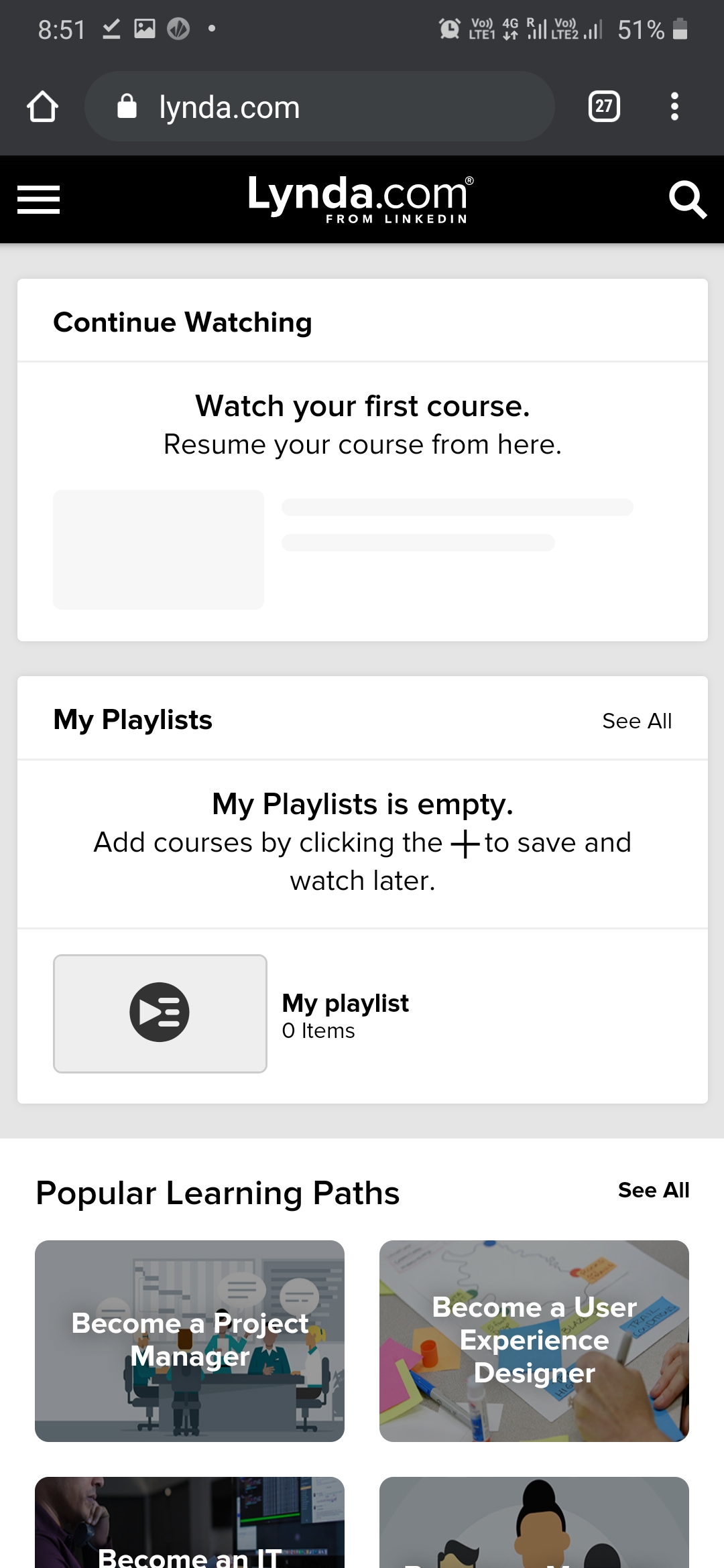
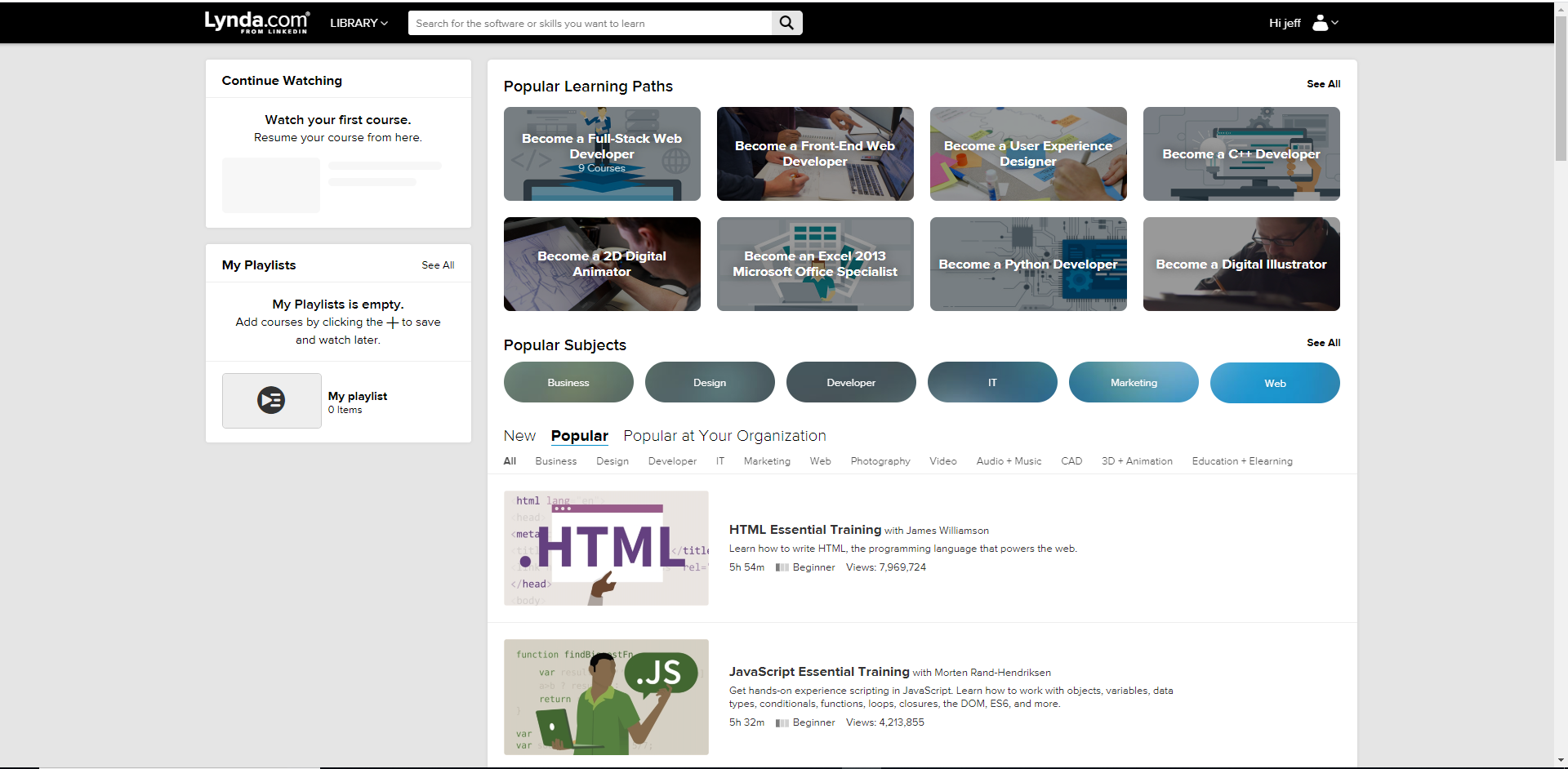

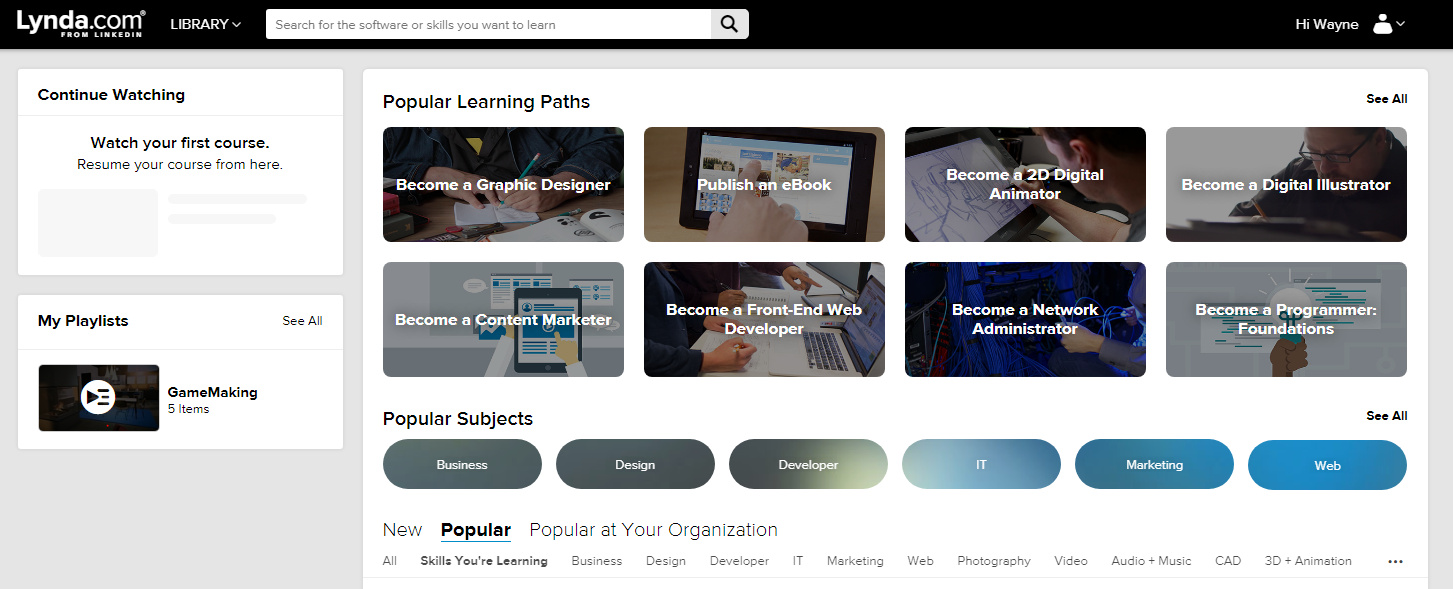
 !
!