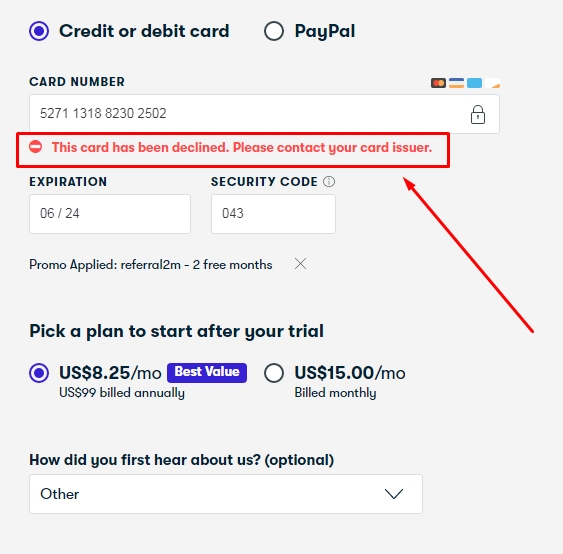
skillshare method is not working, it’s showing card is declined. please help
skillshare method is not working, please help.
Lynda works but for single day.After one day the barcode obtained from public library won’t be approved !!!
same problem hele
Not working on mine its takes Error
It doesn’t work for me either, can you help me please
It doesn’t work now
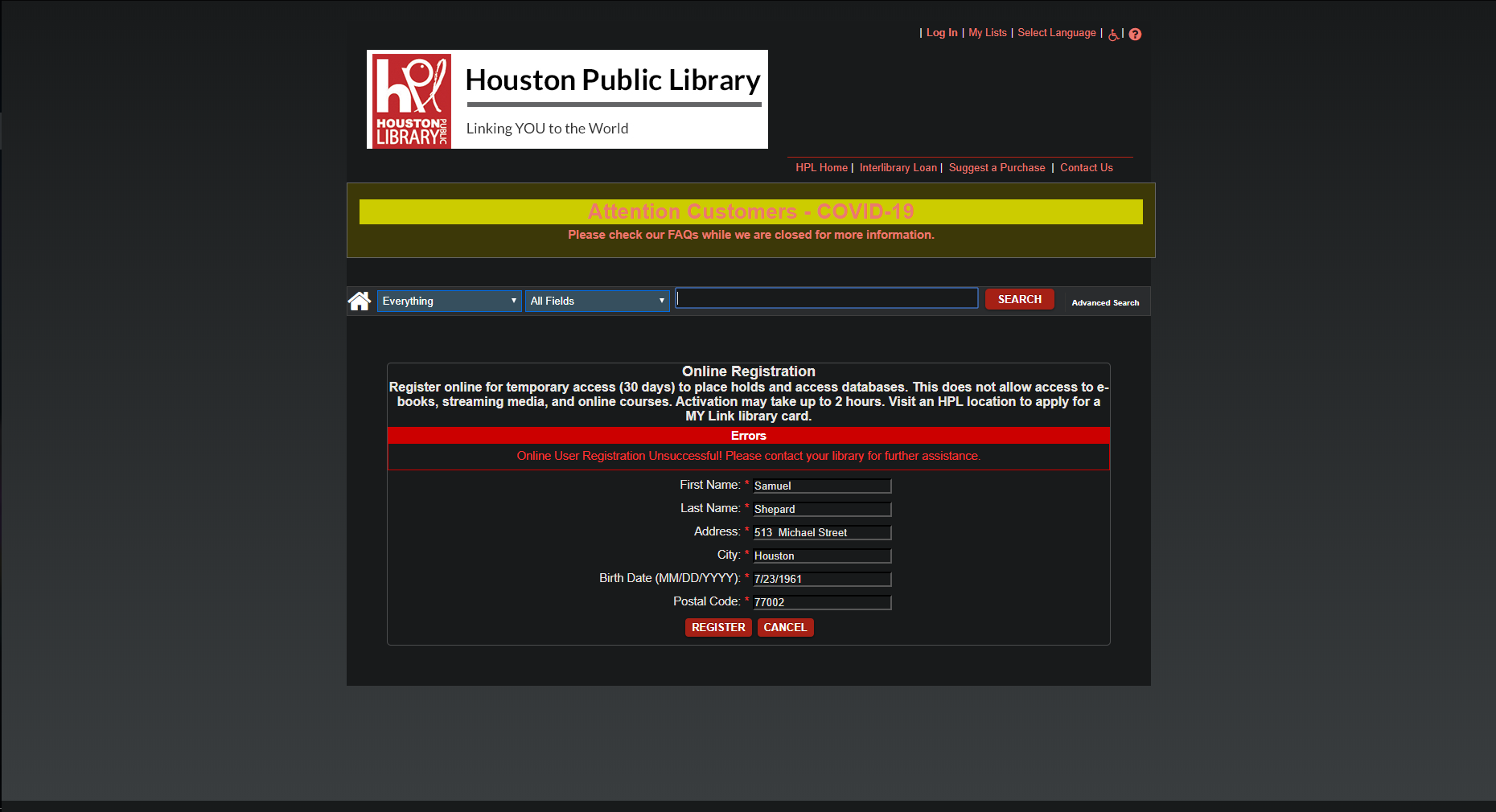
“Online User Registration Unsuccessful! Please contact your library for further assistance.”
When registering for the card, it says registartion unsuccessful
Not working in skillshare 
Man! That worked for Lynda like magic. Thanks for posting this tip.
I forgot my password
Verry helpfull share, thanks for all
It must have been patched now

The Street addresses supplied by the address generator is not accurate sometimes so its better to look for this particular box along with its zip code
thks, ill try
New method for Skillshare for 3 Months 
Step 1: Create an account on Skillshare.
Step 2: After creating the account, you’ll be asked to enter your Credit/Debit Card OR PayPal. No need to enter your own payment details. Just enter the card details generated from Bin method.
Note: use search option to find working bin for skillshare or use your own paypal you can cancel when your subscription is about to expire.
Step 3: After the checking is done, look out for Live CC. It’ll be in the format cardNumber|expiryMonth|expiryYear|cvv.
Copy that Live CC and paste it on Skillshare where you’ll be asked for the payment details during the checkout.
Step 4: During Checkout, you’ll see an option, which says Enter Gift Card or Discount Code. Click on it. After clicking on it, enter this discount code: newmember2020 to get 2 months of Skillshare Premium.
Step 5: Click on Start and boom! You just got 2 months of Skillshare Premium for free.
To get an additional month, go to settings>Payments. Then Click on Cancel Membership>Continue with cancellation>Cancel Membership (again for last time). Don’t worry about the cancellation. Skillshare is gonna surprise you. Trust me, it’ll make your day. Sorry, extra month xD. Yes, you heard it right! You’ll get an EXTRA FREE MONTH after clicking on Cancel Membership totalling 3 months of a free trial of the Premium Plan from Skillshare.
If anyone has any question or doubts, feel free to reply below and I’ll be glad to help you out.
As per today’s date i.e. 1st Feb 2021, the method is supposed to be working. ( From my indian ip )
That’s it! Happy Learning!!!
Bins are Not Working bro.
 !
!