The default use in Kali Linux is standers in latest version, so how you can enable root user login in it, so here I will gonna show how to log in as root in Kali Linux in both desktop environments default one as well as GNOME desktop environment.
- Default Desktop Environment (XFCE)
- Log in as Normal User: First, you have to login as normal user, and then you have to open the terminal and type the following command:
sudo -i
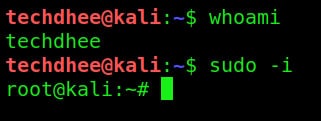
Now you are in the root you can type the command whoami. to verify you are in the root or not.’
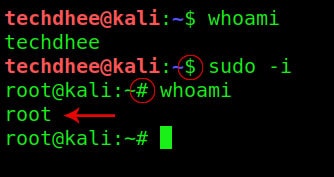
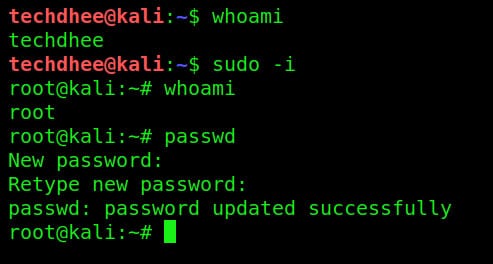
Set the Kali Linux root password
now you have to set the root password using passwd command
Now you can log in as root in Kali Linux
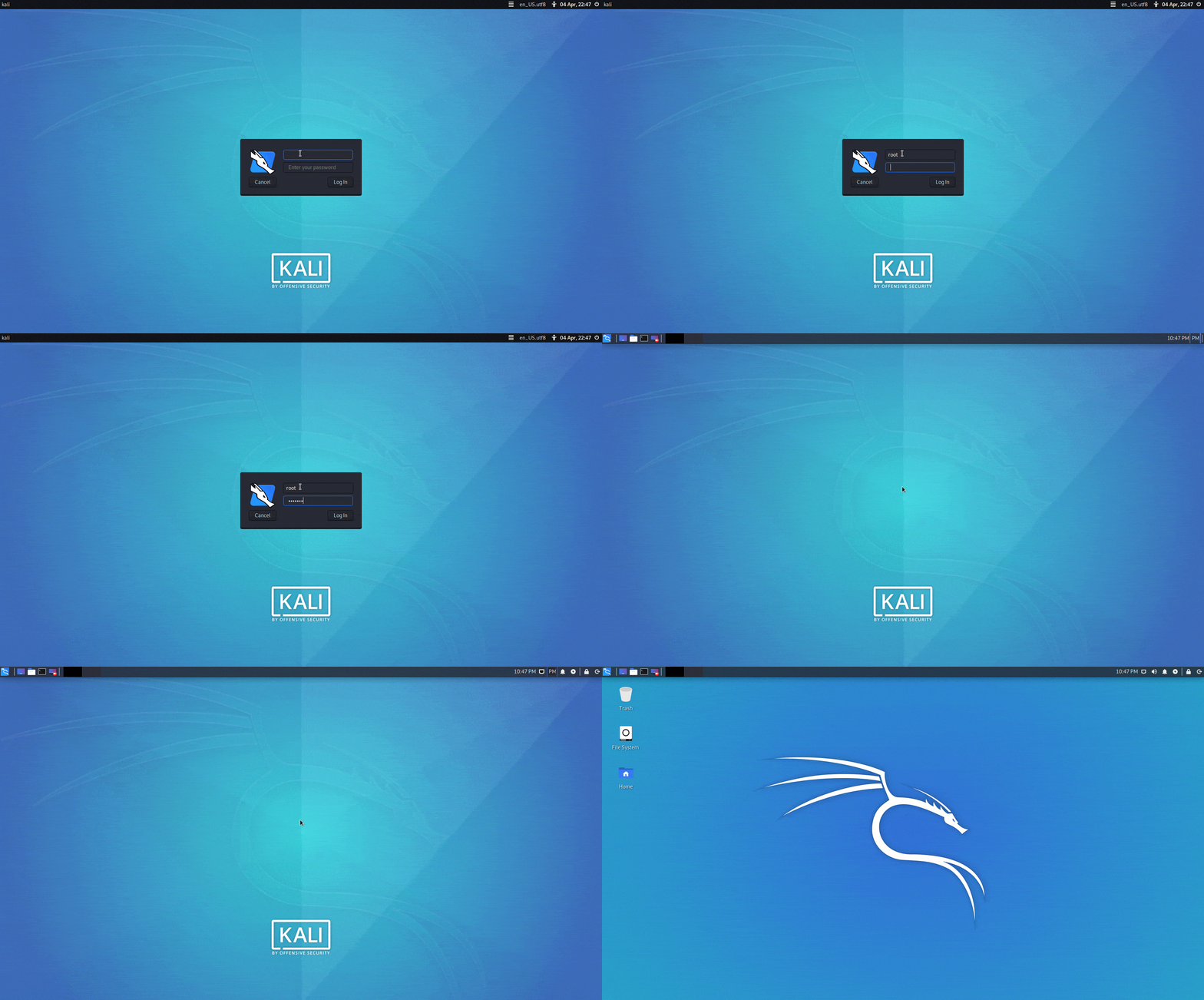
- GNOME Desktop Environment
In GNOME desktop you have to follow the same above steps just in the DE you have to follow an extra step, you have to edit a file which is
# sudo nano /etc/pam.d/gdm-password

in this file, you have to comment on the following line: auth required pam_succeed_if.so user != root quiet_success
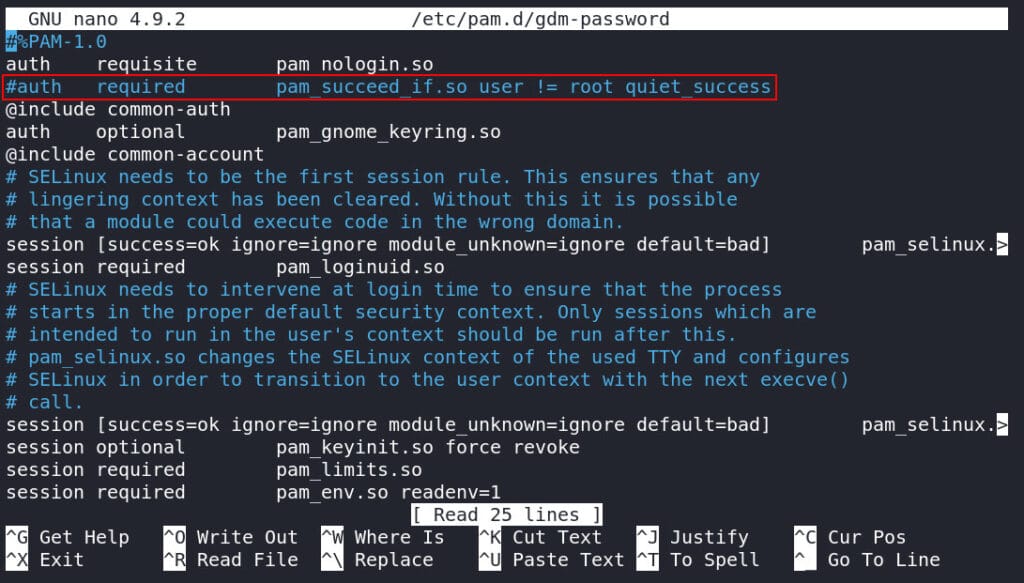
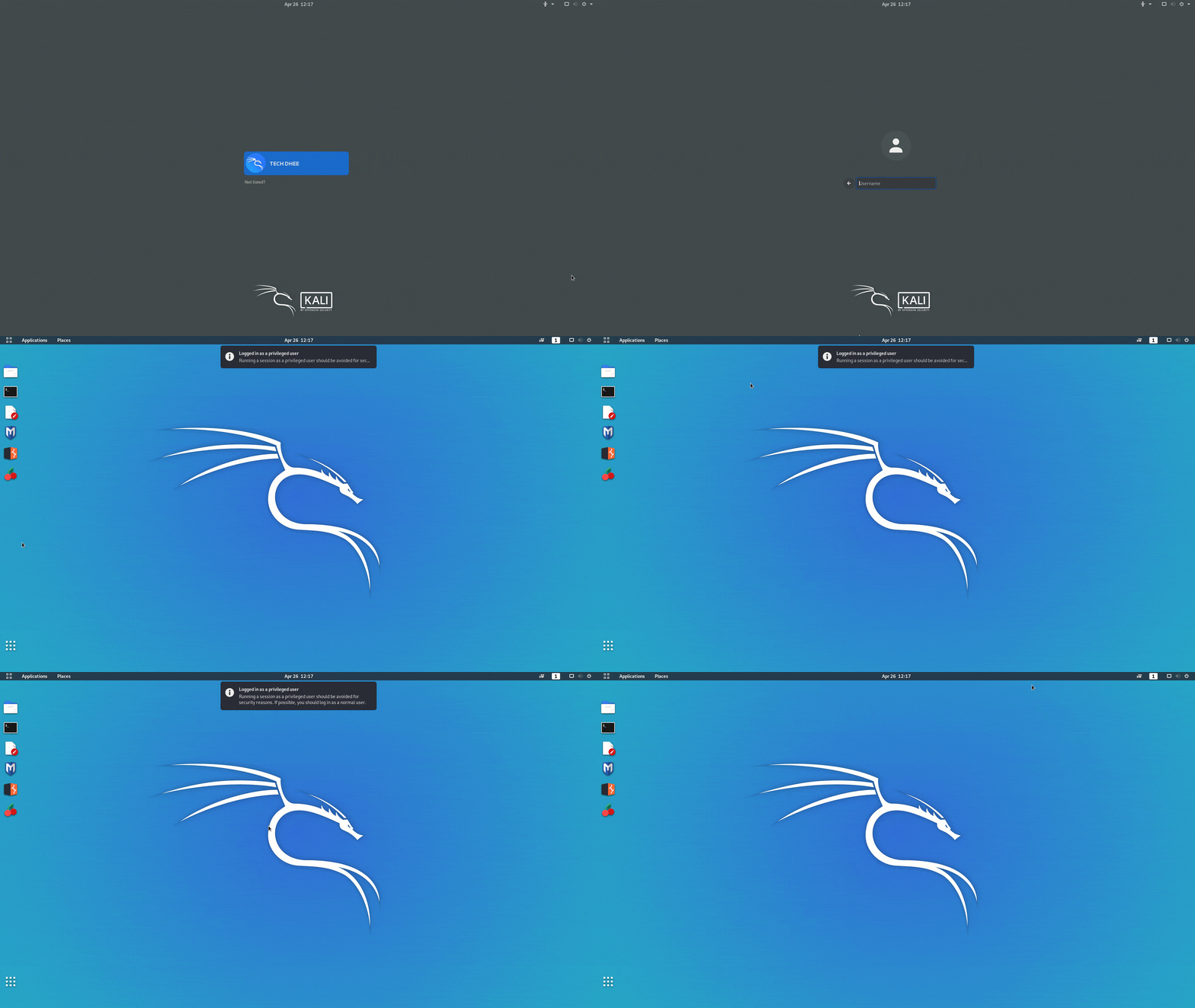
Now you can login as root in GNOME Desktop Environment.
 !
!