Recently I tried every old method and none of them worked. Maybe the googe system has updated, so any of you have a new method to create google accounts without phone number?
Install Gmail app on your phone, and create the account from there. It doesn’t require a phone number when from Gmail app on mobile phone.
On Android, Go to settings > Accounts > Add Google account > create new. Here it won’t ask for your mobile number.
you can create account without phone no using chromeos signup method.
Thank you Andi, This worked for me, Once after account creation on Mobile, I logged in on PC and there I furnished mobile, backup email 2FA etc, all good, got fully equipped solid gmail account without initially giving number.
It worked for you. Damn, I have 5 accounts, and I cannot make more accounts. I tried every method.I guess you just created a second new Gmail account.Try making more accounts, and tell me if you succeed then.
how and thinks
every method people shared here like creating from gmail app, or from settings, there you can make max 4,5 or 6 accounts, then it surely will ask for phone number, I have tried this.
what works for me is, if I created like 5 accounts from either gmail or settings method, and when it now asks for phone number, I don’t create any account for a week, or 10 days, then I again get 5 more accounts without number, try this.
I didn’t check that many accounts, My mobile number already has several gmail accounts already so it was not allowing me to create anymore ids from web, so I gave up, but when I see Andi’s suggestion tried from mobile and it worked.
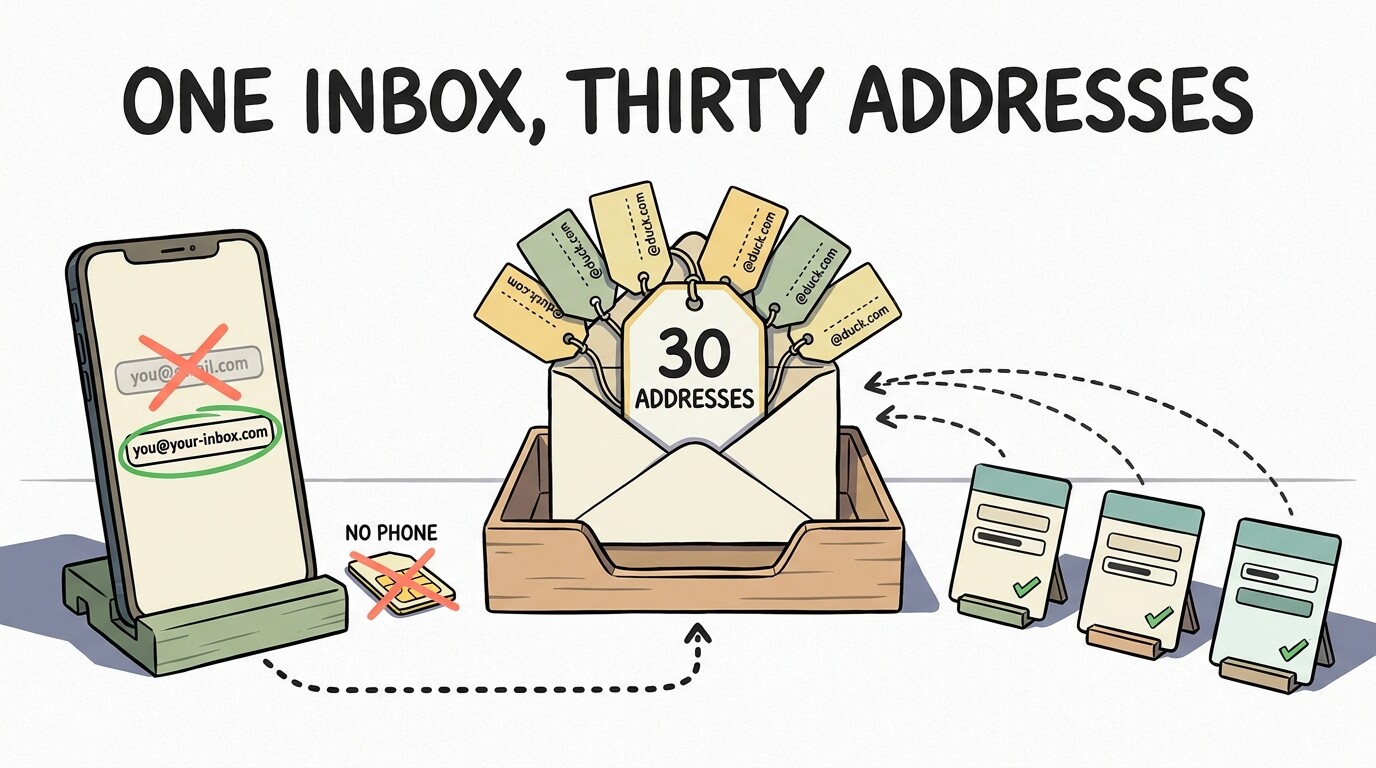
You do not need a Gmail address to own a Google account. Google’s signup has one link — “Use your existing email address instead” — and it builds the account on an inbox you already have. No mailbox, no new number. 
▬▬▬▬▬▬▬▬▬▬▬▬▬▬▬
The part that ends the account hunt — you don’t need more accounts, you need more addresses.
1 Google account →  30 aliases →
  signups everywhere →
  1 inbox
One inbox, thirty addresses, twenty signups that never learn your real one. 
▬▬▬▬▬▬▬▬▬▬▬▬▬▬▬
 door door |
what it asks | what you get |
|---|---|---|
| DuckDuckGo Email | nothing | unlimited @duck.com |
| Firefox Relay | an account | 50 masks |
| SimpleLogin · addy.io | an account | 10 each, both open source |
▬▬▬▬▬▬▬▬▬▬▬▬▬▬▬
 The only truly separate accounts you’ll ever need: five, via Family Link, with no phone number — Google’s own page.
🔧 If you do want a second account — the device window
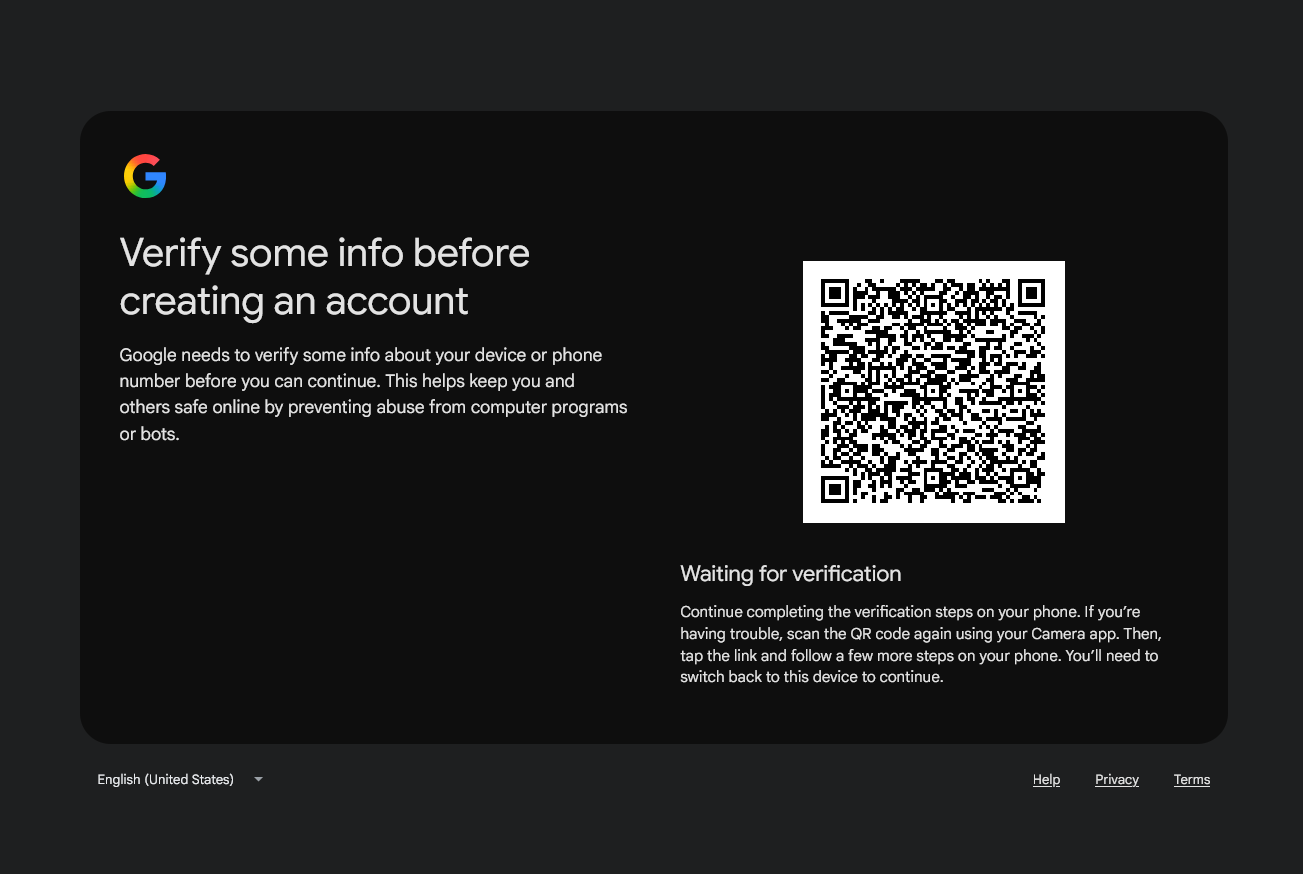
Since Feb 2025 Google swaps SMS for a QR scan when the request looks like a farm: a VPN or proxy IP, a public IP that already made accounts, a profile that made three yesterday.
 Android: Settings → Accounts → Add account → Create new
Gmail app, or a fresh ChromeOS Flex install — the web form’s phone field never appears
Roughly 4–6 per device and IP, then the wall
The honest reset is Furru_Furru’s 7–10 day cooldown above — the risk score decays with time, not with a trick
What GrapheneOS users report: public Wi‑Fi, create from inside the Play Store, skip what it offers
▬▬▬▬▬▬▬▬▬▬▬▬▬▬▬
- Grab a
@duck.comalias - Sign up somewhere new with it
- Realise you never needed the second Gmail
 The reply above is now a stronger version, made better by the Core-Community AI.
I had the same problem last month — creating the account from the Gmail app on mobile worked for me too, as long as I completed the form on a clean install and skipped the number field instead of closing it. From what I have seen, the phone check is triggered by the device and IP trust score, so a fresh browser with a VPN almost always asks for a number. Has anyone seen the “skip” option appear during desktop signup recently, or is that path gone for good?
 !
!