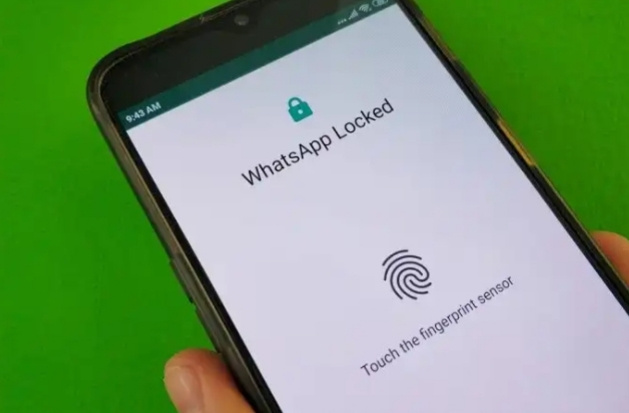
How to set up fingerprint lock on WhatsApp for Android 
In order to enable the fingerprint sensor lock on WhatsApp for Android, you need to follow these steps.
-
Update WhatsApp and open it
-
Go to Settings via the three vertical dots on top-right.
-
Tap on Account.
-
Move to Privacy.
-
Choose ‘Fingerprint Lock‘ option.
-
Toggle on or off ‘Unlock with Fingerprint‘ option.
-
When you tap ‘Unlock with Fingerprint’, you will be asked to provide the fingerprint.
-
After this, choose the time limit – ‘Immediately’, ‘After 1 minute’, and ‘After 30 minutes’
How to set up Face ID/ Touch ID fingerprint lock on WhatsApp for iPhone
WhatsApp for iOS allows users to set the unlock method as either “Require Face ID” or “Require Touch ID,” depending on the model. However, the setup process remains the same for both face and fingerprint unlock. All you need to do is:
-
Update WhatsApp and open it
-
Go to Settings.
-
Tap on Account.
-
Move to Privacy.
-
Tap on the ‘Screen Lock‘ option.
-
Toggle on or off the ‘Require Face ID‘ or ‘Require Touch ID‘ button.
-
Now, you will see options for the time limit for biometric lock. Choose between ‘Immediately’, ‘After 1 minute’, ‘After 15 minutes’, and ‘After 1 hour’.
-
Once you choose a time limit, WhatsApp will ask you to provide the fingerprint ID/ face scan to unlock WhatsApp.
The fingerprint lock option on WhatsApp is a secure and convenient way to ensure that nobody reads your messages even if you hand them the phone unlocked.
 !
!