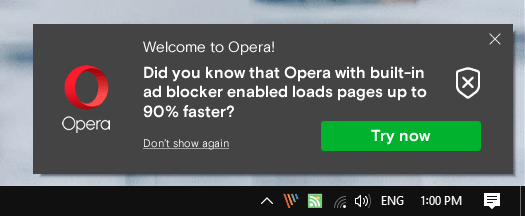
When you install the Opera web browser, you may get promotional notifications on the desktop from time to time. I recently received a “Welcome to Opera” notification on a Windows 10 system stating that Opera’s built-in ad-blocker improved the page loading time by up to 90%.
The prompt had a “try now” and a “don’t show again” option, and a close button attached to it. I only ever saw Opera advertising features of its own products using the notification system.
Since I’m no fan of desktop notifications, I decided to investigate to find out why the notification was displayed in first place and how to turn it off.
The Opera browser comes with a set of preconfigured options and one of these allows the browser to show promotional notifications on the desktop.
Here is how you turn these notifications off in the Opera web browser:
Continue reading:
 !
!