Just follow this:
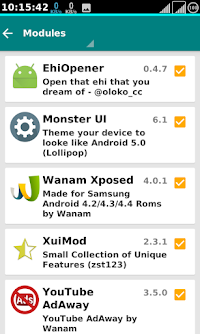
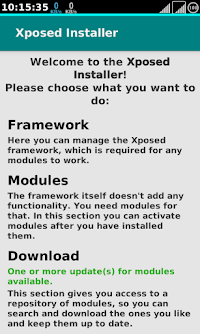
Download hey opener and Xposed installer and install them on your phone, allow ROOT intaller xposed, tick / enable hey opener on the module section, restart the phone, proceed from http injector, start app, your Select the file you want to unlock. (File locked) then press the start button for three seconds. All blocked information will be displayed in the popup window.
That’s all … and you’re done.
In case you encounter some mistakes
Http injector solutions
 !
!