Would you like to enjoy the Instagram Threads experience directly from your computer?
 Warning: If you want to use the program, you will need to have already created a threads account from your smartphone. Once created, your threads account cannot be deleted without deleting your instagram account.
You can now take advantage of Threads by installing this web client, available directly from Github.
The first step is to install the Docker software on your Windows or Linux Computer.
The second step is to install the web app directly from Github.
PS: Check that the version you are going to install is updated.
Now you need to run the following command in CMD or terminal.
docker run -it -p 3000:3000 stevenlafl/threads-web-client:latest
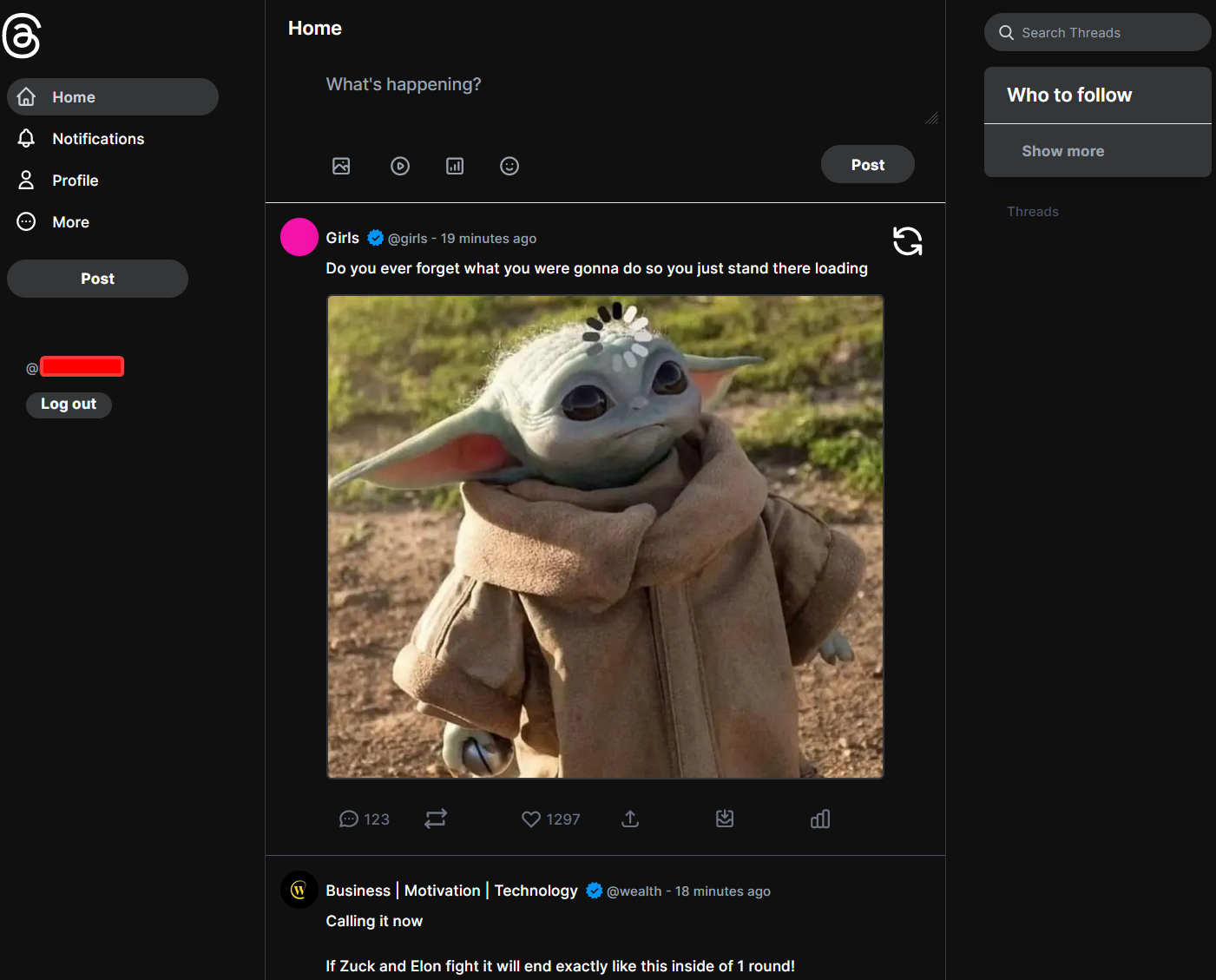
All you have to do is connect to your localhost:3000 and you’ll finally be able to enjoy the threads experience directly from your computer.
 !
!