 “I know nothing about computers” — perfect. Building a PC is easier than you think.

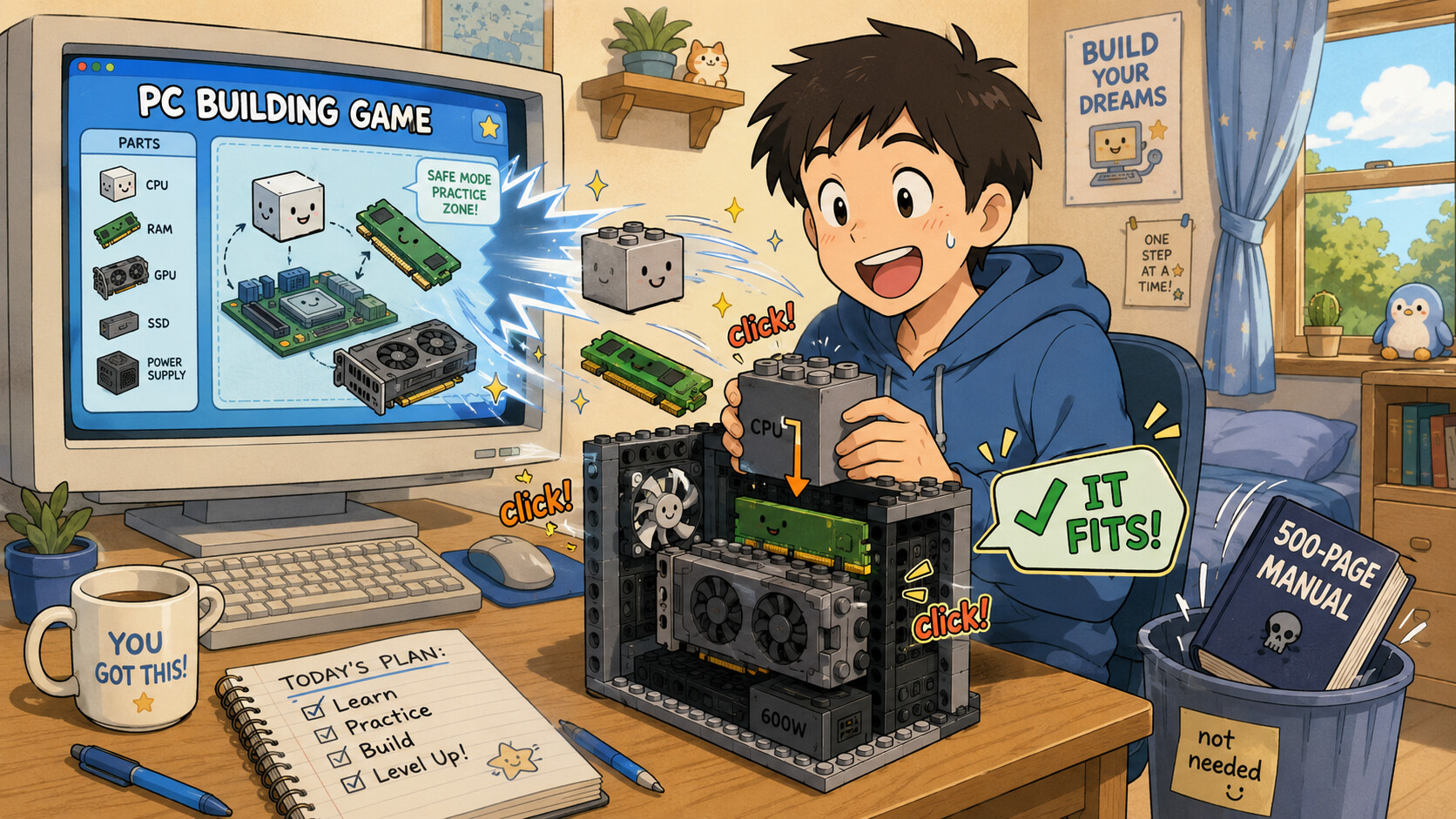
 click!
A PC is LEGO for grown-ups. Every part only fits ONE way — notches + shaped plugs, you literally can’t jam it in wrong.
 Build one for FREE in a game first (PC Building Simulator) — break virtual PCs all day, zero cost, zero fear.
 A website (PCPartPicker) checks your parts fit before you buy a single thing. The “hard part” is done for you.
🎮 Practice building + repairing a PC virtually — free, break nothing real
This is a game where you drag parts into a case, plug the cables, and even fix broken PCs. Do it 100 times for free until your hands know it. THEN touch real hardware.
▸ PC Building Simulator (Steam) → https://store.steampowered.com/app/621060/PC_Building_Simulator/
▸ Part 2 (newer) → https://store.steampowered.com/app/2101610/PC_Building_Simulator_2/
▸  Free indie build sims (itch.io) → https://itch.io/games/genre-simulation/tag-pc-building
▸  Free repair-shop sim → https://gscoccola.itch.io/computer-repair
✅ Pick parts that CAN'T be wrong — PCPartPicker (auto compatibility)
The one genuinely tricky bit is “do these parts work together?” This site answers it automatically and blocks anything that doesn’t fit. Start your real build from a can’t-fail list.
▸  PCPartPicker → https://pcpartpicker.com/
▸  Beginner build guides → https://pcpartpicker.com/guide/
▸  See real finished builds to copy → https://pcpartpicker.com/builds/
▸  Budget tier list (what to buy at each price) → https://www.logicalincrements.com/
🧩 See how each part works in 3D + a clickable build visualizer
Before you touch it, watch the parts come alive in 3D so it stops feeling like magic. BuildCores even shows your exact parts assembling in 3D.
▸  Branch Education (best 3D animations) → https://www.youtube.com/@BranchEducation
▸ BuildCores 3D build visualizer → https://www.buildcores.com/
▸  Easemble interactive 3D assembly → https://www.easemble.com/features/3d-interactive
🎥 Watch a full real build start-to-finish (follow along with your hands)
When the parts arrive, just play one of these and copy every step. iFixit’s photo guide is the print version.
▸  Newegg full build guide → https://www.newegg.com/insider/how-to-build-a-pc/
▸ iFixit photo build guide → https://www.ifixit.com/Guide/How+to+Build+a+PC/158466
▸  Linus Tech Tips channel → https://www.youtube.com/@LinusTechTips
🔧 The REPAIR half — fix any PC with photo-by-photo guides
iFixit shows you inside every device, step by photo, plus the exact tools. This is your “repair” answer, done properly.
▸ iFixit PC repair → https://www.ifixit.com/Device/PC
▸ Getting started on computer repair → https://www.ifixit.com/Wiki/Getting_Started_on_Computer_Repair
▸  iFixit toolkit → https://www.ifixit.com/Tools/Pro-Tech-Toolkit
🎓 The real free course techs actually use — CompTIA A+ (Professor Messer)
Want the proper structured path (and a real IT job later)? A+ IS the hardware-repair certificate, and this whole course is 100% free. Watch in order.
▸  Professor Messer free A+ → https://www.professormesser.com/free-a-plus-training/a-plus-videos/professor-messers-free-comptia-a-certification-training-course/
▸ PowerCert animated basics → https://www.youtube.com/@PowerCertAnimatedVideos
🚑 When a build won't turn on — the fix-it decision chart (no-POST)
Every builder hits “I pressed power and nothing.” It’s almost always one of 5 things. The motherboard tells you what’s wrong with a light or a beep — here’s how to read it.
▸  Beep code meanings → https://www.computerhope.com/beep.htm
▸  Debug-LED / Q-code guide → https://support.nzxt.com/hc/en-us/articles/18456574300059-How-to-Identify-and-Read-Debug-Codes
▸  iFixit “won’t turn on” → https://www.ifixit.com/Troubleshooting/PC/Computer+will+not+turn+on/399769
📚 Go deeper for free — the classic repair bible + board-level (advanced)
When you want to go pro: the legendary book that taught a generation, free to read, plus the board-level repair world (fixing chips, not just swapping parts).
▸ Mueller — Upgrading & Repairing PCs (free) → https://archive.org/details/upgradingrepairi0000muel_17thedition
▸  Board-level repair community → https://www.badcaps.net/
▸  Learn electronics visually (free sim) → https://www.falstad.com/circuit/
💡 5 first moves — from 'zero clue' to 'I built it'
- Tonight: play PC Building Simulator → build 3 virtual PCs → you now get it, $0 spent.
- Make a PCPartPicker list in your budget → green checks = it’ll all fit → that’s your shopping list.
 Find any old/dead PC (yours, family, free marketplace) → take it fully apart + rebuild → best free trainer alive.
- Parts arrive → play a Newegg build video → pause after each step → copy it. Done in an afternoon.
- Hooked? Run Professor Messer’s free A+ → same knowledge repair shops charge to learn → could be a job.
Nobody’s “good with computers” at first — they just built the fake one until the real one stopped being scary.
 !
!