click here to register
Method to Get 1 Year of Free Access on IASK AI
-
Visit the edu mail site (https://edumail.icu) and click on “New” to create an account.
-
Choose an email address with the edu.pl domain.
-
Go to IASK AI and sign up using the edu email you just created.
-
Verify your edu email and confirm your account.
-
Once logged in, click on the hamburger menu (three lines) and go to “Settings.”
-
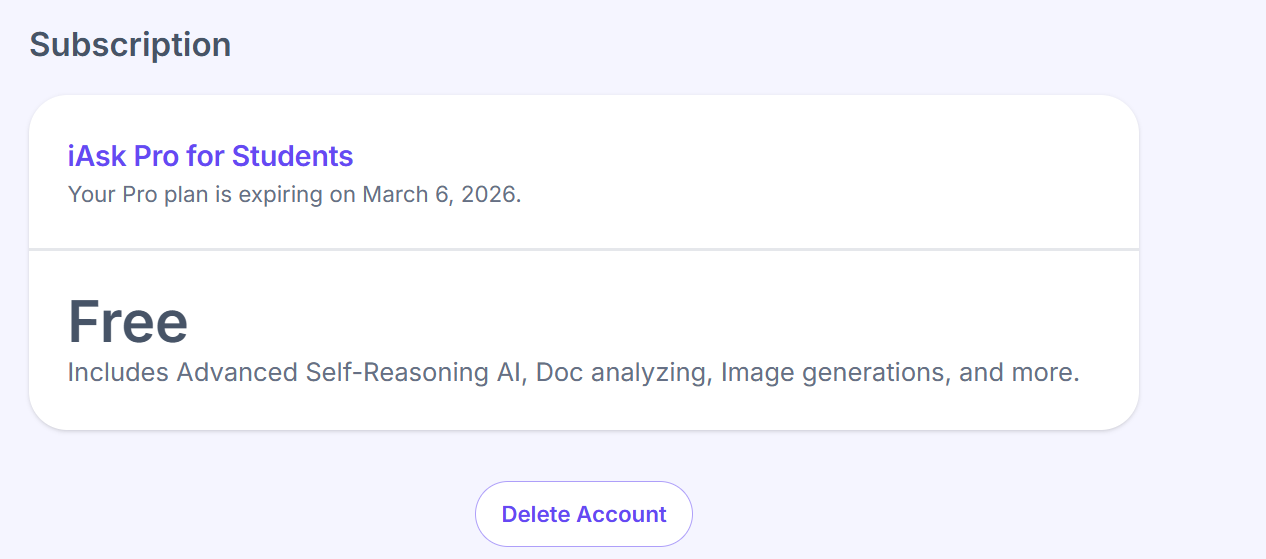
In the settings section, you should see your 1-year free subscription.
Happy learning
47 лайков
Thank you so much 
 . Working perfectly and it’s one year subscription. Once again, thanks.
1 лайк
Great share. Image generator is also nice. Thank you
1 лайк
Bandit
10
Thank You soo much, i made an account for a family member who is in school and needs an ai to help him study.
1 лайк
Thanks, it works perfectly! Great share !
1 лайк
Works great, thanks a million.
very usefull . tnx for sharing
Noor
27
I don’t got it, i followed all steps

 !
!