 What you get: A free, ad-free IPTV player for Android and TV devices with built-in VPN support.
 Start here:
 Also useful:
InkonabTV is the app you keep looking for once your IPTV provider hands you a link: it turns that one M3U link or Xtream Codes login into live TV, films and series, on your phone and on your TV.
Your provider sells you the channels — this makes them feel like a real TV service. Remote-first menus, posters and descriptions, instant zapping, a VPN switch inside the app. Free, without ads, no second subscription.
 Setup is three taps
- Install it (table below)
- Pick M3U link or Xtream Codes, paste what your provider sent
- The home screen fills up — live channels grouped the way your provider grouped them, films and series with posters and descriptions
 What you get
 Live TV, movies and series in one grid, searchable
 Built for a remote — arrows and OK run the whole interface
- A modern video engine (ExoPlayer): fast zapping, subtitles, multiple audio tracks
 A VPN toggle inside the app that reconnects on its own
 One app for phone, tablet, Android TV, Fire TV and Google TV
 Judge it in a minute — no provider needed
The developer published a test playlist of openly-licensed films (Blender Foundation’s Big Buck Bunny, Sintel, Elephants Dream) plus public test streams. Add it as M3U link:
https://dykel.github.io/InkonabTV/test/samsung-review.m3u
The whole interface runs on that list, so you see exactly what you would get before touching your own source.
 Install
| Device | How |
|---|---|
| Phone / tablet |
Download the APK and allow “install unknown apps” when your browser asks |
| Android TV / Fire TV / Google TV |
Open Downloader (by AFTVnews) and enter code 3727335 |
 Samsung Smart TV Samsung Smart TV |
Supported |
 iPhone / iPad / Mac iPhone / iPad / Mac |
On the roadmap |
 Behind it
Dykel Away — a solo developer building it in the open, active on GitHub since 2016 — keeps it updated. Updates land on Telegram, and this walkthrough video shows phone, Android TV and Samsung TV side by side. Free to use; the thread also carries an optional donation link.
Feature requests and questions: post them here, he reads the thread.
 to see today’s programmes. Earlier shows marked Replay can be watched from the start, on channels where your provider offers catch-up.
 the full channel list, without leaving the stream
 Need help setting it up? Reply here on the forum.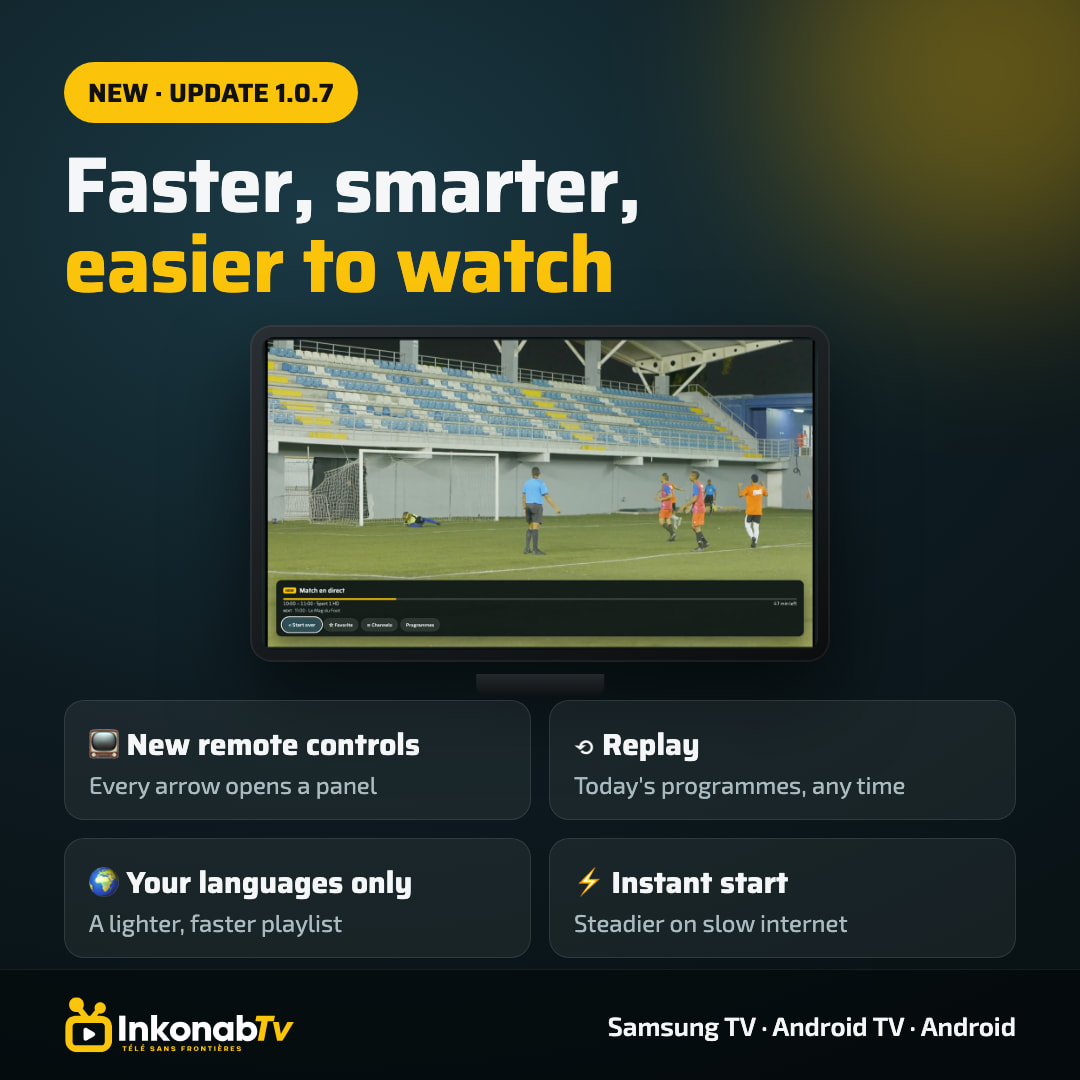
 !
!