Instantly Connect NotebookLM with Any Tool Using This Chrome Extension

Unlock a powerful way to connect NotebookLM with your favorite apps in seconds. A simple Chrome extension, Kortex, makes it possible to integrate NotebookLM with any workflow—eliminating the friction of manual copy-paste or limited integrations.
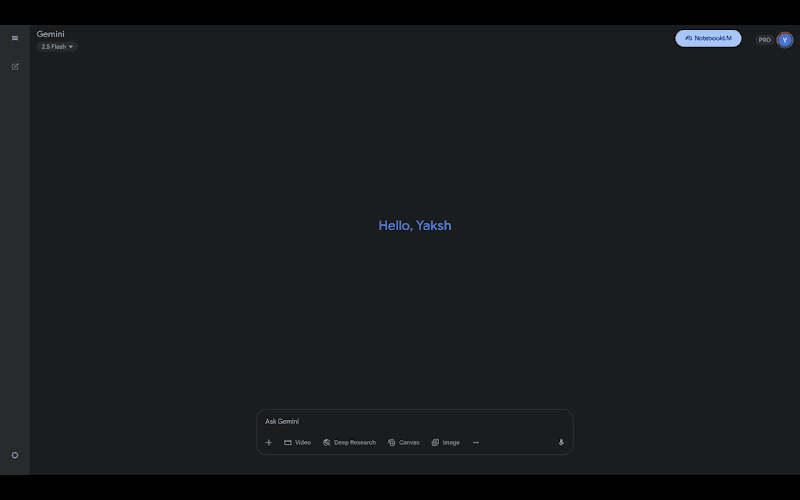
With this extension, users can:
-
Seamlessly capture insights from NotebookLM into other platforms.
-
Quickly sync notes and highlights with tools like Notion, Google Docs, or project management apps.
-
Boost productivity by bridging NotebookLM directly with task managers, knowledge bases, or writing platforms.
The setup takes just a few clicks:
-
Install the Kortex Chrome Extension. By Kortex
-
Pin it to your Chrome toolbar for quick access.
-
Open NotebookLM and your chosen tool side-by-side.
-
Use the extension to transfer, organize, or sync content instantly.
This method transforms NotebookLM into a hub that works with every tool you already use—from note-taking to writing, research, and project tracking. Instead of waiting for official integrations, this lightweight extension gives you immediate control and flexibility.
For anyone working with AI-powered research, content creation, or knowledge management, this extension is a rare productivity hack worth trying.
Enjoy!
 !
!