Let smart tools do the hard work for you.
 Quick Summary
Pick a tool ➜ Tell it what to do ➜ Get a full setup ➜ Make cool stuff
 What Is This?
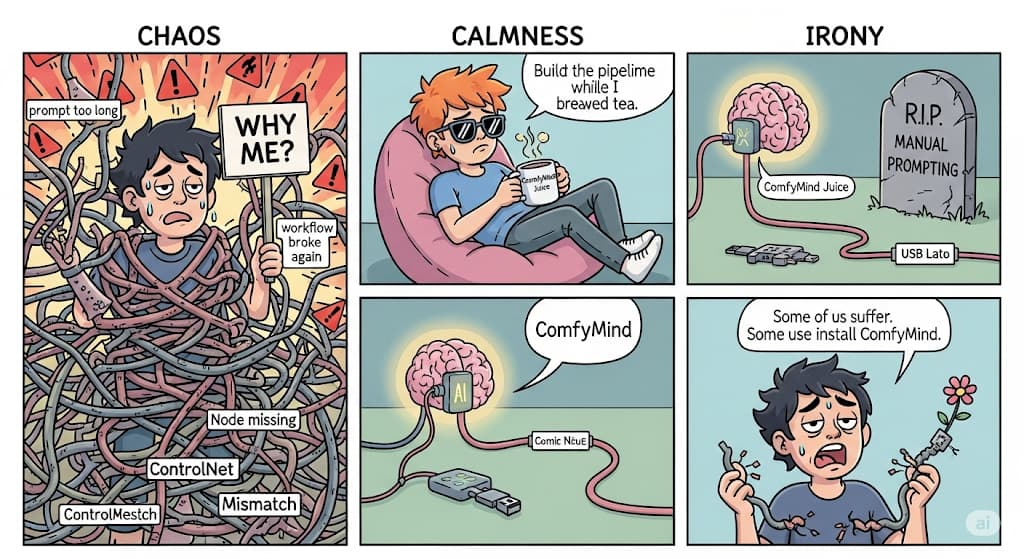
This is about ComfyMind, a smart tool built on ComfyUI.
It helps you make images, videos, and other things using AI—without losing your mind in a mess of buttons.
 Why ComfyMind Is Cool
- You don’t have to build big, messy chains of steps.
- It reads your plain words and turns them into full workflows.
- If something goes wrong halfway, it can fix itself and keep going.
- It’s fast, works well, and even beats some paid tools.
 ComfyMind Research
ComfyMind Explained
 Other Tools That Help
1. AP Workflows
Made for people who want results fast.
- Gives you ready-made setups for images, videos, editing.
- No tech skills needed—just click and go.
2. Rabbit‑Hole
For people who like writing code instead of clicking buttons.
- You write everything as a script in one file.
- Works well for batch jobs or automation.
3. Subgraphs
Make your big project easier to look at.
- You can group things together into one block.
- Makes the workspace less messy.
4. InstantID
Good for portraits and faces.
- Keeps faces looking real.
- Lets you add style and background easily.
5. FLUX Realism Workflow
Make images that look like real photos.
- Uses special models that improve image details.
- Needs fewer tweaks.
6. ComfyUI‑Colab
Use everything in your browser—no setup.
- Great for testing and trying things.
- Runs on Google Colab, even on free accounts.
 Tools That Build for You
- ComfyUI‑R1: Reads your text and builds the pipeline.
- ComfyCopilot: Gives suggestions, makes things better.
- ComfyGPT: Multiple AI agents working together to build and test your workflows.
ComfyUI-R1
ComfyCopilot
ComfyGPT
 Watch Out For These
- Some tools don’t work if you use the wrong version of ComfyUI.
- Free browser tools may turn off after a while.
- Beta features (like subgraphs) might crash sometimes.
- If you add too many steps, things may get stuck.
 Final Thought
This setup is perfect if you want good results without doing all the work yourself.
Start simple. Let these tools do the hard part.
And remember—just because it’s called “workflow” doesn’t mean you have to work hard.
 !
!