Here we have another bin method
Goto https://www.linkedin.com
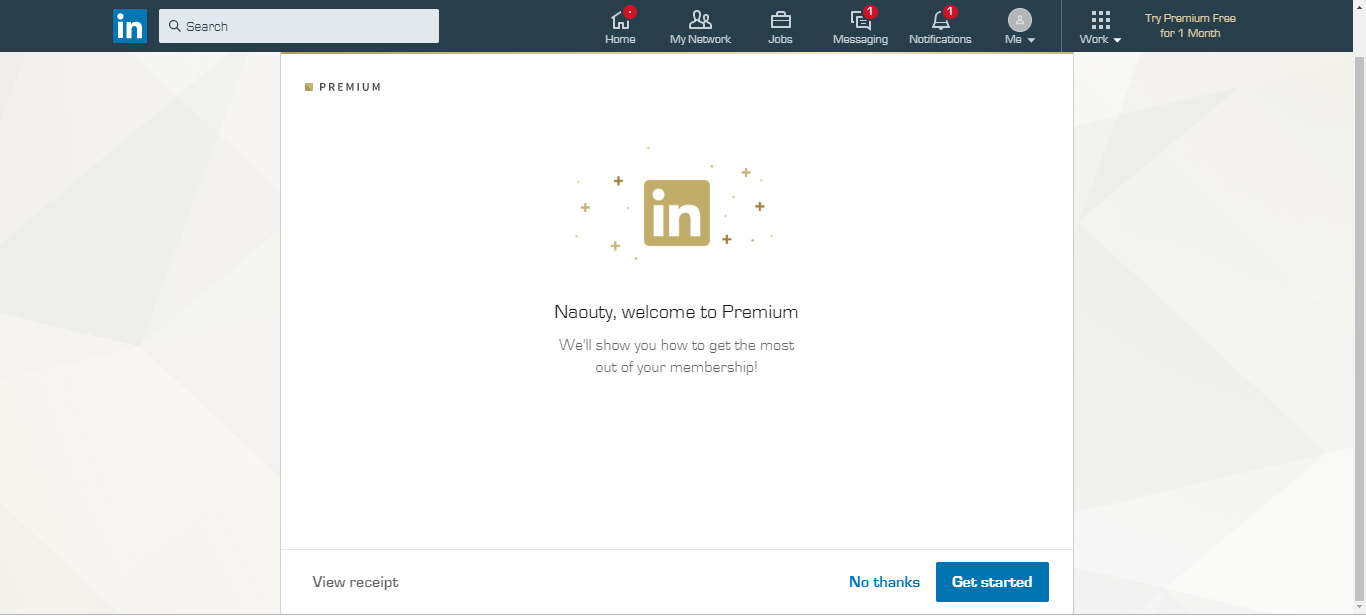
Click on try premium for free
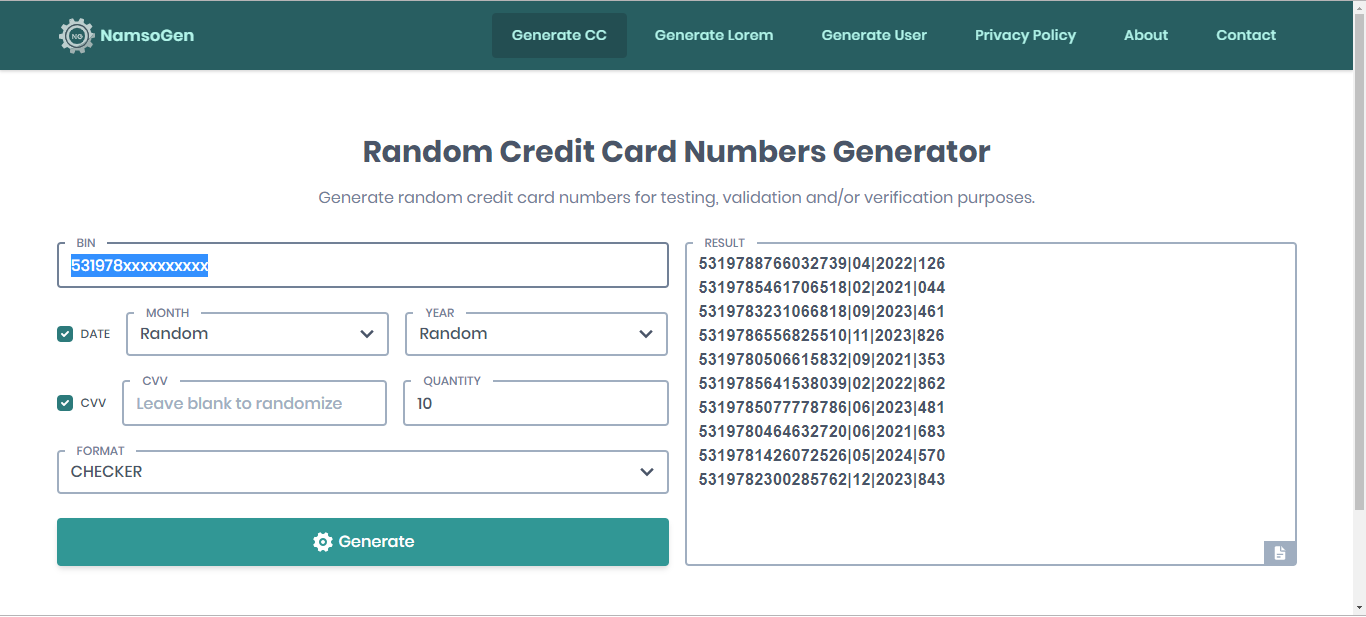
Then goto namso-gen.com
531978xxxxxxxxxx
Copy above Bin and paste in namso-gen
This will be the output
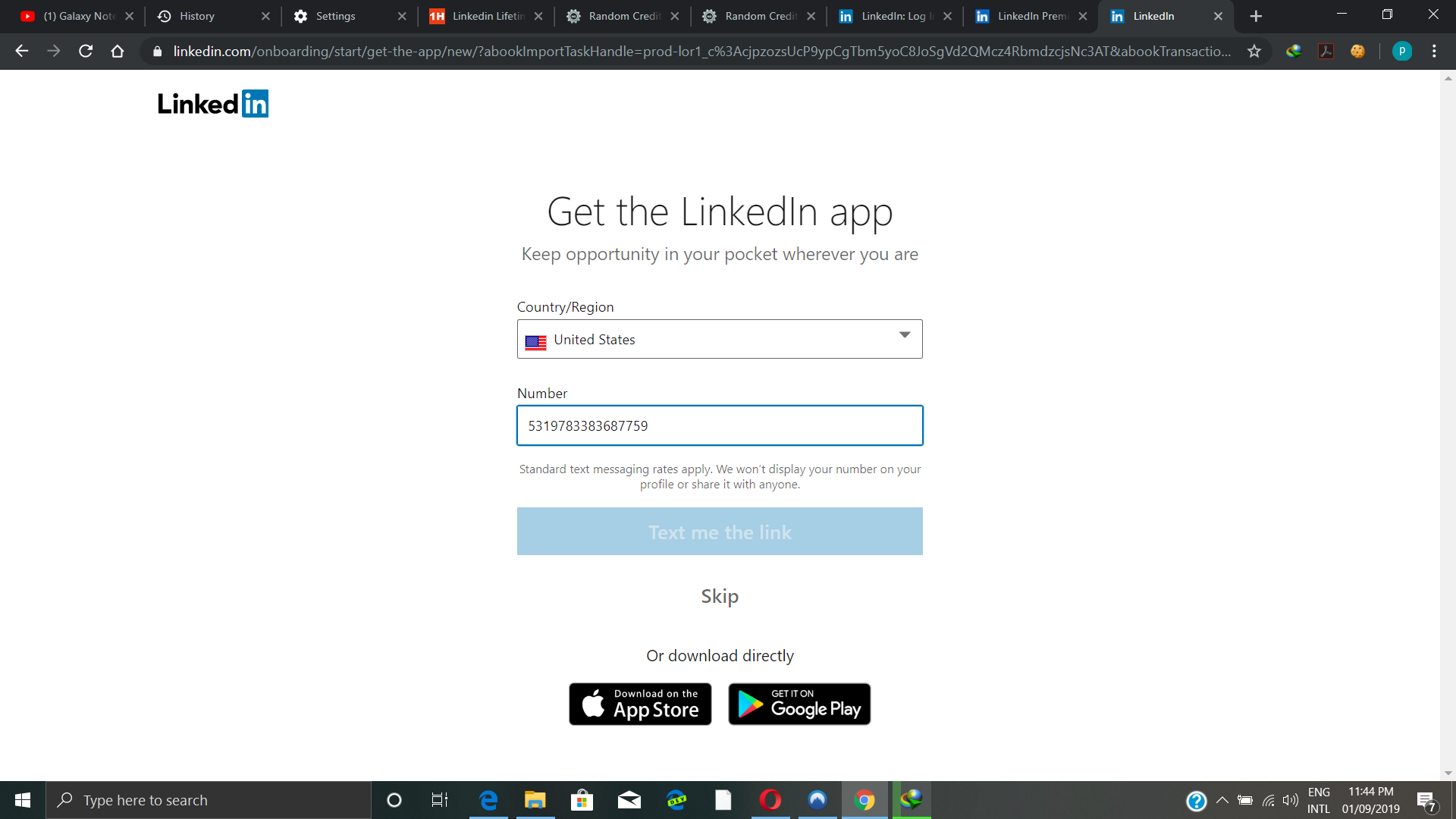
Then take one of the cc numbers and paste in your payment details in Linkedin
Hurrah
You got premium without paying
29 پسندیدگیاں
nope…sooner or later payment will be validated..
Namso-gen is working for everything. So use it on any site. Thank you OP I never know this
1 پسند
No, until 30 days nothing will happen to your account
1 پسند
what if i already tried premium for free? what then?
4 پسندیدگیاں
its a credit card number not a phone number
2 پسندیدگیاں
can anyone tell me,where i have to put the cc number?
Won’t they eventually charge you and considering the CC doesn’t have any money, won’t it bounce back?
Wow it’s working for1 month trial, even if we Change our billingid in profile to France contry ! Thank you.
1 پسند
did you change your billingID to USA before typing CC info? or did you do that after typing CC?
We will wait on your response. @Mesh_Chopra
1 پسند
it dont work, that the message they send to me
Rajan
ستمبر 2, 2019, 4:58pm
16
2 پسندیدگیاں
how to get it working if you already used free before?
3 پسندیدگیاں
It will work for One month only as a trial period
2 پسندیدگیاں
How can I change my billing id?
3 پسندیدگیاں



 !
!