
Vectors, Fonts, UI Kits, PSD’s, Templates, and much much more! Credit to Playboy83!
Table of content:
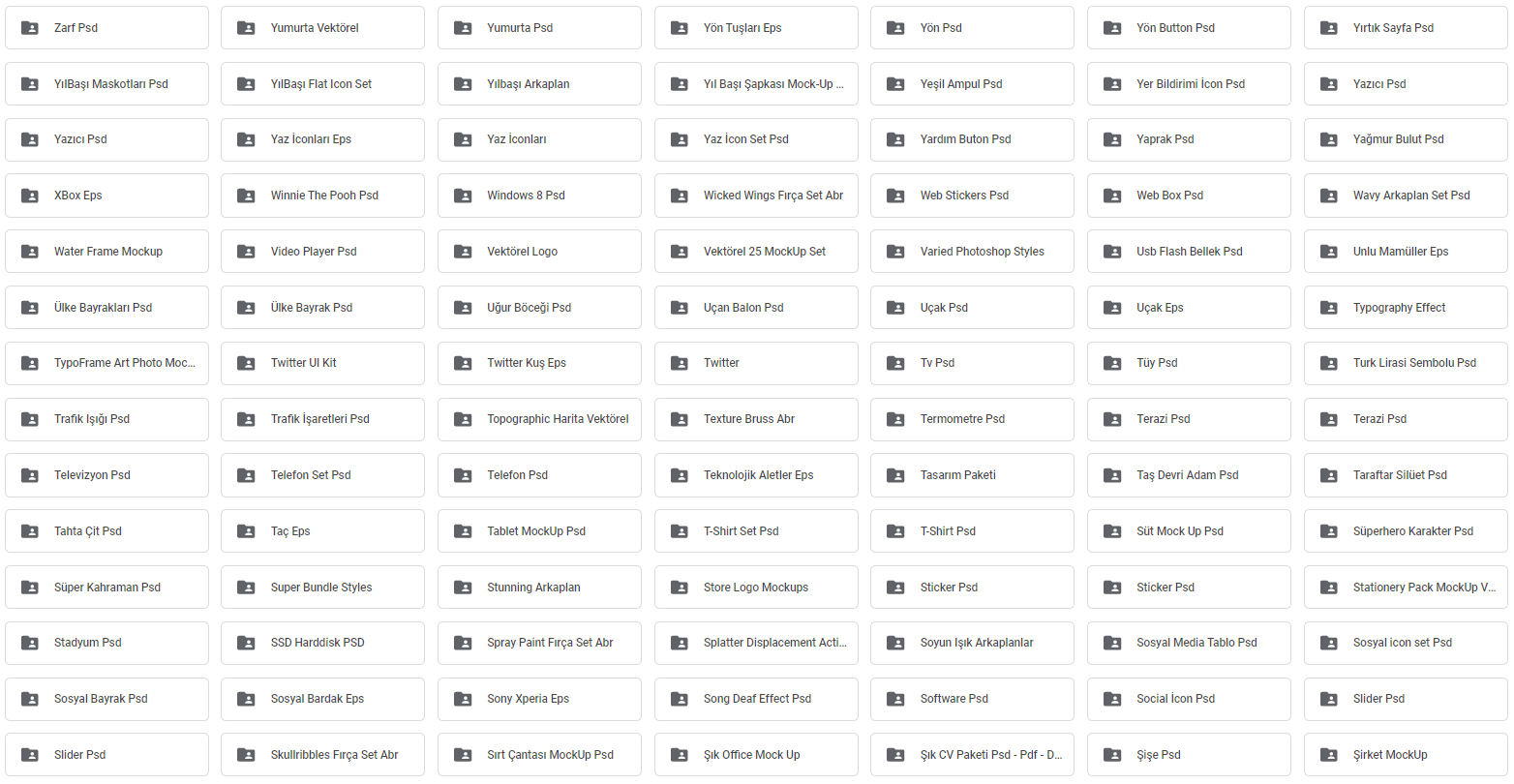

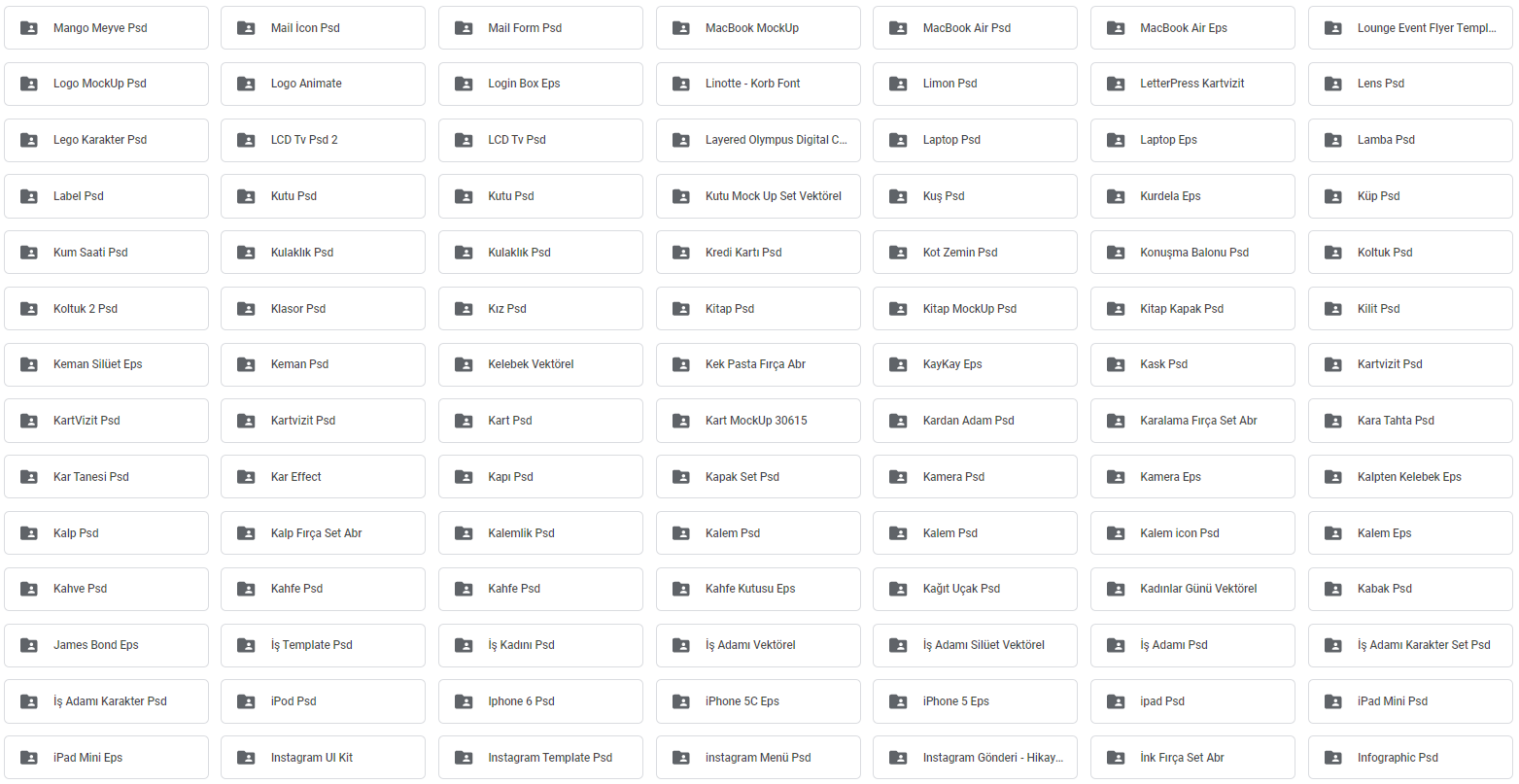
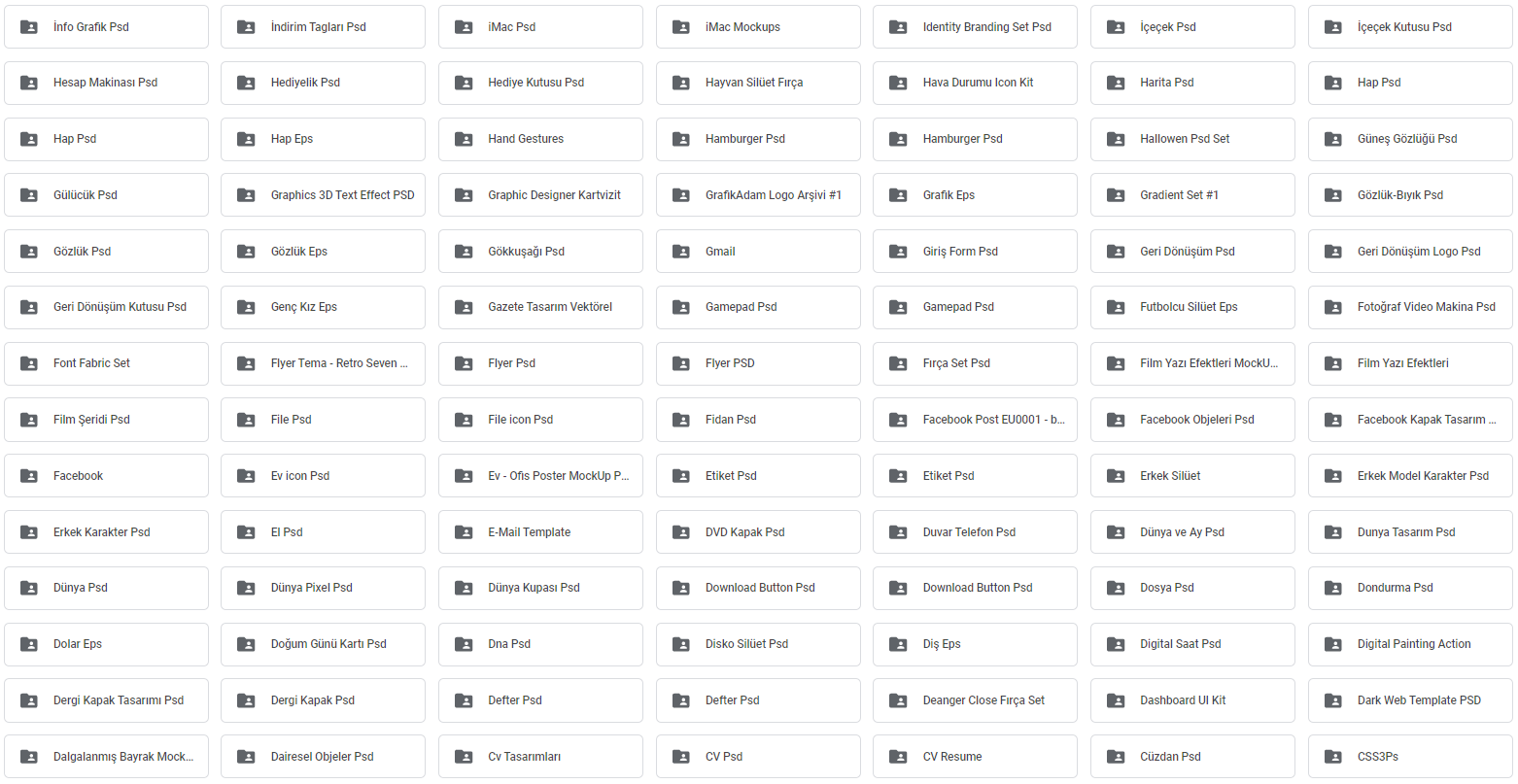

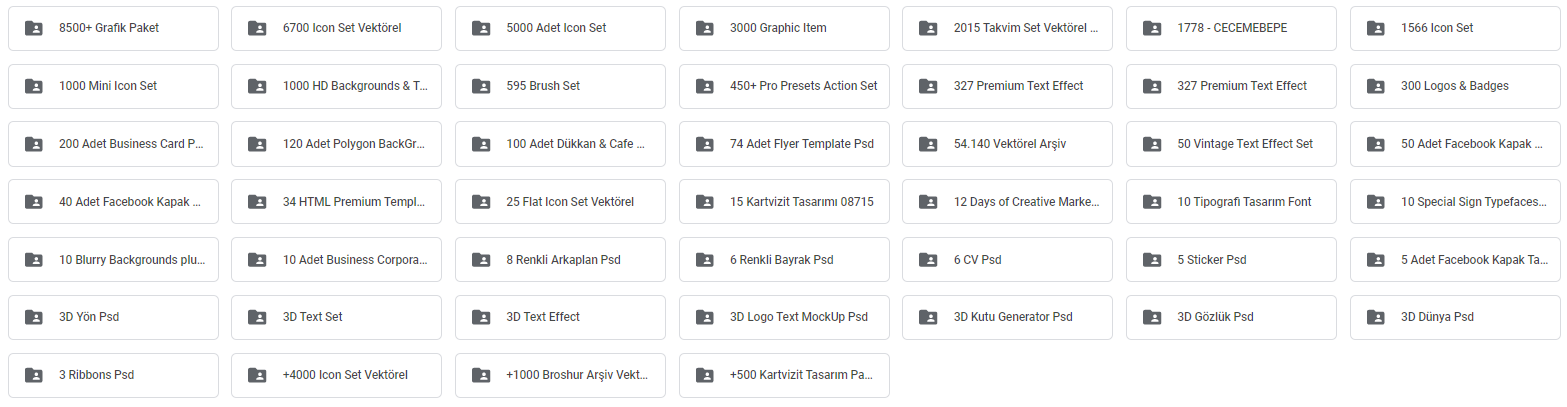
Go To Base64 & Decode:
aHR0cHM6Ly9kcml2ZS5nb29nbGUuY29tL2RyaXZlL2ZvbGRlcnMvMEI1WDZiQS11ai1QQlRHbHNhSGc1YkdKelNqQQ==
Vectors, Fonts, UI Kits, PSD’s, Templates, and much much more! Credit to Playboy83!
Table of content:
Go To Base64 & Decode:
aHR0cHM6Ly9kcml2ZS5nb29nbGUuY29tL2RyaXZlL2ZvbGRlcnMvMEI1WDZiQS11ai1QQlRHbHNhSGc1YkdKelNqQQ==
Oh damn! Very impressive work @Aina dada.

Damn, you da best 
Some kind of very cool and attractive share. Thank you very much.
Issue solved no need to respond
Thanks for such a awesome share. Can someone please tell me how can i copy this to my team drive?
use cloud comander easiest tool in colab to copy from shared folder to team drive
Any guide you can refer me to?
they are using rclone but i prefer cloud commander becasue it’s gui based
Awesome stuff, thanx a lot Boss @Aina
Are you referring to this one
yes it is same but you need to use it in colab w8 i will share script with all the tools for gdrive
Script for gdrive
LInk:-https://colab.research.google.com/drive/10LOalt1wNU_o_oJP5AZmNEodbYjrOsxs?usp=sharing
Open it in colab And make a copy of it
Then mount gdrive and then go to cloud comander present under file transfer tools
then just run that cell and open public url and there u can transfer any file from one drive to another or shared folder to my drive anything
Note:-This Script is not mine i have got it from onehack forum and added some of my codes according to my needs and sharing it back again
If u are transfering from shared folder make sure to make a shortcut of shared folder in your drive otherwise it will not be visible in cloud comander
Thanks , This will be really helpful.
thanks for sharing.
Thanks for sharing, Sam.
Thanks A lot Bro So Perfect 
 !
!