This option was not intended to save sensitive data
1 Like
nope this is not working now
Mine was avto renewed for 2 years…then it expired one day and was not renewed anymore…so just dont store important data on the OneDrive and you are safe (made a mistake and lost ewerithing)
2 Likes
Hey guys, just want to thank you for this great tip, I was able to create the account even though just recently they didn’t auto-renew the license and I was quite worried.
BUT I did what could be done, it was clear that “just using” the products wasn’t enough so I realized a small project using microsoft graphs (I registered the application on the azure profile) and used it for a couple of days. With much surprise this morning they renew my expired license (I was still in the grace period though, just one week after the “failed” renewal, so act fast if you need to) and I’m quite happy again!
Mine is saying like this - Thank you for joining. You don’t currently qualify for a Microsoft 365 Developer Program sandbox subscription.
Yeah, sadly they restricted A LOT of the chances to getting into the program. In the beginning you just needed a Microsoft account, then you had some chances to be denied, now (change ruled out in February 2024) you really have to be qualified according to their parameters (so being a developer or part of an organization with an active Visual Studio Enterprise subscription or a participant in specific Microsoft AI Cloud Partner Programs)

Hello guys, sharing my experience. i just used their products and i mistakenly configure something that i couldn’t recall anymore.
now I face this consequence. beware to edit in admin portal and make sure you check the notification
Mine is about deactivating entirely, and I need some drives to back up everything.
I think 3TB was in my drive. Now I’m looking where should i put this to back up.
Got the same message  well it was good while it lasted. Now I need to move these items somewhere
AUP Banner is automated policy flag, you can Contact Support team they will open a ticket, and they will guide you through. AUP menas not your mistake, I insist you to Contact Support team.
1 Like
what mistake??
exactly…
2 Likes
Thank you for the advice; actually, I already raised a ticket for this. but they addressed it to the higher level for escalation. now, im waiting for the response and what will happened to my account. until now, the notif still appearing
They do not mention it.
That is not a one Tenant issue, they are eliminating so many Dev Tenants in a batch, same date as in your screenshot, I am one of them too, let’s see.
Mine was also deleted for good. I am grateful to the owner who shares this because I have been using Developer License for free for a few years (saved a lot).
Support couldn’t do anything about it and they wouldn’t escalate it either. Its been a good 3 years storing my stuff. But its over for now
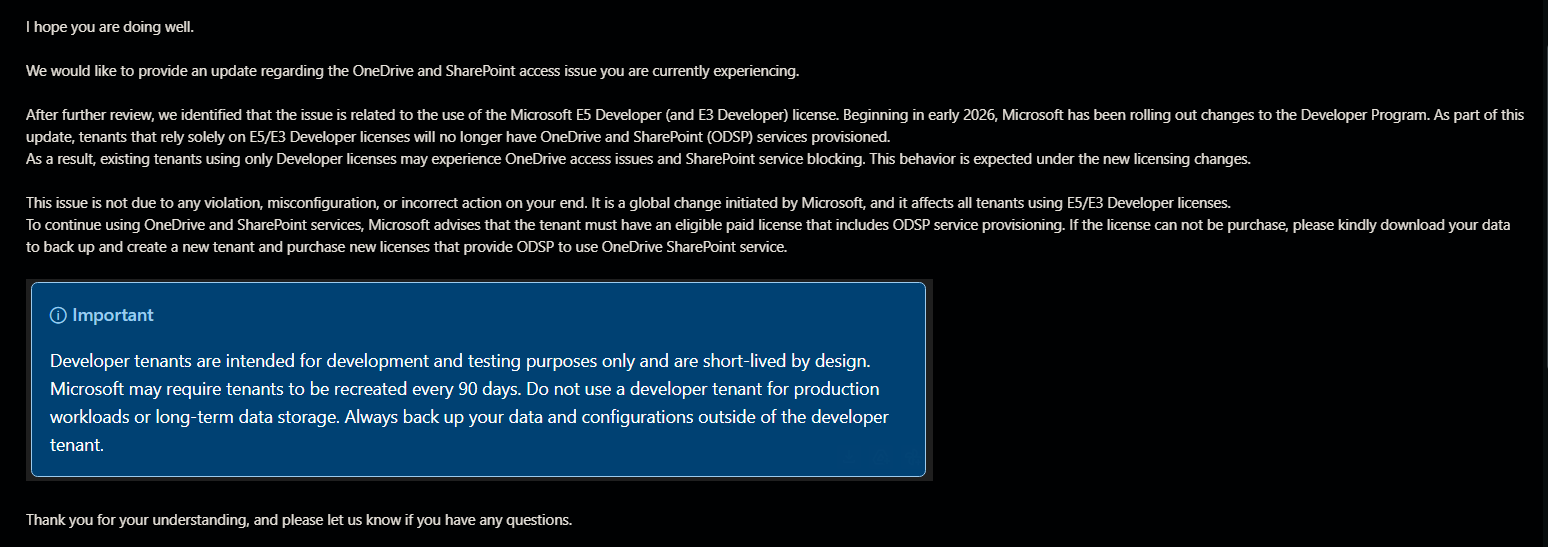
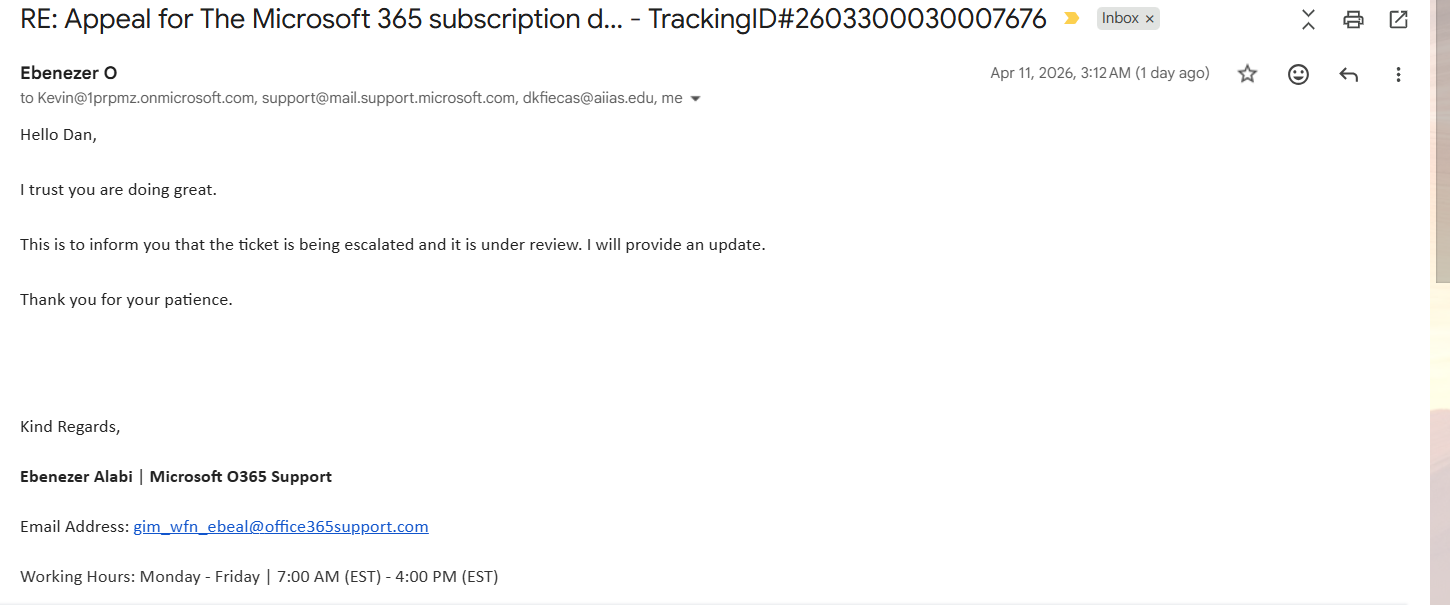
hey, where did you get the email address support? my files are in read-mode only, I can’t delete, I can’t add, I can’t rename anything but my files are still in OneDrive
is your subscription renewed or expired?
 !
!