You Won: Microsoft Is Ripping Out the AI You Didn’t Ask For
Quick Take: Microsoft is pulling back Copilot from Windows 11 apps and basically admitting Recall was a disaster. The company internally calls it a “failure.” User rage actually worked.

ELI5
Copilot: Microsoft’s AI assistant that they jammed into Notepad, Paint, and basically everywhere in Windows 11. Nobody asked for AI in Notepad.
Recall: A feature that screenshots everything you do on your computer and lets you search through it. Security researchers called it a “hacker’s dream” because it stored everything in plain text.
The Problem: Microsoft spent 2024-2025 forcing AI features into Windows that made it slower, creepier, and more annoying. Users hated it. Microsoft ignored them. Until now.
What’s Changing
- Copilot buttons disappearing — Those AI buttons in Notepad, Paint, and other apps? Getting removed or “rebranded” (corporate speak for buried).
- No more new Copilot integrations — Microsoft paused work on shoving AI into more built-in apps.
- Recall is being “reworked” — Internally, Microsoft admits it failed. They might rename it entirely to escape the bad press.
- Focus shifting to “reliability” — They’re actually fixing bugs instead of adding features nobody wanted.
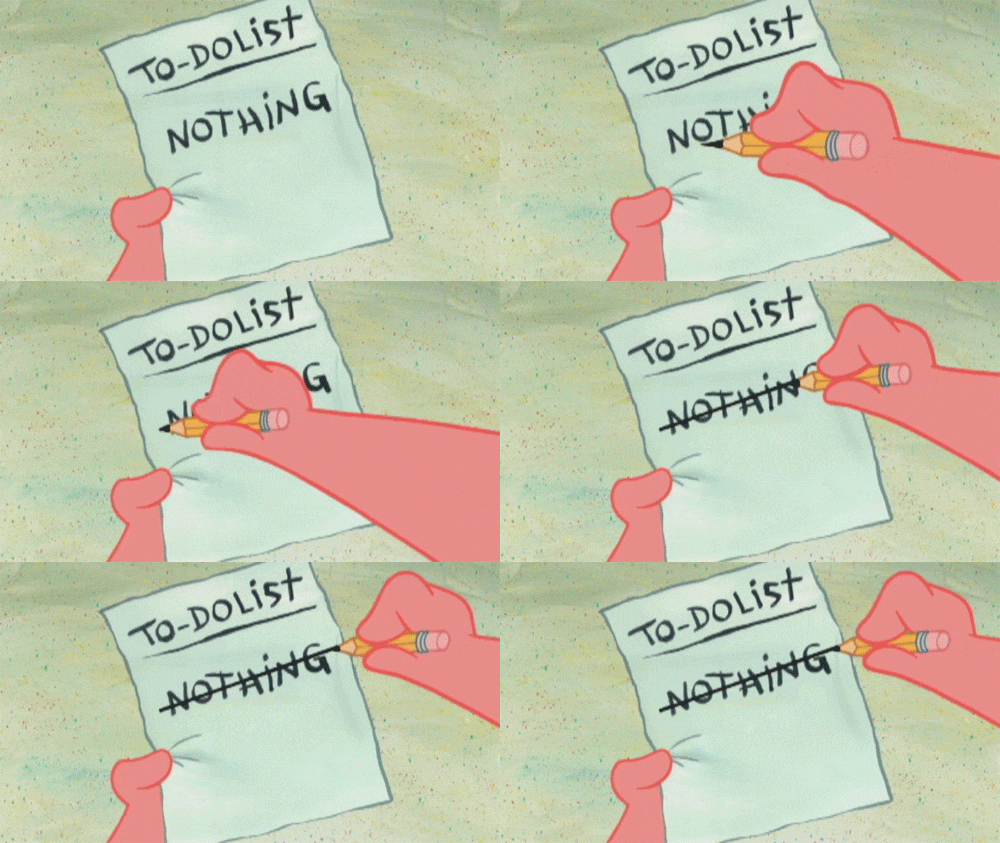
Winners / Losers
Winners:
- Anyone who just wants their computer to work without AI suggestions
- Privacy advocates who called out Recall’s security nightmare
- Competitors offering “simple, reliable” operating systems
Losers:
- Microsoft’s AI division who bet big on Windows integration
- Copilot+ PC manufacturers who marketed AI hardware
- Anyone who bought a laptop specifically for Recall
The Real Story
Microsoft spent billions on AI. They needed to justify it. So they shoved Copilot into everything — even places it made no sense (who needs AI in Notepad?).
The January 2026 Windows update broke so badly they needed TWO emergency patches. Users couldn’t shut down their computers. OneDrive crashed. The trust was already gone.
Now they’re in damage control. But here’s the interesting part: the AI isn’t going away. It’s going underground. Features like “Semantic Search” and “Agentic Workspace” continue development — they just won’t be in your face about it.
This isn’t Microsoft giving up on AI. It’s Microsoft learning to be sneaky about it.
Money Moves
-
The Copilot+ Flip
- Copilot+ PCs are about to tank in resale value
- The “AI hardware” premium just became worthless
- Buy refurbished Copilot+ laptops in 3 months at 40-50% discount
Real Example: A tech flipper in Germany bought 12 “Surface AI” devices when the retreat news leaked. Sold the components separately for 35% profit — the NPU chips alone fetch €80 on eBay because tinkerers want them for local AI projects.
-
The “De-Crapified Windows” Service
- Businesses will pay to have AI features removed cleanly
- IT consultants can charge for “Windows optimization”
- Enterprise clients especially hate the AI bloat
Real Example: An IT consultant in Brazil started offering “Windows 11 Lite” setup services for €150/machine. Word of mouth got him 200+ clients in 4 months — small businesses who just wanted normal computers.
-
The Linux Moment
- Every Microsoft screwup pushes more people to Linux
- “Linux for Windows refugees” content is about to spike
- Position yourself as the friendly migration guide
Real Example: A YouTuber in India made $4K/month just from “Linux for Windows users” tutorials when the Recall privacy scandal broke. This retreat will create another wave.

The Takeaway
Microsoft blinked. User outrage actually changed a trillion-dollar company’s strategy. But don’t think they learned their lesson — they’re just getting better at hiding the AI. The features you hate are going away. The surveillance is just getting quieter.
Final Thought
The most valuable skill in tech isn’t using AI. It’s knowing when to turn it off.
Source: Windows Central
 !
!