
 MEDIUM API INTEGRATION 2026 — COMPLETE DEVELOPER GUIDE

 Medium has officially stopped issuing new API tokens — but integration tokens can STILL be self-generated from your own Medium account settings right now. Plus there are multiple legitimate automation alternatives. Here’s the complete picture.
 THE ACTUAL SITUATION IN 2026
OFFICIAL MEDIUM STANCE:
──────────────────────────────────────────────────
❌ Medium will NOT issue new integration tokens
   for THIRD-PARTY applications / new OAuth apps

✅ BUT: You CAN still generate an integration
   token for YOUR OWN Medium account — personally

✅ Existing tokens continue to work normally

✅ The API endpoint still responds and functions

⚠️ Medium is NOT developing the API further
   No new API features will be added
 SOLUTION 1 — GENERATE YOUR OWN INTEGRATION TOKEN (STILL WORKS IN 2026)
This is the most overlooked fact — you can still get a token for YOUR account right now: [1]
STEPS:
──────────────────────────────────────────────
1. Log into your Medium account
2. Click your avatar (top right corner)
3. Select "Settings"
4. Scroll to the very bottom of the page
   → OR click "Integration tokens" in left panel
   ⚠️ It's subtle text — easy to miss!
5. Enter a description/name for your token
6. Click "Get integration token"
7. Copy the hex-encoded token string ✅

IMPORTANT:
  → This gives you a PERSONAL token
  → Works for YOUR account's publishing only
  → Cannot be used to publish to OTHER users' accounts
  → No approval or application required
  → Works immediately
 USING THE TOKEN — PYTHON EXAMPLE
import requests

TOKEN = "your_integration_token_here"

headers = {
    "Authorization": f"Bearer {TOKEN}",
    "Content-Type": "application/json",
    "Accept": "application/json"
}

# STEP 1: Get your user ID
user_resp = requests.get(
    "https://api.medium.com/v1/me",
    headers=headers
)
user_id = user_resp.json()["data"]["id"]

# STEP 2: Publish an article
payload = {
    "title": "Your Article Title",
    "contentFormat": "html",  # or "markdown"
    "content": "<h1>Hello World</h1><p>Content here</p>",
    "publishStatus": "draft",  # or "public"
    "tags": ["tech", "programming"]
}

response = requests.post(
    f"https://api.medium.com/v1/users/{user_id}/posts",
    headers=headers,
    json=payload
)
print(response.json())
 SOLUTION 2 — OAUTH2 (FOR MULTI-USER APPS)
If you need to publish on behalf of MULTIPLE Medium users: [2]
STEPS:
  1. Log into Medium → Settings
  2. Click "Manage applications"
  3. Click "New application"
  4. Fill in:
     → Application Name
     → Description
     → Authorization Protocol: OAuth 2 ✅
     → Callback URL: your app's callback URL
  5. Save → get Client ID + Client Secret
  6. Implement standard OAuth 2.0 flow:
     → Redirect user to Medium auth URL
     → User grants permission
     → Exchange code for access token
     → Use token to publish on their behalf

⚠️ NOTE: Medium says no "new integrations"
   but OAuth app creation still functions
   for personal/small-scale developer use
 SOLUTION 3 — BROWSER AUTOMATION (MOST RELIABLE)
For teams that need guaranteed publishing regardless of API changes: [3]
TOOL:    Playwright (Python/JS/TypeScript)
METHOD:  Automate actual browser interaction

ADVANTAGES:
  ✅ Not affected by API deprecation
  ✅ Can do everything the UI supports
  ✅ Works even if API is fully shut down
  ✅ Handles login, publishing, editing

BASIC SETUP (Python):
pip install playwright
playwright install chromium

from playwright.sync_api import sync_playwright

with sync_playwright() as p:
    browser = p.chromium.launch(headless=False)
    page = browser.new_page()
    page.goto("https://medium.com/new-story")
    # ... automate editor interaction
 SOLUTION 4 — NO-CODE AUTOMATION (ZAPIER / MAKE / n8n)
If you want zero-code publishing pipelines: [4][5]
 TOOL TOOL |
 MEDIUM SUPPORT MEDIUM SUPPORT |
 PRICE PRICE |
NOTES |
| Zapier |
RSS → Medium |
Free tier |
Auto cross-post from any RSS feed |
| Make (Integromat) |
Yes |
Free tier |
Visual workflow builder |
| n8n |
 Limited Limited |
Free self-host |
Token works but officially unsupported |
| RSS Auto-import |
Native |
Free |
Medium’s own built-in import tool |
EASIEST SETUP — RSS → MEDIUM VIA ZAPIER:
  1. Create Zapier account (free)
  2. New Zap: Trigger = "New RSS Item"
     from your blog/Ghost/WordPress
  3. Action = "Create Story" on Medium
  4. Connect Medium account via OAuth
  5. Every new blog post auto-publishes
     to Medium ✅
 SOLUTION 5 — ZENNDRA (THIRD-PARTY MEDIUM API)
A developer-built REST API that wraps Medium’s functionality: [6]
SERVICE:  Zenndra API
PURPOSE:  Third-party API built specifically
          because Medium killed theirs
FEATURES:
  ✅ RESTful endpoints for Medium data
  ✅ Read articles, profiles, tags
  ✅ Better than scraping (maintained)
  ✅ Documentation available

USE CASE: Best for READING Medium content
          (fetching articles, profiles)
          Rather than publishing
 MIGRATION ALTERNATIVES (IF MOVING AWAY FROM MEDIUM)
If your project needs a platform with a PROPER supported API: [7][8]
| PLATFORM |
 API API |
COST |
BEST FOR |
| Ghost CMS |
Full REST API + webhooks |
Free self-host / $9/mo |
Full programmatic publishing |
| Hashnode |
GraphQL API |
Free |
Dev-focused blogging |
| Dev.to (Forem) |
Full REST API |
Free |
Developer community |
| Substack |
 No public API No public API |
Free |
Newsletter-first content |
| WordPress |
REST API + XML-RPC |
Free self-host |
Full control |
BEST MIGRATION PATH FOR DEVELOPERS:
  → Ghost CMS has the most complete API
  → Hashnode GraphQL is best for dev teams
  → Dev.to has free, well-documented REST API
  → All three support Medium content import
 PRO TIPS
- Generate your personal integration token RIGHT NOW from Medium Settings — it still works perfectly in 2026 for your own account publishing [1]
- The Python requests approach is the simplest — 20 lines of code is all you need to programmatically publish to your Medium account [9]
- Playwright is your insurance policy — browser automation works regardless of what Medium does to their API in the future [3]
 RSS → Zapier → Medium is the easiest no-code pipeline — set it up once and every new article cross-posts automatically for free [5]
- Ghost + its API is the best long-term bet — if you’re building a serious publishing workflow, Ghost’s fully documented REST API won’t disappear [7]
QUICK ACTION PLAN
IF YOU NEED MEDIUM SPECIFICALLY:
  1. Generate personal token NOW:
     medium.com/me/settings → Integration Tokens
  2. Use Python requests or any HTTP client
  3. For no-code: set up Zapier RSS pipeline
  4. For guaranteed reliability: Playwright automation

IF YOU CAN MIGRATE:
  → Ghost CMS: Full REST API, self-hostable, free
  → Hashnode: GraphQL API, free, developer-focused
  → Dev.to: REST API, free, large dev community
Medium’s “deprecation” is really more of a freeze — personal tokens still generate, the API still responds, and automation is very much possible in 2026. For long-term production use though, Ghost or Hashnode offer far more reliable developer-friendly APIs that won’t leave you scrambling. Start with the personal token method today and plan your migration in parallel. 

 WHY YOU COULDN’T FIND IT — EXPLAINED
 OPTION 1 — MEDIUM RSS FEED (NATIVE, FREE, ALWAYS WORKS)
 OPTION 2 — MEDIUM IMPORT TOOL (PUBLISH FROM URL)
 OPTION 3 — BROWSER AUTOMATION WITH PLAYWRIGHT (MOST POWERFUL)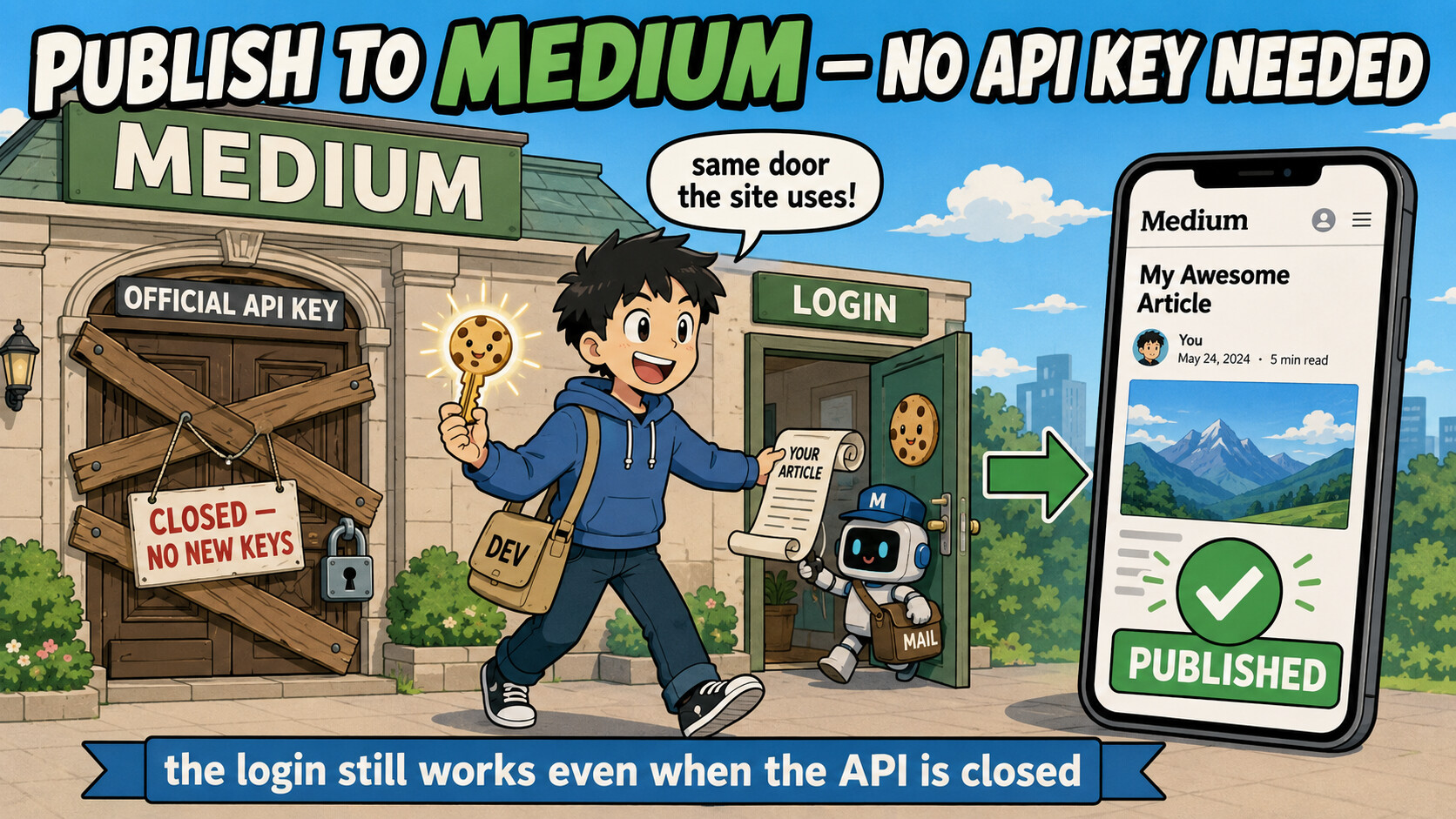
 No token? This is the one that works right now. These sign in with your normal Medium session cookie (
 medium-editor-mcp — Node; writes the real article body via Medium’s delta editor (the correct route) →
  md-to-medium-deltas — the missing piece: turns your Markdown into Medium’s editor “Deltas” JSON; pair it with either client above →
  The move that never breaks again — write where the API is alive, Medium becomes one output
 dev.to (Forem) —
  Hashnode — GraphQL
  Ghost Admin API (self-host/Pro) →
  A brand-new tool, must land on Medium → medium-editor-mcp / medium-ops on a session cookie
 A content pipeline you’ll run for years → dev.to/Hashnode/Ghost API + canonical to Medium
 A scheduled auto-poster with no server → publish-to-medium (Playwright) on a cron
 Just need your old Medium posts OUT as Markdown → the read-only medium2 export endpoints
 !
!