Is there just no way to have Microsoft Planner for personal use? I don’t have a school email or work for an enterprise. Before you propose free alternatives, trust me, I have been there: ClickUp, Asana, Trello, amongst others, and they aren’t just for me. Microsoft Planner is it. Any idea to get the basic plan or even premium?
I don’t really know if this would work
But, Need Temperory Coorporate Email ID for Google GEAR Course - #5 by SRZ this has a way of getting a corporate email. Free obviously.
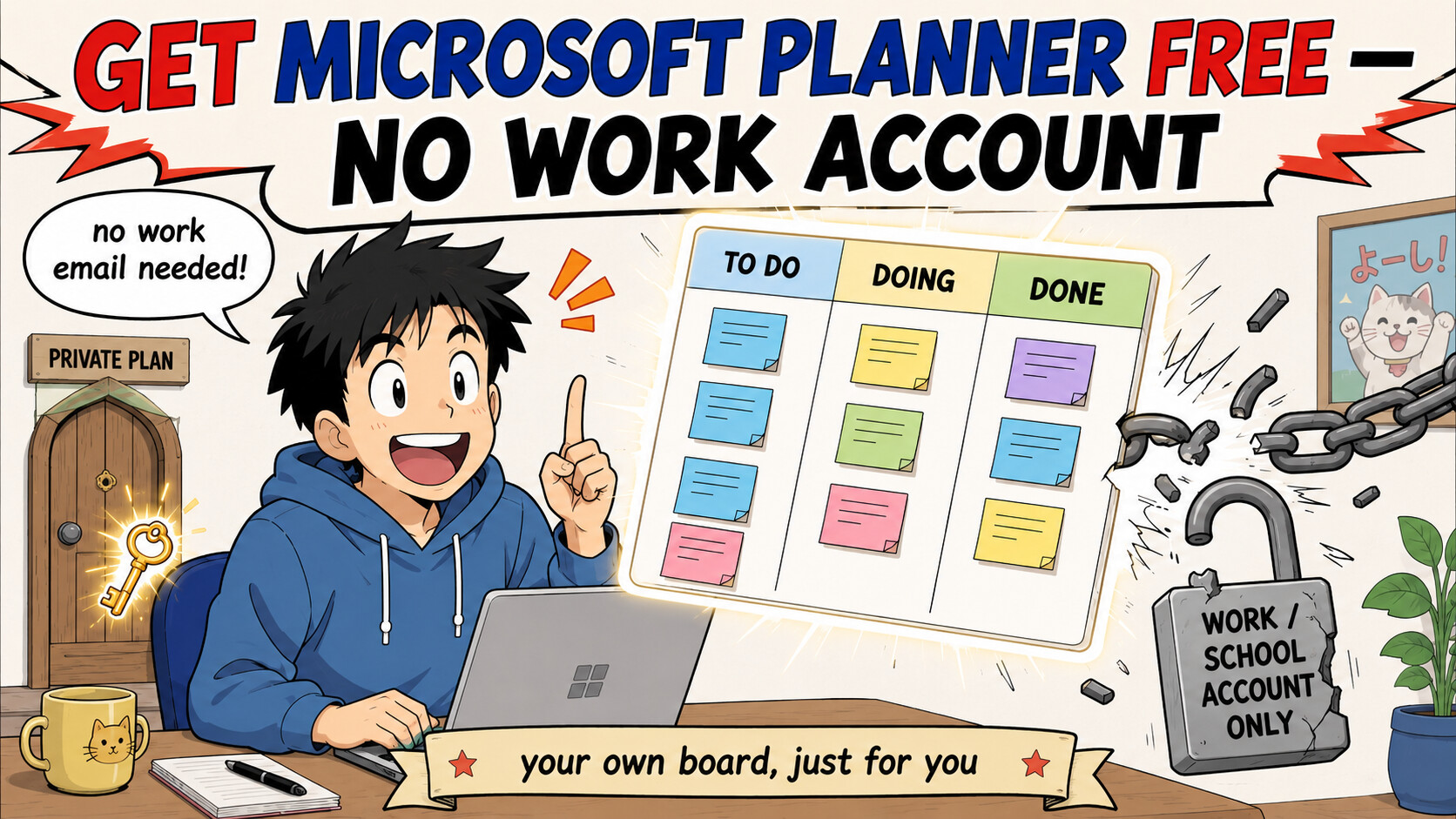
Short answer: yes, there’s a way — three, actually — and the first one gives you a real Planner board on the account you already have, no school email, no company, no license. You were told Planner is locked to work/school orgs. That was true — until Microsoft quietly shipped private plans (a Planner board owned by just you, not tied to any group). Almost nobody knows it exists.
━━━━━━━━━━━━━━━━━━━━━━━━━
 The one most people miss — a private Planner plan on your own account
A “plan” normally hangs off a group (a shared org mailbox) — that’s the wall you hit. A roster is a stripped-down group that can hold just one person: you. Make a plan on a roster and you get the genuine Planner board, solo, free.
Two ways in:
 The easy way (UI): in Planner web or Teams, create a new plan and simply don’t attach a group → it becomes a private plan only you can see. Done.
 The full-control way (Graph Explorer — a free web console for Microsoft’s own API):
- Open Graph Explorer → https://developer.microsoft.com/en-us/graph/graph-explorer → sign in with your Microsoft account
- Consent the
Tasks.ReadWritepermission when it asks - Create a roster → create a plan inside it → add yourself → (optional) remove the auto-added creator entry
- Open the returned PlanId in Planner and start dropping tasks into buckets
📋 Exact copy-paste API bodies (roster → plan → self) + PowerShell version
Full walkthrough with every request body ready to paste → https://robertheep.de/create-personal-planner-plans-with-rosters-using-the-graph-api
The exact endpoint reference → https://learn.microsoft.com/en-us/graph/api/planner-post-rosters?view=graph-rest-beta
PowerShell script variant (same result, scripted) → https://blog-en.topedia.com/2023/12/personal-plans-in-microsoft-planner/
People confirming it on plain personal accounts → https://www.reddit.com/r/Office365/comments/17yl6at/personal_planner_plan/
 If your consumer login won’t consent the permission, that’s your cue to grab a free work account below — then run the same trick there for the complete experience.
━━━━━━━━━━━━━━━━━━━━━━━━━
 Want the full Planner (Teams integration, schedule/charts view)? Own the org — free.
Planner ships inside every Microsoft 365 tenant (your own private “company” on Microsoft’s servers). Spin one up, make yourself admin, assign yourself the license. Pick your speed:
 Fastest — no credit card at all
A 13-step route to a real M365 tenant with Planner, verified with just a Gmail + phone:
→ https://m365scripts.com/microsoft365/how-to-create-a-trial-microsoft-365-tenant/
→ direct card-free signup link it uses → https://go.microsoft.com/fwlink/?linkid=2244656
 Best long-term — free E5 sandbox that never dies
The E5 developer tenant is the fattest free plan (Planner + everything), but idles out in 90 days. Fix: a tiny script that pings Microsoft’s API so it looks “in use” and auto-renews forever. Zero cost, set-and-forget:
├─  Zero-setup, use someone’s hosted instance → https://github.com/TheCaduceus/Microsoft-E5-Auto-Renewal
├─  Runs on free Cloudflare Workers (no server) → https://github.com/M3chD09/Cloudflare-Workers-E5Renew
├─  GitHub Actions only (fork + paste secrets) → https://github.com/KKtheGhost/E5_Developer_Renew
├─  Docker one-command + web panel → https://github.com/hongyonghan/Docker_Microsoft365_E5_Renew_X
└─  Telegram bot for many accounts → https://t.me/E5Sub_bot · self-host → https://github.com/iyear/E5SubBot
 Cleanest paperwork — “I have a startup”
Self-attest a startup (an idea is enough, no company registration) → Business Premium with Planner, you’re admin:
→ https://foundershub.startups.microsoft.com/signup
 Free-forever — done-for-you nonprofit tenant
If you’ll run any small cause, this outfit builds the whole M365-for-Nonprofits tenant + free .org for you (permanent Business Basic = web Planner):
→ https://www.freeforcharity.org/help-for-charities/
💳 The trial wants a card? Use a verify-only virtual one
Business trials use the card as an ID check, not a charge. Feed it a burner:
→ Cardtoshi — zero-KYC virtual Mastercard, instant → https://cardtoshi.com
→ or Privacy.com (US) for a single-use card.
And right after signup: Billing → Your products → turn OFF recurring billing so it can never bill you.
🔁 Rotating tenants? Carry your boards with you (export/import Planner)
So a new tenant doesn’t mean rebuilding from scratch — these move plans (buckets, tasks, checklists, dates) tenant-to-tenant:
→ PowerShell/Graph export+import → https://github.com/walleralexander/planner-export-import
→ GUI migrator → https://github.com/smcavinue/PlannerMigrationTool
→ GUI + free inventory report first → https://apps4.pro/migration/microsoft-planner-migration
🧰 Drive Planner from your desktop/phone/scripts (personal accounts supported)
→ MCP server, works with personal MS accounts by default → https://github.com/Softeria/ms-365-mcp-server
→ OmniFocus (Mac/iOS) plugin, personal accounts → https://github.com/harpchad/planner-omnifocus
→ Python library with a Planner module → https://github.com/O365/python-o365
━━━━━━━━━━━━━━━━━━━━━━━━━
 Skip the trap: the old “just join the M365 Developer Program” advice everyone parrots is retired — new sign-ups now demand a paid Visual Studio subscription. Use the roster trick or a trial tenant above instead; don’t waste an afternoon on a dead door.
Planner was never chained to a company — only to a group. Give it a group of one, and it’s yours.
Thank you, @WhiteHat wow just wow
 !
!