Hello everyone,
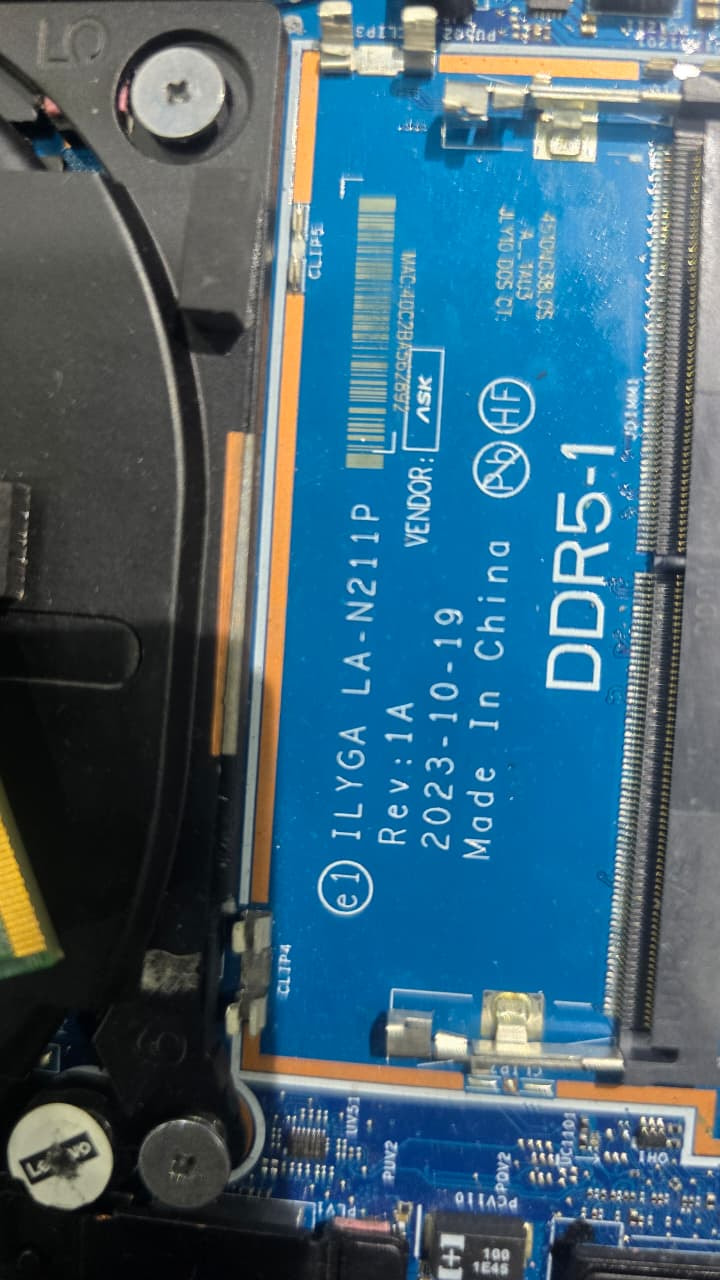
I am looking for the schematic PDF and BoardView file for the following motherboard:
The motherboard has a short-circuit issue, and I need the schematic and boardview files for component-level diagnosis and repair. I have already identified the board number from the motherboard silkscreen. Some repair forums indicate that schematic and boardview files for this board exist. (BadCaps)
If anyone has:
please share it or point me in the right direction.
Thank you for your help. Any assistance would be greatly appreciated. 
Motherboard: ILYGA LA-N211P Rev 1A
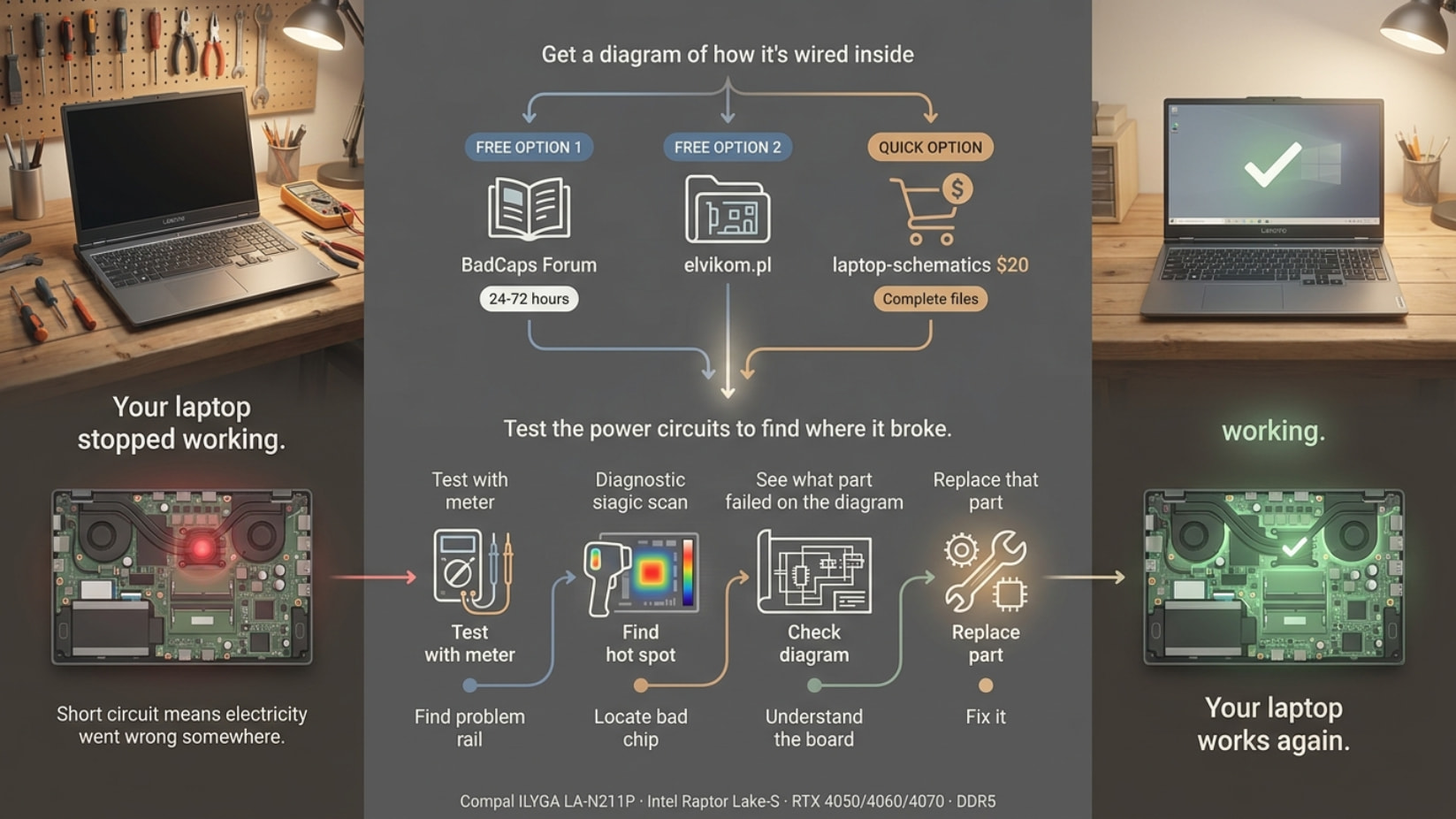
Hey — you’ve got options for this board. Here’s everything:
5 Sources for LA-N211P Schematic + Boardview
 laptop-schematics.com — $20 (COMPLETE)
→ view/15665
 Schematic Diagram (PDF) · BoardView CAD · BoardView viewer software · Power Block Diagram · APU SMBus · KBC SMBus · Thermal Block · Audio Block · CLK Block
Payment: Card / PayPal | Quality: Professional, direct from repair community
 BadCaps Forum — FREE
→ badcaps.net — Document & Software Archive → Schematics & Boardviews
Status: Active thread for LA-N211P (confirmed May 2026)
How to get:
- Register free account
- Go to: Document & Software Archive → Schematics and Boardviews
- Find LA-N211P thread
- Post request or check replies
- Community shares within 24–72 hours
 elvikom.pl — FREE
→ post305665
Format: BoardView .fz file | Language: Polish (use Google Translate) | Requires: forum registration
 indiafix.in — FREE
→ legion5
BIOS bin file + repair files | Password: indiafix | Supplementary for power rail reference
 pkbiosfix.com — FREE
→ threads/lenovo
Dedicated thread with BIOS + possible schematic links | Free registration required
Open the Files
| Format |
Software |
| .CAD, .BRD |
OpenBoardView (free) |
| .FZ |
FlexBV (free version) |
| .BDV |
All-in-One BoardViewer |
| .PDF |
Any PDF reader |
Find Your Short (4 Steps)
STEP 1 — Identify Affected Rail
- Set multimeter to diode mode
- Probe to GND: 19V (barrel) · 5VSB (standby) · 3.3V · 1.8V · CPU VCORE · GPU VCORE
- Normal: 0.3–0.6V | Short: 0.000 or beep
STEP 2 — Inject Voltage (Safe Method)
- Use bench PSU or 5V/1A phone charger
- Connect to shorted rail
- Use thermal camera or feel for hot component
- Hot component = shorted IC found
STEP 3 — Common Culprits
- MOSFETs near CPU VCORE
- NVME SSD power MOSFETs
- GPU power delivery MOSFETs
- PU6201 area (RT6585CGQW voltage regulator)
- Decoupling capacitors on power rails
STEP 4 — Use Schematic To:
- Trace which IC controls the shorted rail
- Find all capacitors on that rail
- Identify MOSFETs in that power stage
- Measure enable/feedback signals
Pro Tips
- laptop-schematics.com $20 — complete package with all block diagrams, essential for Raptor Lake power rail tracing
- Try BadCaps first — active thread, files shared free within 24–72 hours
- Thermal camera ($30) — USB thermal (InfiRay P2 Pro) pays for itself on first board
- Check PU6201 area first — RT6585CGQW voltage regulator is a common failure on Lenovo Legion Intel boards
- Disconnect battery + EC power before probing — IT8258E EC can give false readings if powered
Action Plan
TODAY — Free first:
- Register at BadCaps → search “LA-N211P” in thread
- Check elvikom.pl → .fz boardview confirmed
- Start diode mode diagnosis NOW on all power rails
If free fails:
4. Buy from laptop-schematics.com ($20, worth it)
In parallel:
5. Start short-circuit testing immediately — don’t wait for schematic
Board: Compal ILYGA LA-N211P Rev 1A · CPU: Intel Raptor Lake-S · GPU: RTX 4050/4060/4070 · RAM: DDR5 · EC: LA1-VG-CX + IT8258E / IT8176
LA-N211P is well-documented in the repair community. BadCaps is your best free starting point. laptop-schematics.com is the most complete paid option. You’ve got this. 
Thanks for the Solutions <3
 !
!