 Free Netflix Premium Cookies — Watch Anything, Just Don’t Be Stupid
Free Netflix Premium Cookies — Watch Anything, Just Don’t Be StupidWorking premium cookies. Import, refresh, watch. That’s the whole trick.
Someone else’s Netflix Premium session, loaded into your browser. You paste a cookie file, the browser thinks you’re already logged in, and you get full premium access — no account, no password, no payment.
Cookies expire fast. Don’t get comfortable — grab what you need while they work.
🍪 How to Use — 60-Second Setup
Step 1 — Install a cookie editor extension in your browser:
Search “Cookie-Editor” in the Chrome Web Store or Firefox Add-ons. Free, takes 10 seconds.
Step 2 — Open Netflix in a new tab:
 netflix.com
Step 3 — Get the cookie file from the Google Doc:
Netflix Premium Cookies
Step 4 — Click the Cookie-Editor extension icon → hit Delete All (trash icon) to wipe existing Netflix cookies.
Step 5 — Click Import → paste the entire cookie text from the Google Doc → click Import.
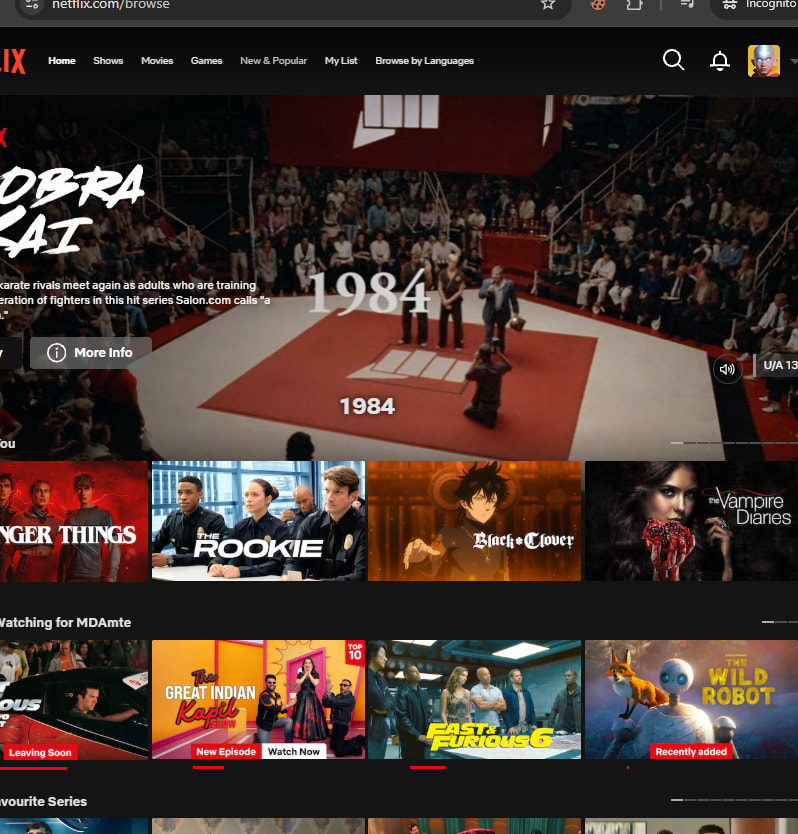
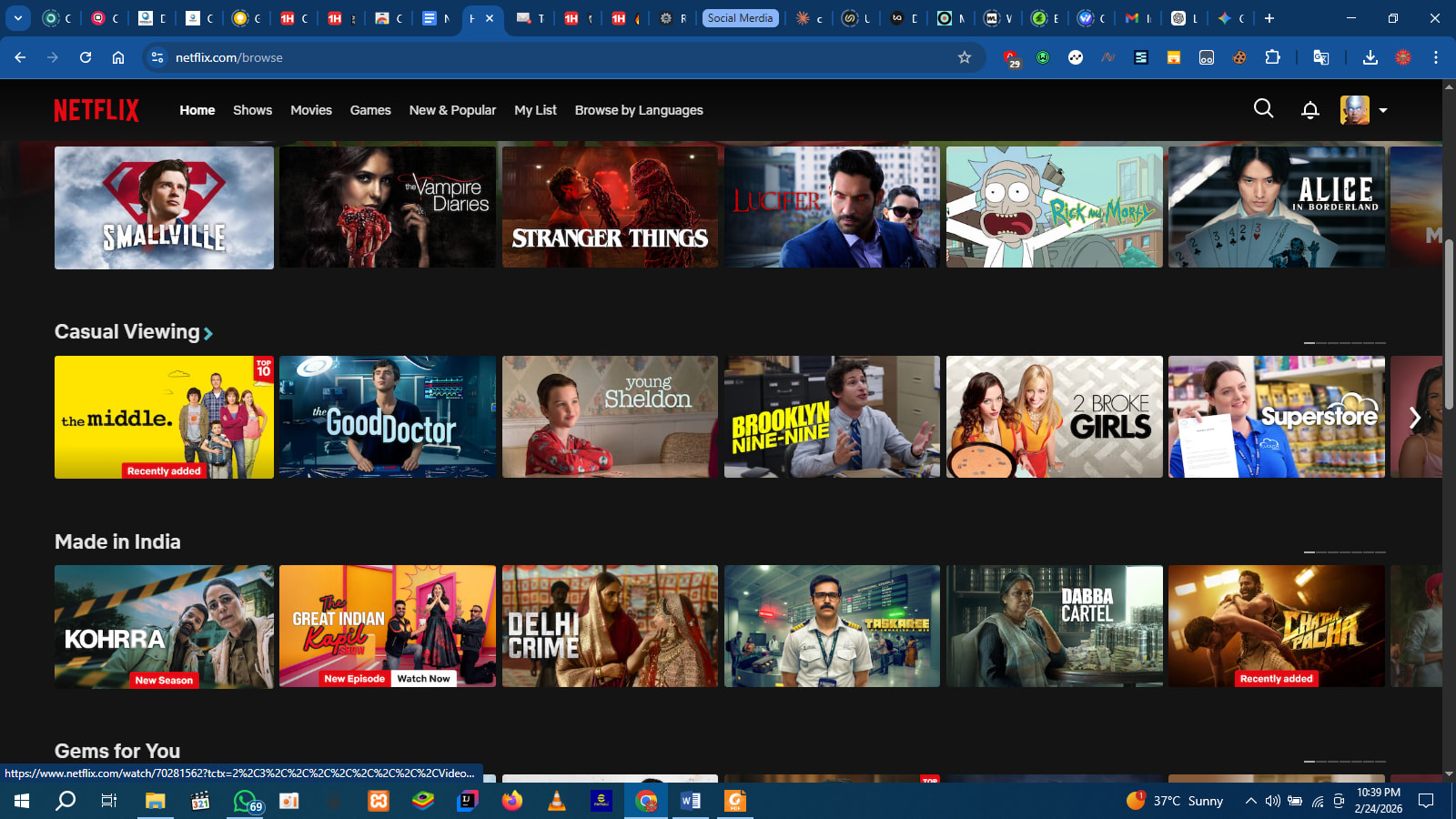
Step 6 — Refresh the page. Premium profile should load.
 Need the Cookie-Editor extension link?
Cookie Editor Setup Guide
⚠️ What NOT to Do — Read This or Get Kicked Out
| Don’t | Why |
|---|---|
| Don’t change the profile name or avatar | The real account owner sees changes — cookies get revoked instantly |
| Don’t change the password or email | Same reason. You’re a guest in someone else’s session. Act invisible. |
| Don’t add/remove profiles | Triggers account alerts. You’ll kill the cookies for everyone. |
| Don’t change playback settings or plan | Any account-level change flags suspicious activity |
| Don’t use on mobile apps | Cookies work in browsers only — not the Netflix app |
| Don’t expect it to last forever | Cookies expire when the real user logs out, changes password, or the session times out. Could be hours, could be days. |
 Golden rule: Open. Watch. Close. Don’t touch anything that isn’t a play button.
🔁 Cookies Stopped Working?
| Problem | Fix |
|---|---|
| Page shows “Sign In” after import | → Cookie expired. Try a fresh set from the doc. |
| Loads but kicks you out mid-stream | → Account owner changed password. Need new cookies. |
| “This profile is not available” | → Owner deleted the profile you were on. Refresh and pick another. |
| Extension won’t import | → Make sure you’re on netflix.com (not a Netflix subpage) before importing. Clear cookies first, then import. |
Quick Hits
| Want | Do |
|---|---|
| Watch Netflix Premium free |
→ Import cookies → refresh → pick a profile → watch |
 Stay under the radar Stay under the radar |
→ Don’t change anything on the account. Ever. |
 Cookies died Cookies died |
→ Check the Google Doc for updated cookies |
 Need the extension Need the extension |
→ “Cookie-Editor” in Chrome Web Store — free |
Someone else’s couch, someone else’s remote. Just don’t rearrange the furniture.


 !
!