Office365 With 5TB To 25TB Of OneDrive Cloud Storage | Lifetime ⚡

Any solution to resolve this error. Tried waiting for days, but error is not going anywhere.

"We can’t continue with the signup process for the following reason:

  • You have used too many phone numbers.

For help with your Microsoft account, go to Microsoft account and verify your information."

Greetings! I have a humble request to make.
How does one increase the storage to 25 TB, please?

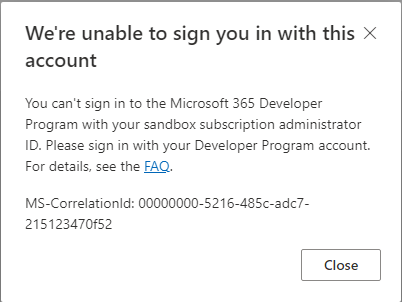
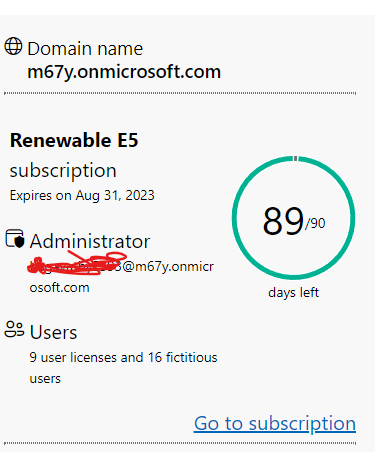
The method is perfectly worked for me and I can use 5TB storage in onedrive as well. But when I try to check subscription details which is showing as per attached image. Any solution for this error?

Dont sign in with the new admin account you created in developer, like [email protected], use your original account using which you registered for the developer programme, like [email protected]

1 Like

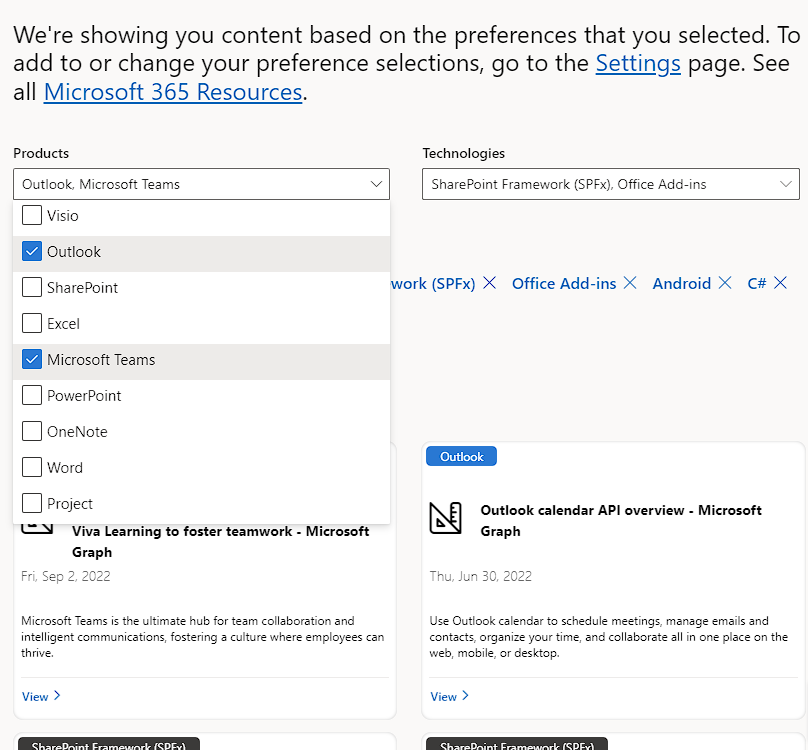
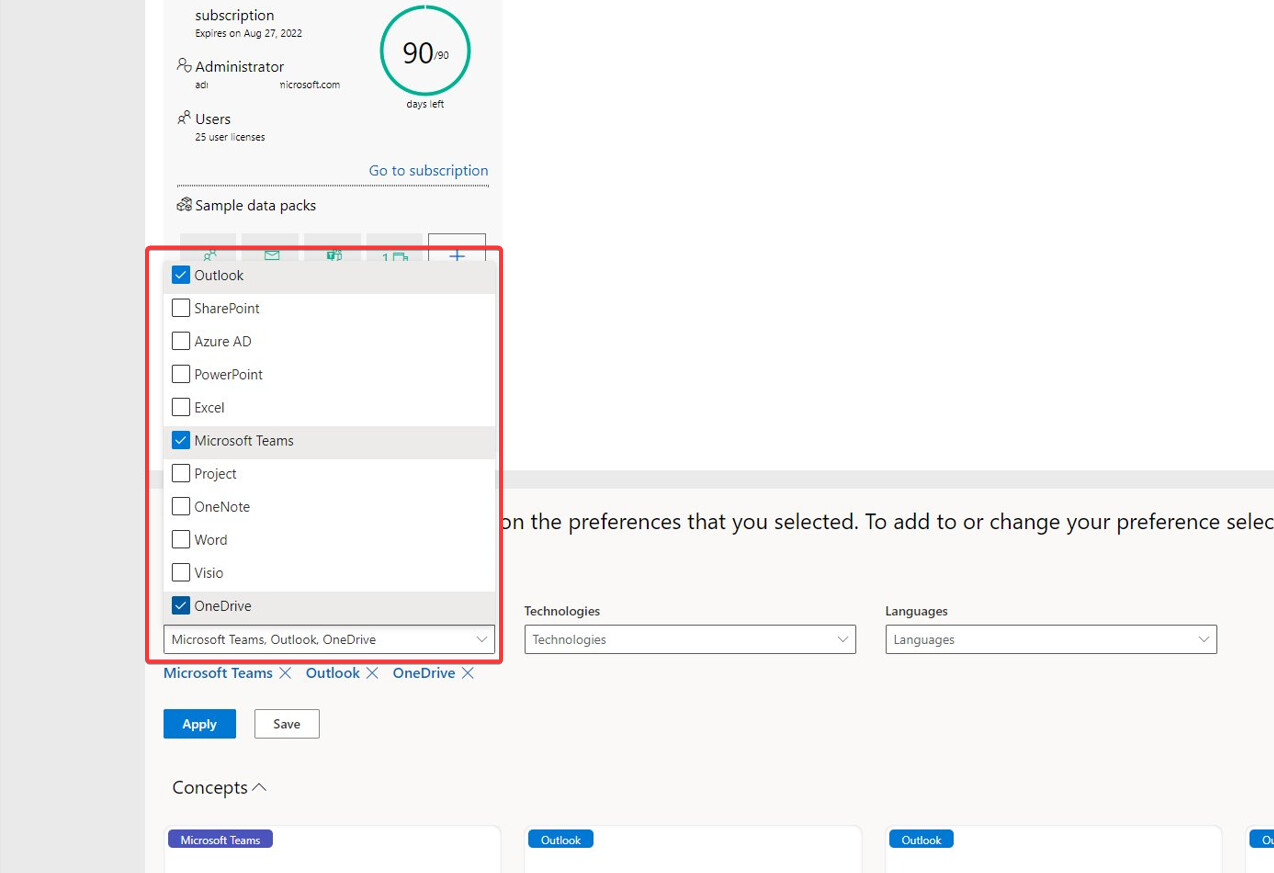
For some reason i stuck on Step 10. I cant chose Onedrive.. any suggestions?

Thanks, it worked. But can I use it to store personal files? will microsoft block my account for that?

Check scroll up/down

1 Like

Please check the whole topic discussion before repeating the questions for which answers are already posted. It’s really not appreciated. Like this post: https://forum.telugudjmusic.com/t/office365-with-5tb-to-25tb-of-onedrive-cloud-storage-lifetime/221313/149 is similar. You can always go to account settings, apps, select all apps there. Without research stop asking your silly questions.

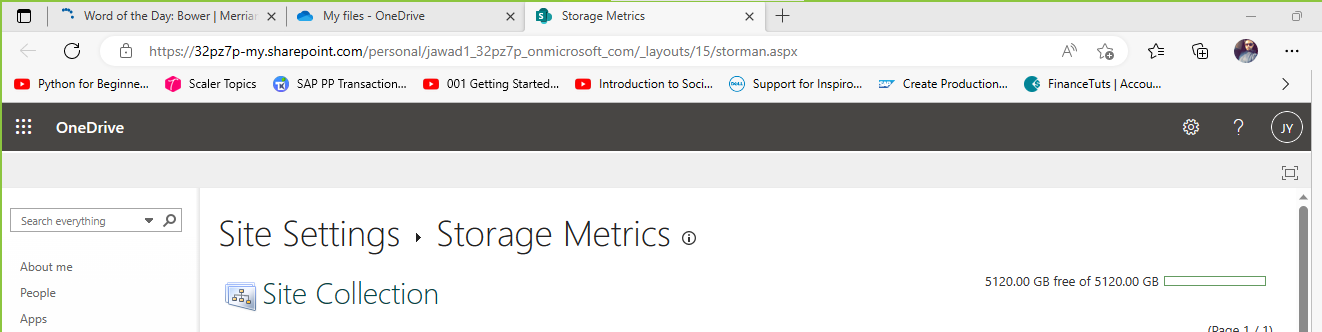
Thanks, the method works perfectly. I have 5TB on OneDrive. To enjoy :slight_smile:

2 Likes

Thank you so much!
It’s working perfectly!! :white_check_mark:

1 Like

Tnx @Aina for the excellent tutorial. It worked for me.

i confirm that this method still works. its second time I’ve created account with5tb.

you must write an Email to the support that you want to have 25TB

2 Likes

Today 365 completed still my account is working with 5tb

1 Like


Can some one help me to solve the login issues with the admin id what i got from developer 365?
How to get into subscription

Use the Microsoft account you previously entered to create your developer account.


Once i click the go to subscription do i need to login with admin account or i created with my personal outlook account?
if i logged in with old account there i can’t get access to admin or 365 is not free.
Pls someone guide what should i do next

You already have a subscription, so there’s no need to click on ‘Go to subscription’ and add another one. Simply go to office.com and sign in with your developer email and password.

2 Likes

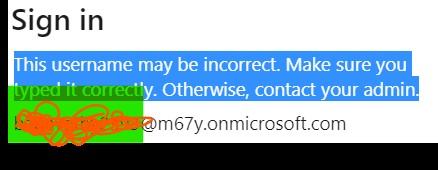
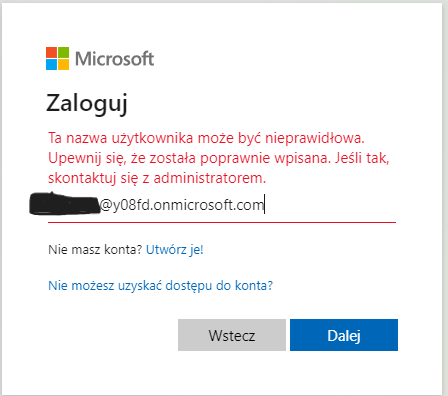
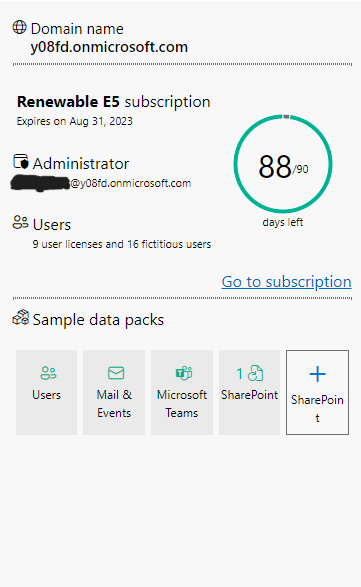
I also have an active subscription, I also did what you wrote above, but I’m on office.com and when I try to log in, I get the error: This username may be invalid. Make sure it has been entered correctly. If so, contact your administrator. Same problem Deanie_N has. The same thing happens when I press the go to subscription button. I can’t log in to my admin account from any website at all.