it will renew every 90 days
Hey, Puckett… Thanks man! Still working.
Thank you, it’s working.
Can anyone tell me how to request support to increase storage from 5 to 25 TB?
Works perfectly, thanks for the method Chief!
Superb! Thank you so much!
i accidentaly request acc deletion how can i cancel this
use the admin email you got after opting for it
it will be on the top
still working, thank you!
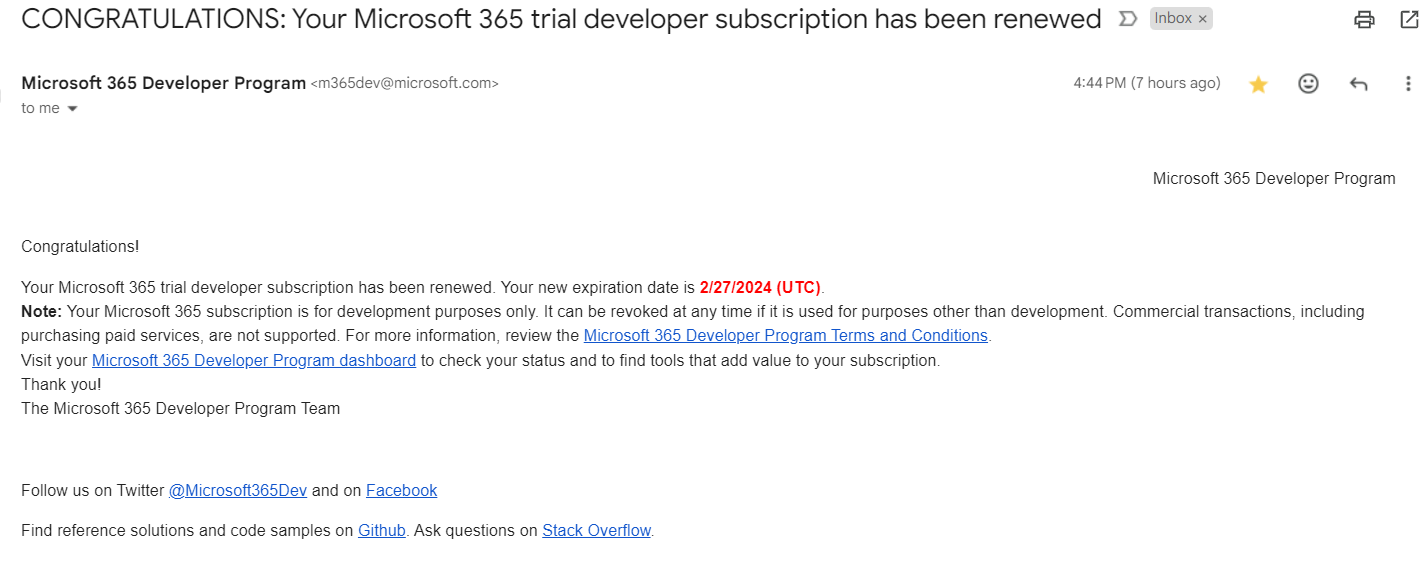
I wenr through all the steps and everything worked except one drive is not showing in products.Is It didnt work since I have an active 365 subscriptiion?
please check my reply here
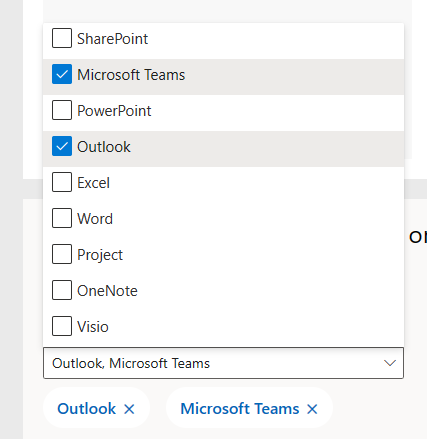
they took off ONEDRIVE product from the choice list !
the option is there in settings page
please check it
How to specify the message?
This may be because of use of a vpn which locates you in a country different from the one you set during your registration.


btw can I sync this with the Samsung gallery app or nope?
It worked! Thanks for this awesome guide!
For those, who doesn’t see one drive app / option:
You don’t need worry about it. You can access one drive app in the office homepage’s apps menu.
all done no issue but 2nd step select one drive doesn’t show in today.
 !
!