@Swapnil_Jain just set-up key or QR code in authentication app that you get earlier while verification
I only got 5 gb space and I cannot access the admin space
I am unable to set-up key in authentication app as it is asking for code that is send app and app can’t find back-up as well.
you have to install microsoft authenticator on your mobile phone via playstore
Thank you so much <3333
hello. can you help me.? I don’t have any number to verify. If I use the pages to verify I get an error… I only want Office 365, not OneDrive. thank you.
Just got 1Tb space in OneDrive. How to increase it to 5Tb? Can anyone help?
Go to Admin Center, click on your user account that u want to increase the storage and then click on modify limit and type 5120 GB. Hope that helps.
Yeah, thanks. It worked, but it’s showing expiry date 31/1/2024 does it mean that I will lose this developer account? Anyone please help.
With this can i also upload my photos to one drive and enable auto backup in iphone?
The answer to your question exists in several feedbacks mentioned above, kindly, explore, make yourself useful, and find out how to go with it to keep it alive.
Obviously, I’m surprised why would you ask that irrelevant question, that’s a feature by services that can be used by any user anywhere anytime.
I have had my developer account for over 2 years now, it has never expired. I thought I only had 1TB until I read this post. When I go into Sharepoint it shows 25TB of space! WTF.
No, you can store whatever. I have tens of thousands of adult magazines in mine for years now and no problem.
This is gonna get taken away from us just like the gdrive and dropbox options are.
Same. No OneDrive Option. I wanna kms :´(
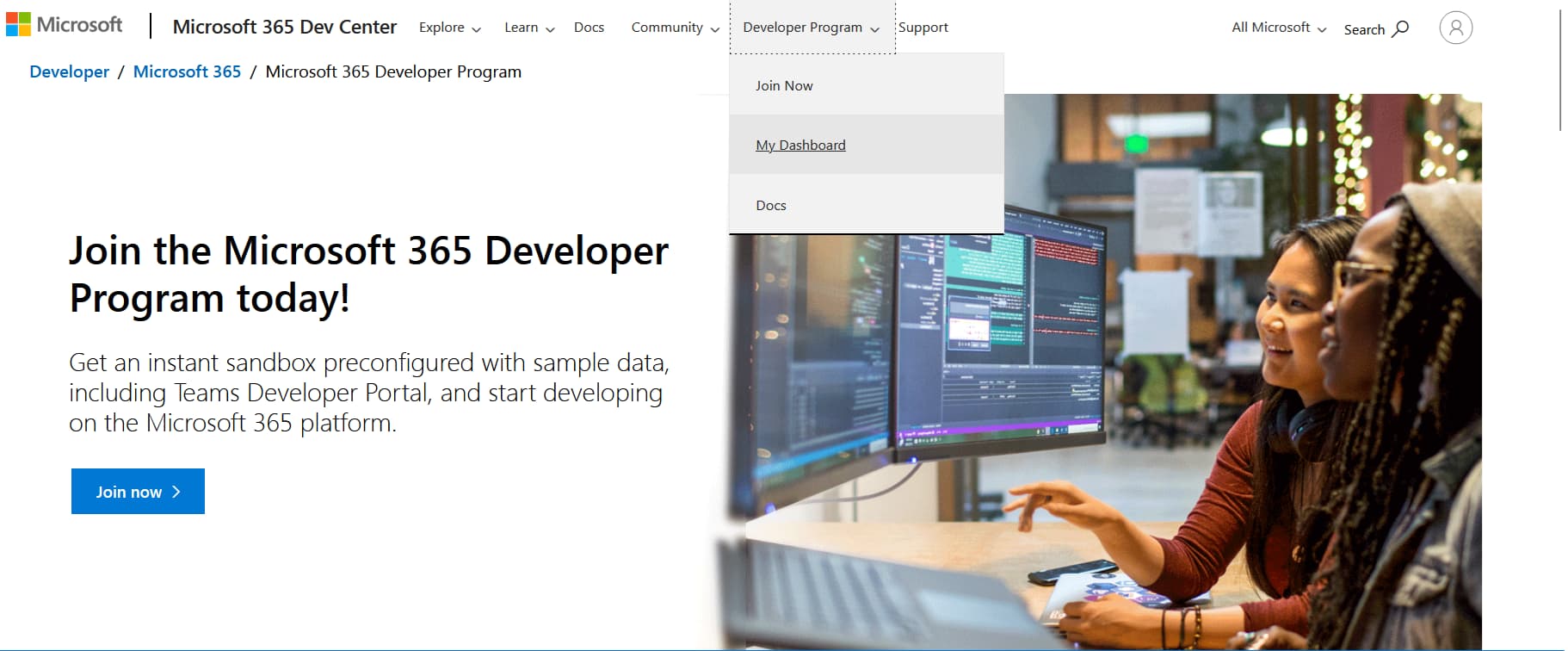
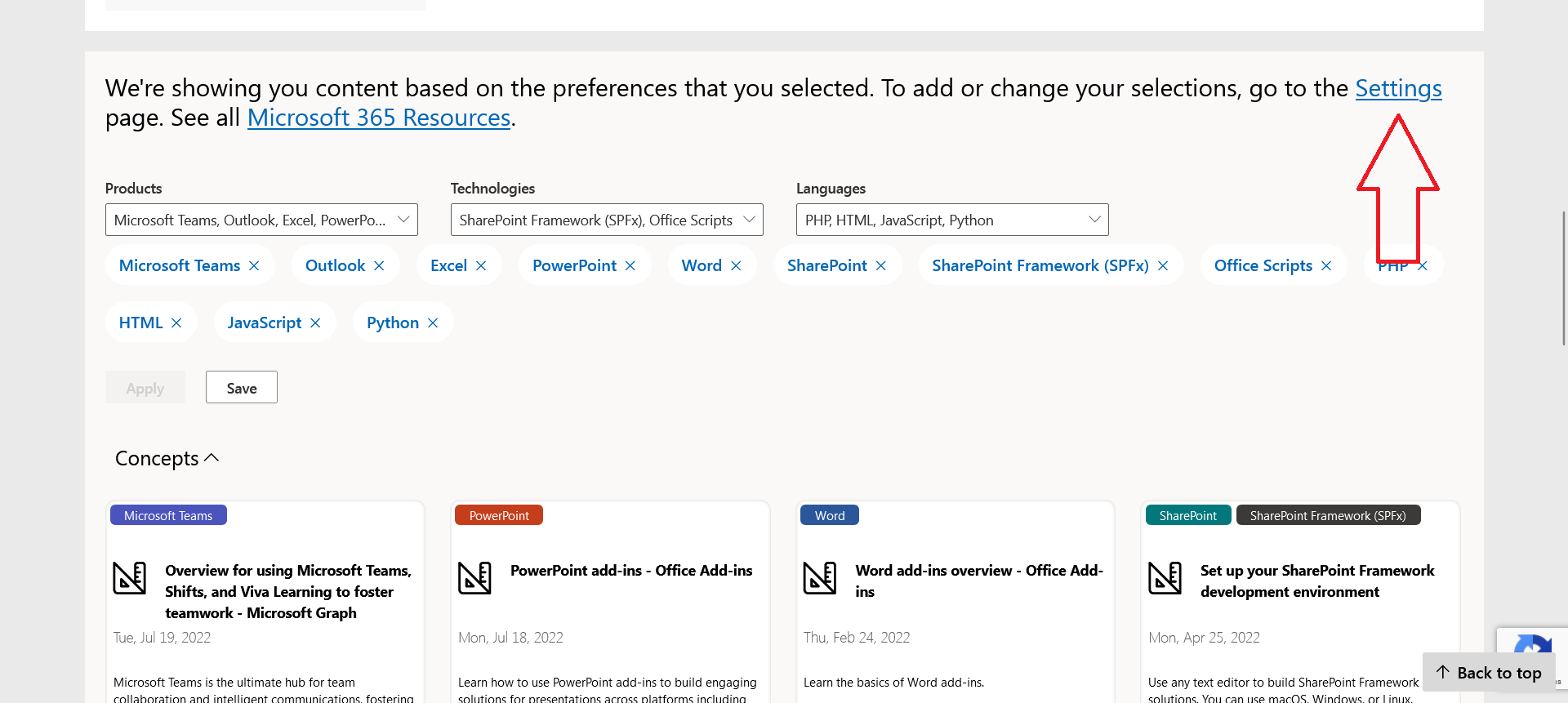
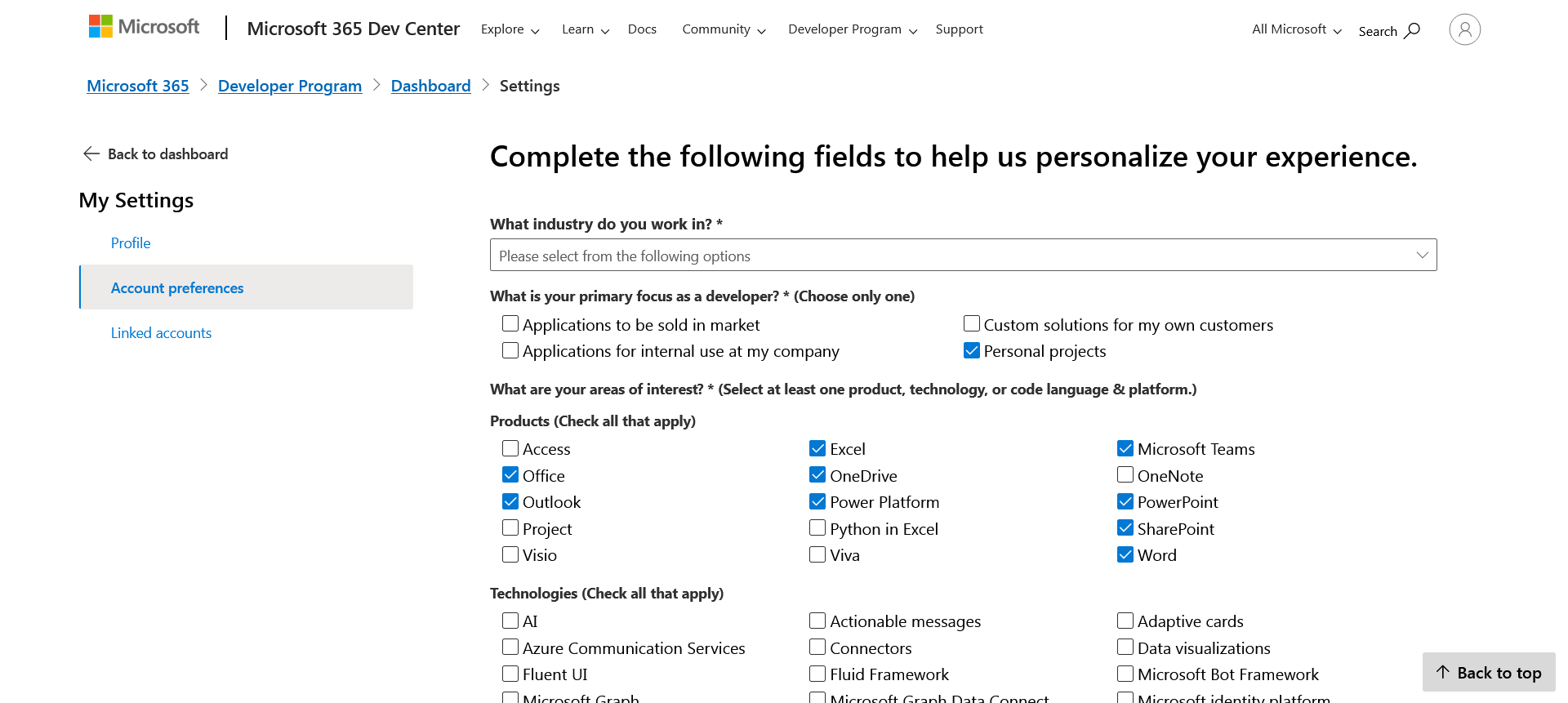
Still works, thanks man.
as i saw a long time ago…a lot of users losted their saved in onedrive data after subscribtion’s ended…and some one said if your owm ms account linked with developer acc admin it helps to safe onedrive…BUT i tryed tonns of ways to link accounts and nothing …about one year i have 2 unknowns how to encrease dev subscribtion period and how to link accounts ((( Any advices?
Also, stop making Sam Da Boss angry, or else… 
 !
!