Thank You!
Thanks Bro!
Woa thank you for this amazing tip! I was successful in following the guide, however I am still trying to understand how to get the most out of it.
Regarding storage, I got 5TB on my admin account and any newly created account. Is there a way to take advantege of this space with my personal (already existing) account? I can’t assign licenses to guest guest users (I already knew this “feature”) but, is there a way to, for example, create a shared folder that can be accessed directly from my OneDrive personal folder, or any other equivalent workaround? I am asking this because on my PCs I already have my personal account and my company account, and I would prefer not having a 3rd ondrive account
hey pal,
I requested 25Tb today and this is the response I received from the support…
Thank you for patiently waiting. Rest assured that I’ll do my best to help you in this case. It appears that you have M365 Developer E5 trial. The thing is, only paid license would be eligible for 25TB OneDrive storage upgrade, and you need at least 5 paid licenses. However, developer subscription won’t be eligible for that upgrade either. Thus, I recommend that you purchase business subscription.
Although, I have a very good workaround for this. You may check it below and I can also assist you over the phone with screen sharing if you want.
You can virtually increase your OneDrive storage with the steps that I personally use below.
- Create new user then assign another OneDrive eligible license.
- Open that account then create folders then share it with your main account. This way you can simply access your own account and store files on those shared folders without using your own OneDrive storage. It’s literally like a virtual OneDrive storage expansion.
Thank you so much and I hope this helps. Please let me know if you need further assistance or if I provided you enough details to resolve this with the workaround I shared.
sir working great thanks . can able to retrieve data if not renewed ?
Hey @Aina i need to ask about using azure, can i use the free time of azure making bypass with new e-mails that i can create? or exists other route for use azure 4 free? (i know that is 4 gain 5tb of Onedrive, but if you or anyone can solve this question, i be very glad for this)
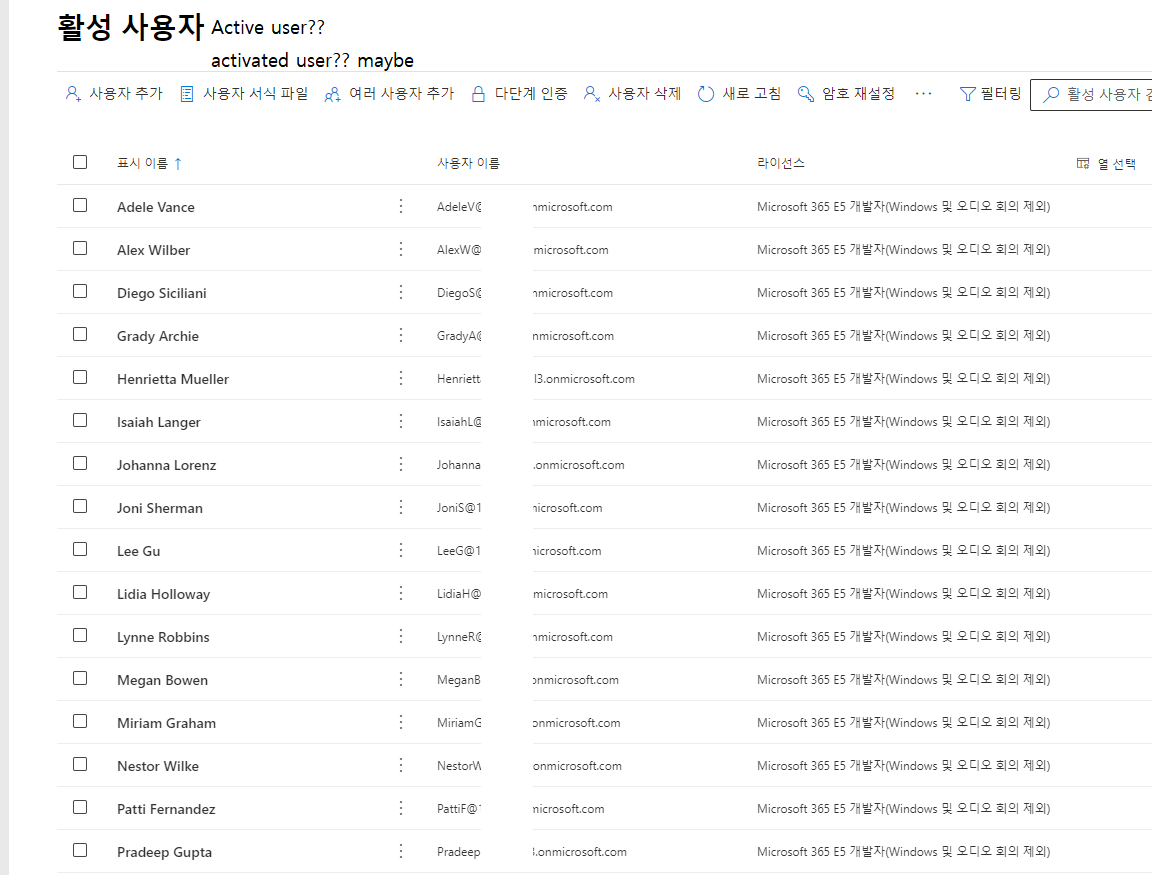
You can delete them.
Those are dummy accounts created automatically when you set up so your directory is not empty.
Sucessful created as @Aina Tutorial as mention in post and I hope it will be automatically renewed for lifetime
The problem is with the sms verification, even if you use your number .. whatever it gives you an error saying you can’t !
Any solutions ?
Hiya Sam, Thank you for the share. Even though I know next to nothing about computing, thought I would try it out and it worked a treat. It is amazing and I am amazed. It will forever solve my online storage limitations. Really grateful.
Works chief, Thanks for making our lives easier day by day…
cant create account, shows always error Code: 40351
Your phone number did not pass security checks.
can anything do?
got the same errror, any solution yet?
Try writing the number without the zero that begins your phone number. It really worked for me
same issue 

How, mate? Only just use it daily?
I’m stuck just like you ..
@M1c4i Can you try another phone number? It worked for me with a German phone number…
@Sunny_Sun Do you have the same error/problem? Have any of you contacted Microsoft support?
Maybe this is helpful for you Forum Microsoft
got only 1 number, and they not accepted its a german number and privat not use for anything.
 !
!