 Free Windows disk scanner — finds what fills the drive, lists every file it deletes
Osenpa Disk Analyzer 1.1.1 · Windows 10 2004+ / 11 · x64 · free · one 155 MB file
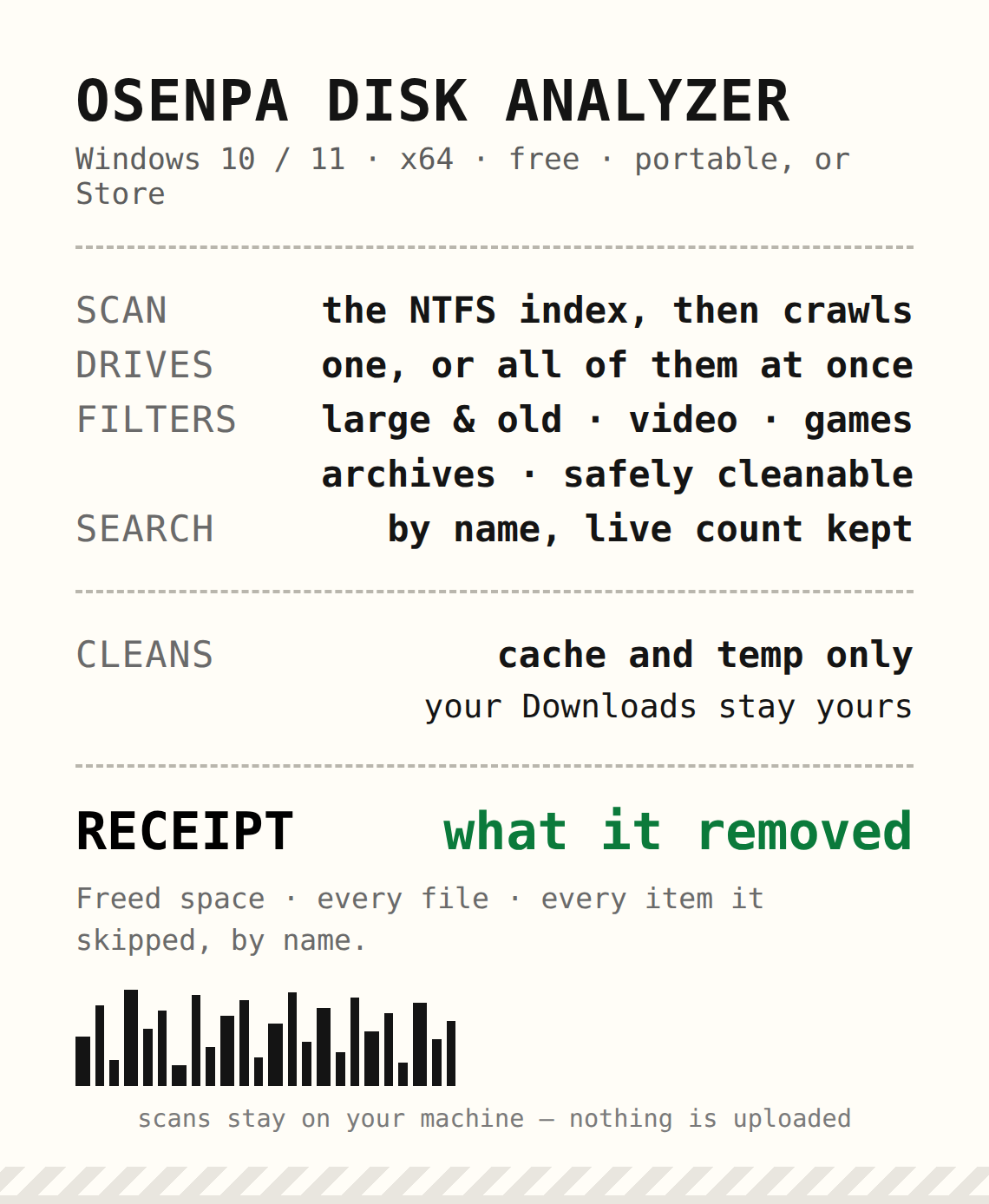
How I run it
- I take the portable EXE, which asks for admin, or the Store build, which does not — they reach different folders.
- I pick one drive, or Scan all, and it reads the NTFS index first, then crawls what it cannot index.
- I work the filters: Large & old (1 GiB, 90 days), Videos, Games, Archives, Safely cleanable.
- I clear cache and temp with Free space now, and my Downloads folder stays mine.
- I look at what it removed before I press delete: freed space, every file, every skipped item, by name.
What it says about itself
- No treemap, no duplicate finder, no registry play — printed on the product page.
- Delete is permanent, so the printed list is the record you keep.
- Search shows the first 2,000 matches and keeps the real total beside it.
- Everything runs on your machine; the launch only checks its update file.
The goods — product page · portable EXE 1.1.1
what it sends over the network
155 MB is .NET 8 riding inside, so nothing else to install.
Softpedia scored it 3.5/5; Uptodown counts 61 downloads — you are in the first room.
 !
!