 Fake identity ➜ apply to a real US university ➜ working .edu ➜ every student perk, no enrollment
Fake identity ➜ apply to a real US university ➜ working .edu ➜ every student perk, no enrollmentFill out one free online application, get a real US student email, and unlock the pro tools colleges hand students — for anyone. 

🎓 The 1 form that mints a real .edu
| # | Do this |
|---|---|
 |
Apply to Park → Create Account → New Student |
 |
Location Online · Program Certificate · Citizenship US Citizen |
 |
Paste the fake identity (name / address / SSN — the US ID number) · No to every yes/no Q · Submit |
 |
 Email 1 = Student ID (minutes) · Email 2 = portal + temp password (2–6 hrs) · then wait ~1 hr for the mailbox to wake Email 1 = Student ID (minutes) · Email 2 = portal + temp password (2–6 hrs) · then wait ~1 hr for the mailbox to wake |
 |
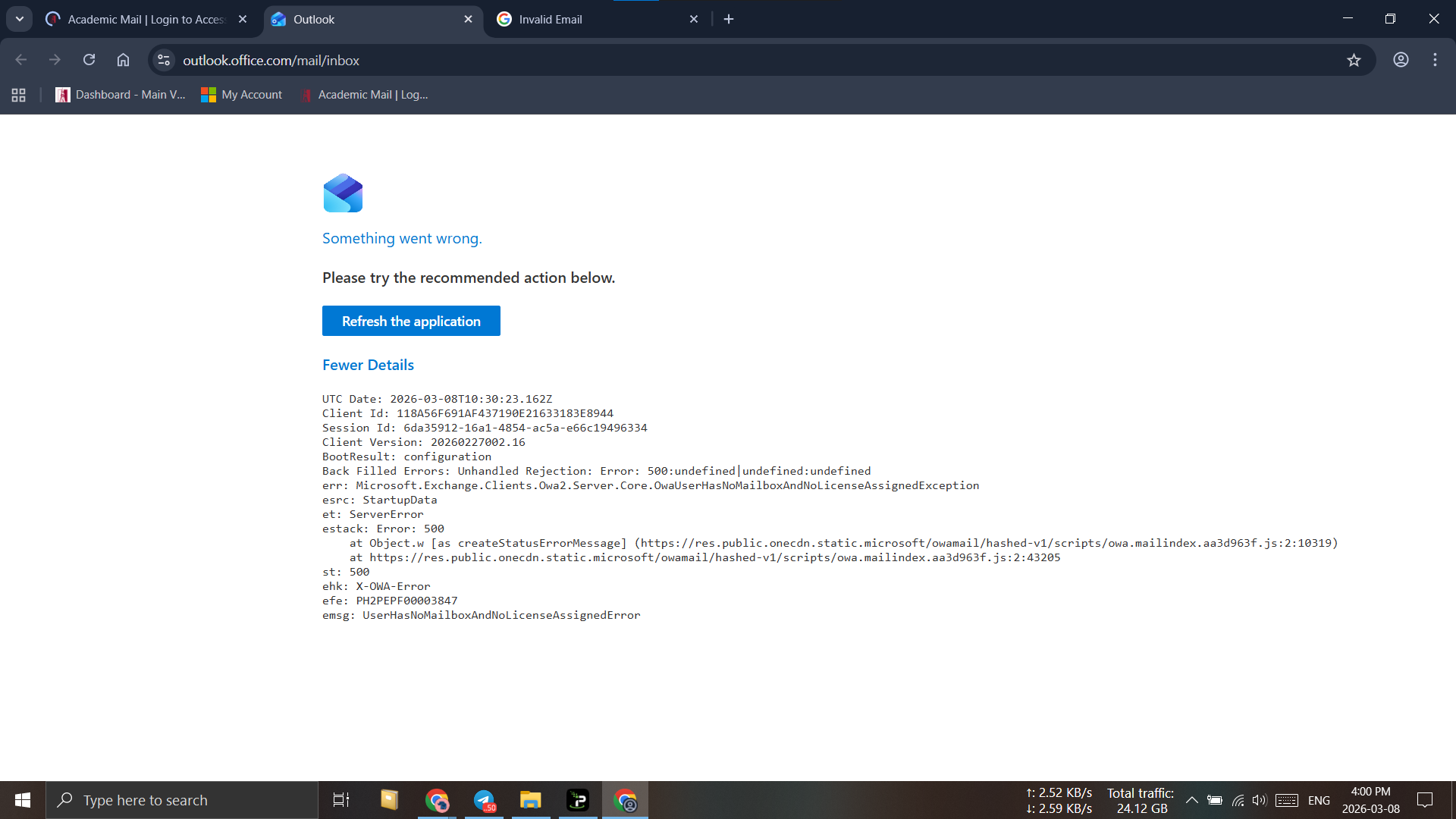
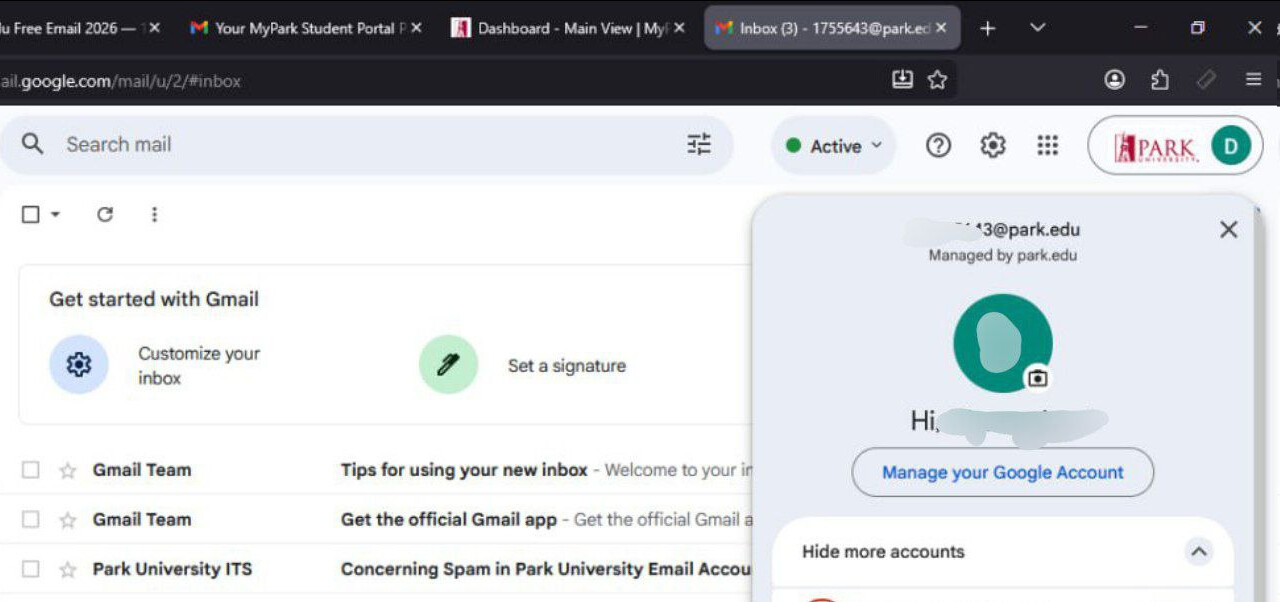
Log in Microsoft, NOT Gmail as [email protected] (e.g. [email protected]) |
 Portal my.park.edu · reset accounts.park.edu · locked = auto-unlocks ~30 min · Park never texts you, so a generated phone is fine.
🪪 Build the ghost once, reuse it everywhere
| Need | Tool |
|---|---|
 Full identity + SSN Full identity + SSN |
fakenamegenerator |
 Save / export the identity Save / export the identity |
fauxid |
 Real-looking US address Real-looking US address |
fakeaddressgenerator |
 Address + ZIP + area code matched Address + ZIP + area code matched |
genaddr |
 State-matched identity State-matched identity |
bestrandoms |
 Free US IP Free US IP |
ProtonVPN free |
 Check the IP is clean Check the IP is clean |
IPQualityScore |
 Use the same city for the address AND the high-school (CEEB) lookup. Same identity, every field, every time.
🏫 If Park drags — first one that lands wins
| School | Why / link |
|---|---|
 Santa Fe College Santa Fe College |
best, ~90 min, MS365, no SSN — apply |
 Maricopa Maricopa |
create account · ID-verify bypass |
 OpenCCC / CCCApply OpenCCC / CCCApply |
one form = 115+ CA colleges — apply |
 UMGC UMGC |
reports to the national student DB → instant later checks — site |
 De Anza / Foothill De Anza / Foothill |
MS365 after picking a class — apply |
 Vet any school domain (nothing back = clean):
 curl raw.githubusercontent.com/JetBrains/swot/master/lib/domains/abused.txt | grep your-domain
💸 Plug the email in → instant loot (no proof)
 Amazon Prime Student
 Microsoft 365 Education
 Azure for Students
 Notion
 Canva for Education
 closing soon)
 Autodesk
🔓 One screenshot unlocks the gated vault
| Perk | What | Link |
|---|---|---|
 GitHub Student Pack GitHub Student Pack |
Pro + Copilot + 100+ tools + $200+ credits | pack |
 Spotify Premium Student Spotify Premium Student |
+ Hulu | link |
 YouTube Premium Student YouTube Premium Student |
link | |
 Adobe Creative Cloud Adobe Creative Cloud |
~60% off | link |
 Figma Education Figma Education |
link | |
 Perplexity Pro Perplexity Pro |
link |
 One-click follow-ons after a Pack approval: $200 DigitalOcean · free Namecheap domain · all JetBrains IDEs (claim from inside the pack, not the JetBrains site).
 Living menus (link, don’t retype): discount-for-student-dev · awesome-edu-deals
📄 The one paper that beats the checker (SheerID)
Park hands you a real class-schedule PDF — that’s the whole forgery, zero Photoshop:

my.park.edu→ Student → Academic Information → My Course Schedule → View Details. Same exact name you registered with · wait ~24h after the email wakes · photograph the PDF with your phone BACK camera (not a screenshot), all 4 corners · stay on the US IP.
 Bulletproof premium proof — $4.95 real enrollment cert: StudentClearinghouse
🐙 GitHub Pack: first-try YES (the console one-liner)
 Turn on 2FA.
 Set billing → payment info: name = your identity · address = Parkville, MO 64152, United States.
 Profile Location on, VPN off for this one step · say you’re an online / distance Park student.
 If it forces a webcam instead of a file upload, open the page console (F12) and run, then submit:
document.querySelector('#dev_pack_form_camera_required').value='false';
🪤 Lock it in before they can claw it back
 Grab everything in week one — activated perks tend to survive later checks.
 Log into the webmail ~monthly so the inbox isn’t reclaimed.
- One .edu per GitHub account · need aliases = free Cloudflare Email Routing.
 Re-verify once a year with the same PDF.
🛠️ Stuck? 30-second unsticks
| Problem | Fix |
|---|---|
 Can’t log in Can’t log in |
wait the full hour after Email 2 · use login.microsoftonline.com (Microsoft, not Gmail) |
 Locked Locked |
auto-unlocks ~30 min |
 GitHub loop GitHub loop |
use the @park.edu email (not Gmail) + clear cookies + upload the PDF |
 “Check” said no “Check” said no |
name match + 24h + back-camera photo |
 Step wants a text code Step wants a text code |
set Microsoft/Google to the Authenticator app, skip the number |
😏 Where this quietly pays off
- That $55/mo Adobe you cancelled? Free again — edit client videos and bill the client the full rate.
 Shipping a side project? The Pack hands you $200 DigitalOcean + a free domain + Copilot — host the whole thing on someone else’s dime.
- Just want no ads? Spotify Premium + Hulu + YouTube Premium at the student rate — billed “student” for someone who never enrolled.
 Living in AI? Gemini Pro + 2TB Drive + Perplexity Pro + Notion AI stacked = a full paid AI stack, $0/mo, no card on file.
 Want a site live tonight? Free Namecheap domain + Cloudflare = launch without spending a cent.
One free form did all of that.
One free form, one real .edu, every students-only tool unlocked — grab it week one, log in monthly, it stays yours.
The discount never checked who’s a student. It only ever checked for a .edu. 




 !
!