Dear 1Hackers,
I would like to first release this WordPress plugin on our lovable forum. I have been learning a lot of stuff from here. so this is my small dedication towards our community.
If you like this plugin, give star 
PForm Wordpress Plugin
This Plugin is to help us to collect contact form details from a WordPress site to Google sheet and send a notification to the telegram.
Plugin Features :
- Adaptable Layout with WordPress Theme
Tested on Astra Theme 1
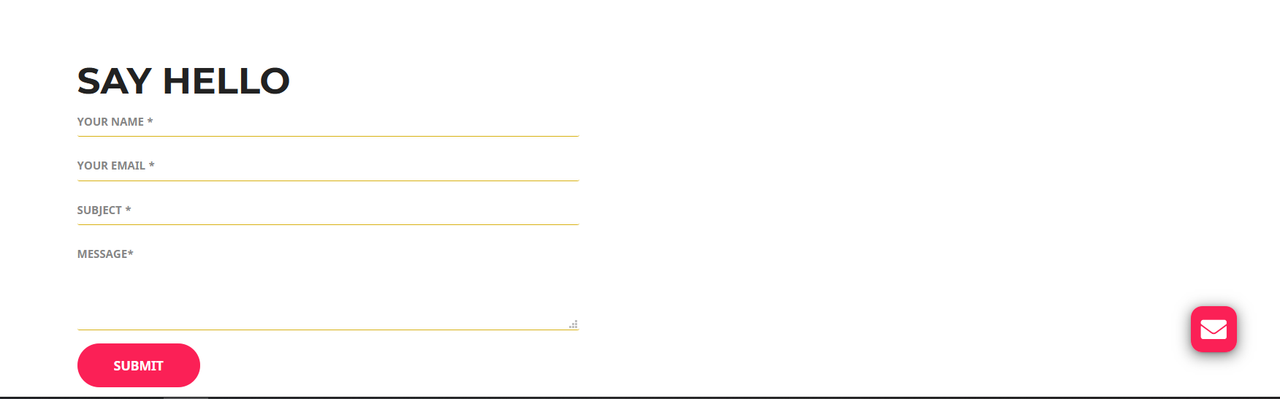
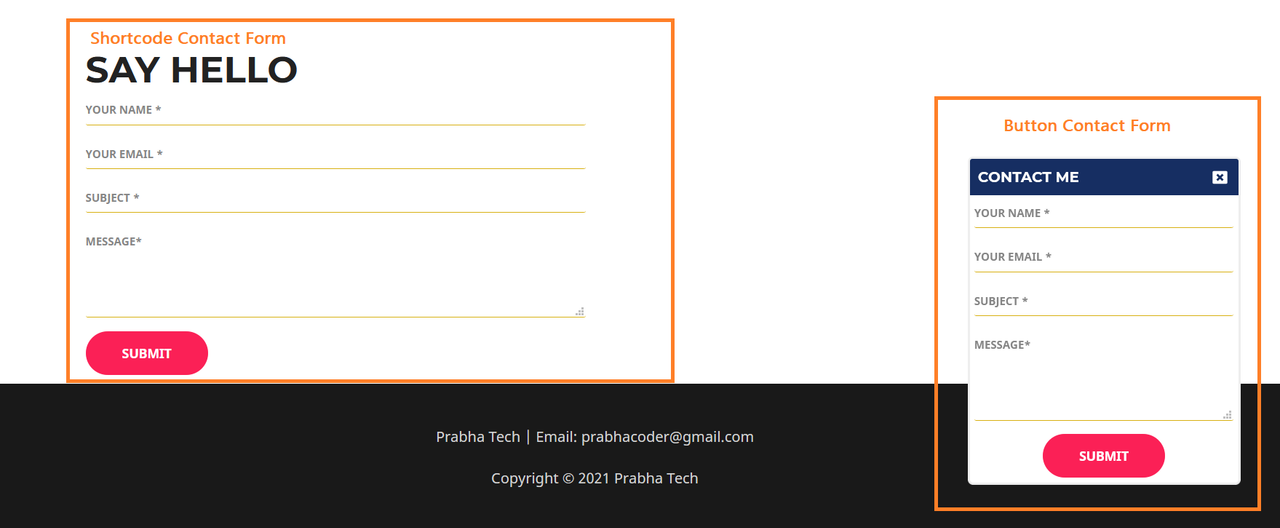
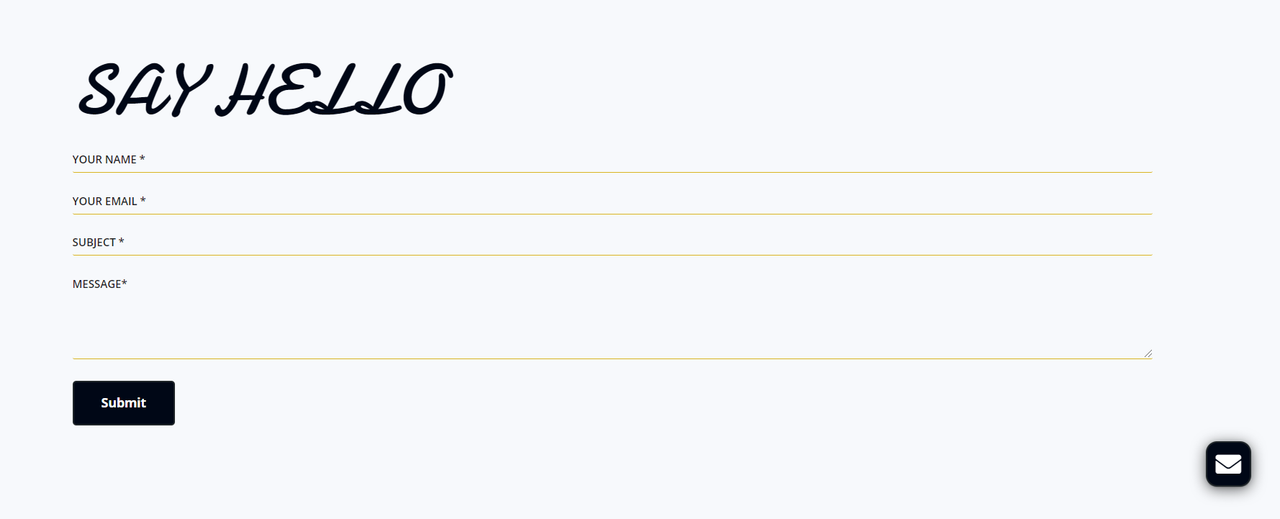
Tested on Astra Theme 2
-
Changeable Contact Form Titles
-
Can Enable/Disable Button Form
-
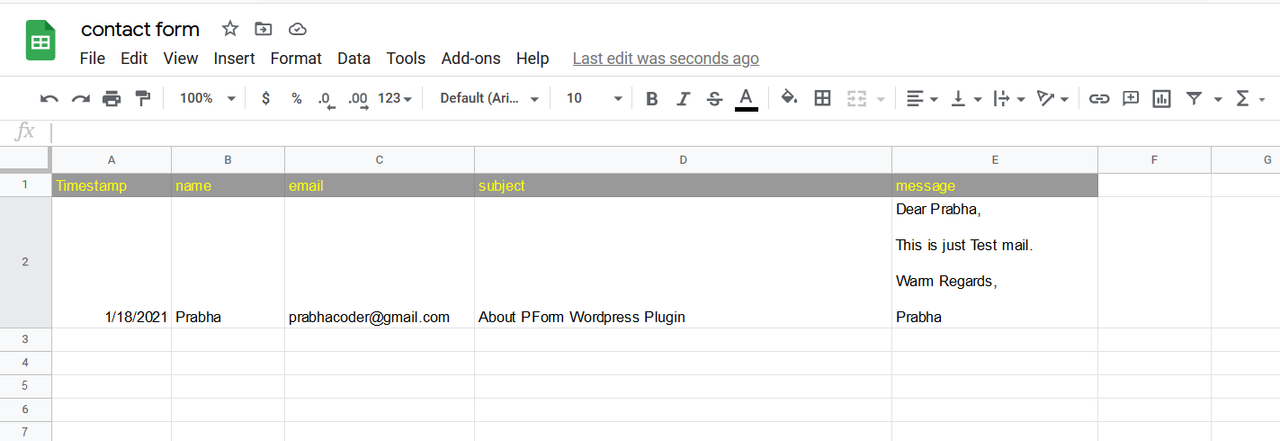
Google Sheet Storage
-
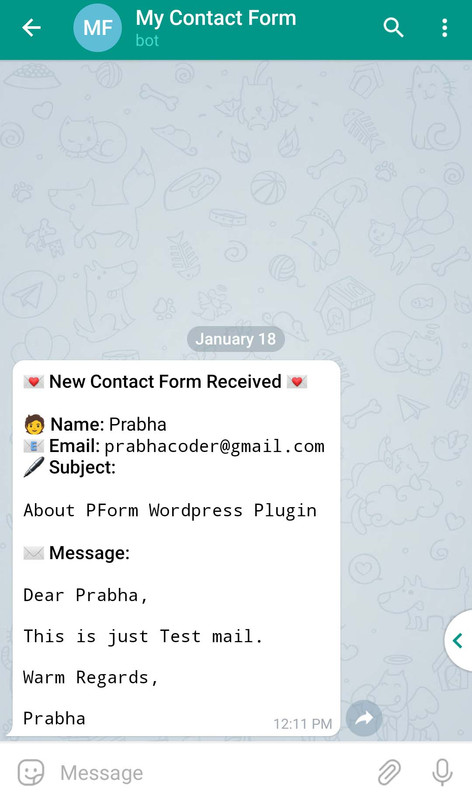
Get Notification on Telegram
How to Use :
-
Download PForm Plugin and Install it on Your WordPress Site.
-
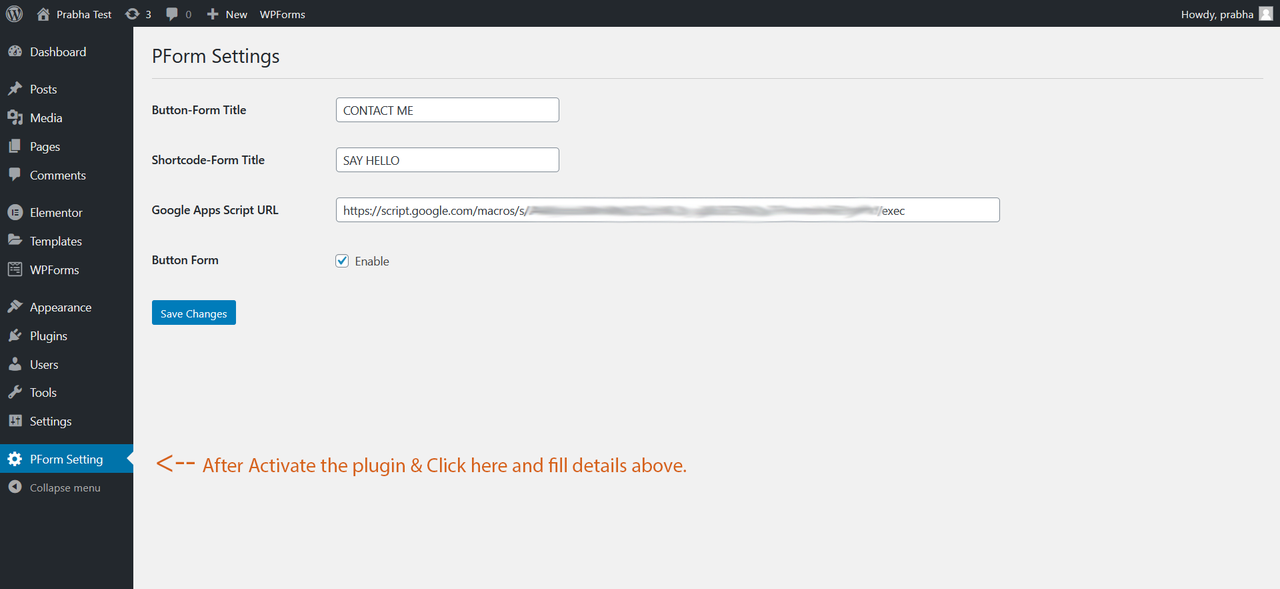
After activate the plugin and select
PForm Settingfrom Menu sidebar. -
Fill the details for your titles and Google Web App URL.
 How to get Google Web App URL
-
Goto your Google drive and Click
NewButton from Left Top → ClickGoogle Sheetsand Give the file name. -
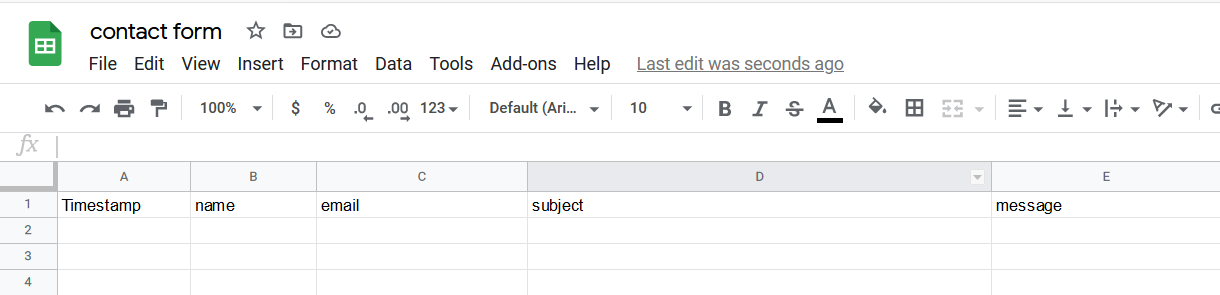
Type tag names on the first row of the sheet. Refer to this image
-
Click
Toolsfrom menu bar and SelectScript editor. -
Create a Telegram Bot from @Botfather & Copy the Token.
-
Goto your created Bot and send
/startor Click Start button. -
Now GoTo @userinfobot Send it any message it will give your Telegram ID (9 Digit) and copy the ID.
-
Copy the code from
Code.gs. -
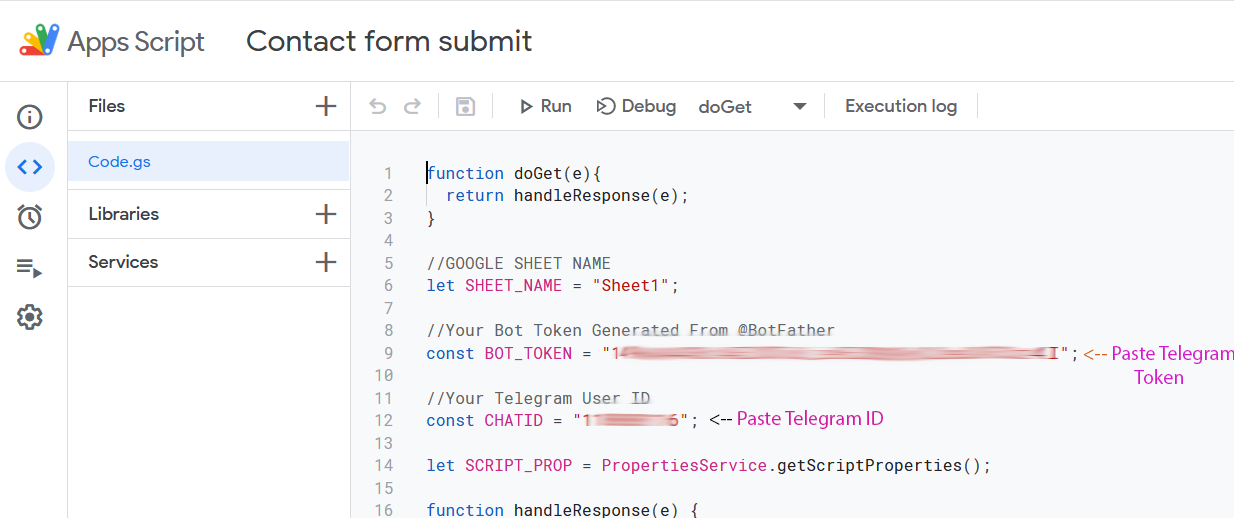
Paste it on Script Editor and Replace Telegram Token and ID. Refer to this image
-
Save it and if it asks authorization, Give it. Click the Deploy button and Select New Deployment.
-
In Prompt Window, Select who has access to
Anyone. Finally, ClickDeployButton and Copy the Web App URL. -
Paste it on PForm setting → Google App Script URL field and click Save Changes. That’s it.
How to place contact form in WordPress page/post
-
Paste this shortcode
[pform_contact]on anywhere wordpress page/post. -
For Button Contact Form, You can enable/disable it from PForm Setting.
Google Sheet Storage
Telegram Notification
Warm Regards,
Prabha


 !
!