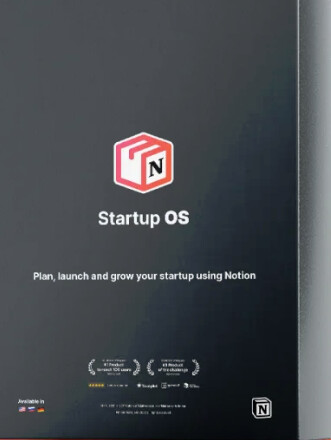
Notion Startup OS – Plan. Launch. Grow!
Startup OS is the fastest, easiest, and most organized way to plan, launch and grow your startup using Notion.
+60 ready to use and easy to customize templates including
Company Dashboard
Customizable dashboard to help you stay focused on everything
Business Model Canvas
Easily customizable, ready-to-use business model canvas
Value Proposition Canvas
All new drag & drop value proposition canvas experience
Company OKRs
Keep your startup on track and moving in the right direction
Business Portfolio Map
Clear visualization of your startup and growth initiatives
Team Alignment Map
Help your entire team stay aligned while being remote
Pitch Deck Creator
Create and share your pitch deck presentation in real-time
ROI Calculator
Save money and spend more on what’s turning profits Ne
Marketing Strategy
Stay ahead of the competition with a killer marketing plan
Financial Statements
Manage your money without having to be an Excel guru
+52 Other Templates
Including ✓ Projects Dashboard ✓ Tasks Dashboard ✓ Company OKRs ✓ Product Launch Plan ✓ PH Launch Checklist ✓ CRM ✓ Investors CRM ✓ Investment Memo ✓ Subscription Tracker ✓ Team Salary and more.
Follow Link To Access
Happy learning!
Please allow to duplicate it
@BlueHacker please allow to duplicate it
@BlueHacker Yeah it would be lovely to have the option to duplicate. Do you have the needed permissions to duplicate it or allow duplication?
S0me1
April 19, 2024, 4:32am
5
@BlueHacker - Can we duplicate, please? Mega thanks for sharing, BTW!
Ruzaid
April 19, 2024, 4:43am
6
@S0me1 @lcontrol @Abdul_Ghani
create a page in your Notion
Wait for it to sync and the you’ll have the notion space duplicated in your account
Ruzaid
April 19, 2024, 4:44am
7
Thanks for the Share @BlueHacker
Anyone can explain how to import this template since there’s no duplica button?
O tried ctrl c + ctrl v @Ruzaid said, but still can’t do it.
still can’t do it. Can you share the copied template you have copied using that method? Also it would be lovely if we had copy site permissions.
For anyone that can’t copy the notion project to their own account:
Have 2 tabs open:
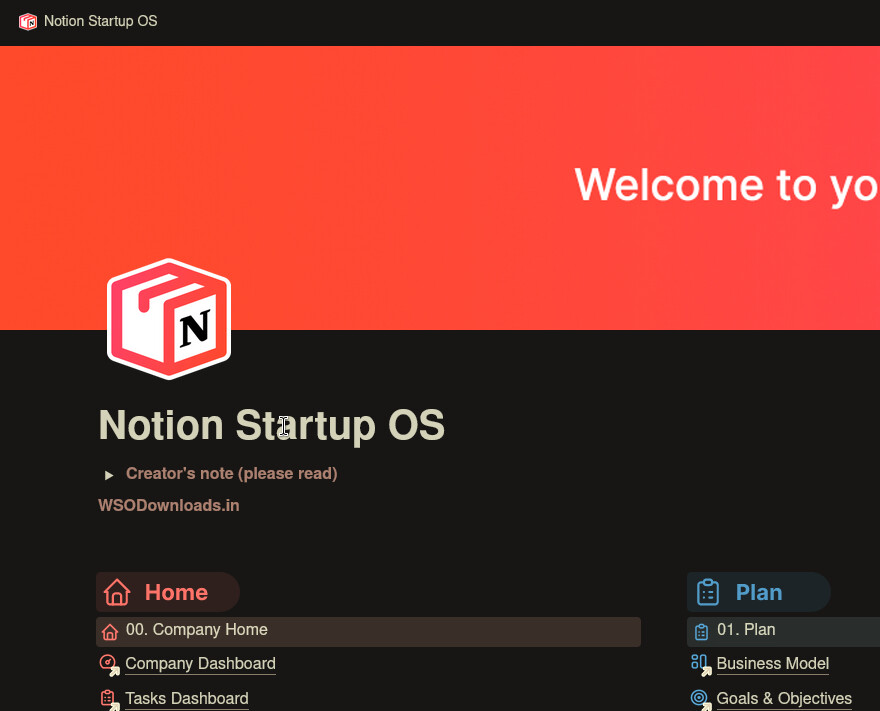
with the Notion Startup OS (that you want to copy)
A new Page on notion (where you want to copy it)
Steps to copy:
One the first tab (Notion Startup OS), click on the main heading of the first page. (it has a big icon above, click it)
Then press a key combination ‘CTRL+C’
Navigate to the empty page on Tab 2
Click inside the page
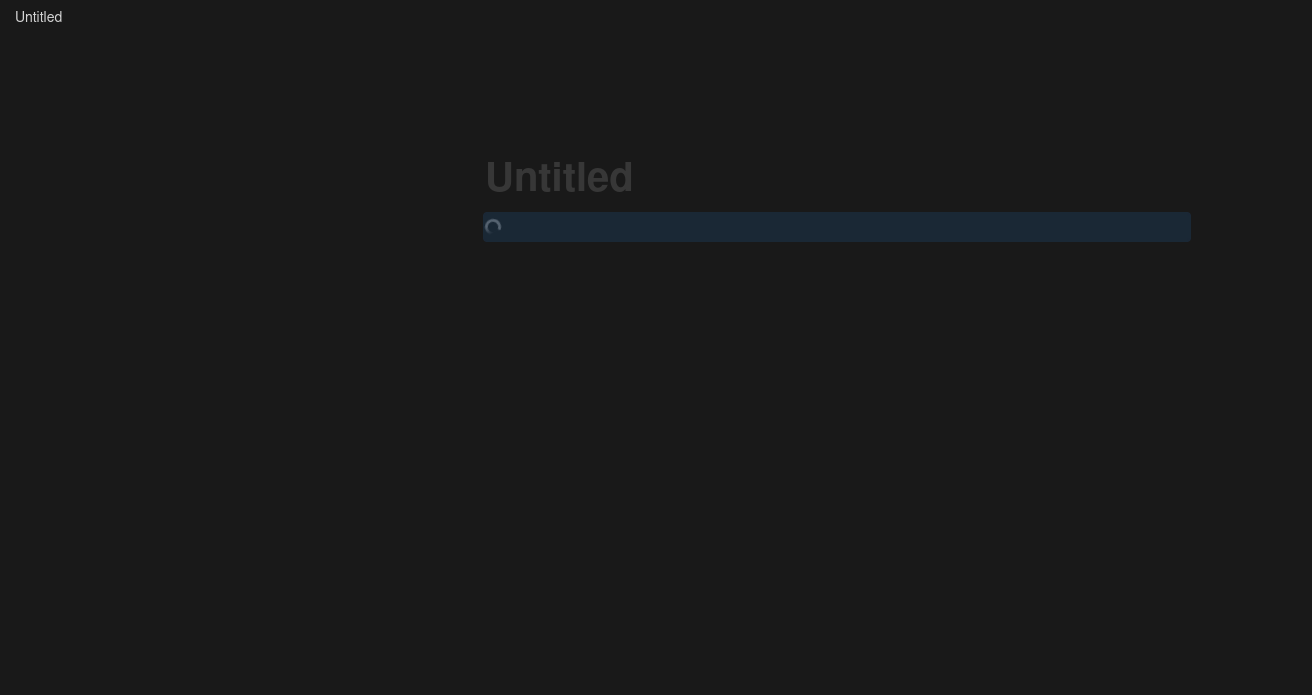
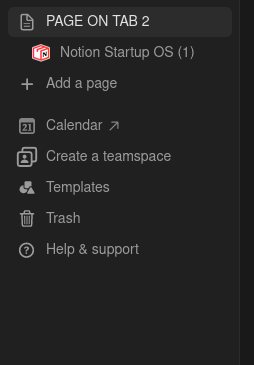
Press key combination ‘CTRL+V’ (you will see a little loading icon like in the image below)
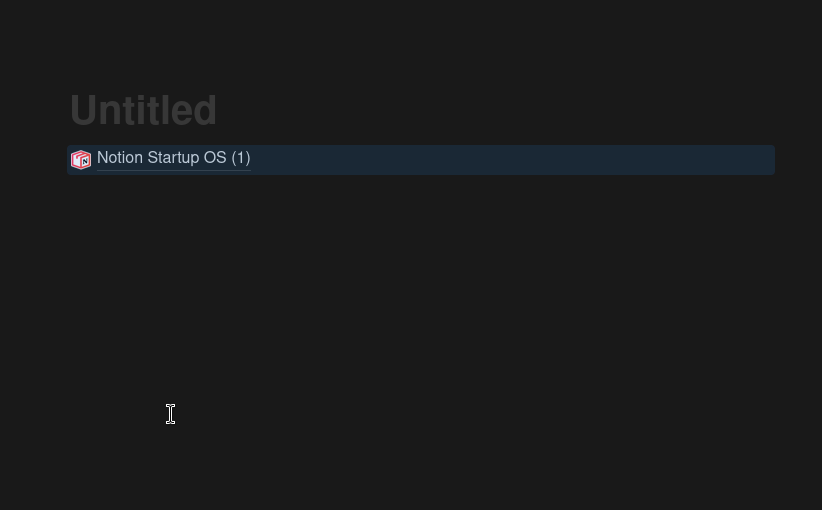
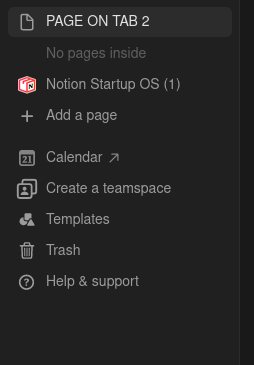
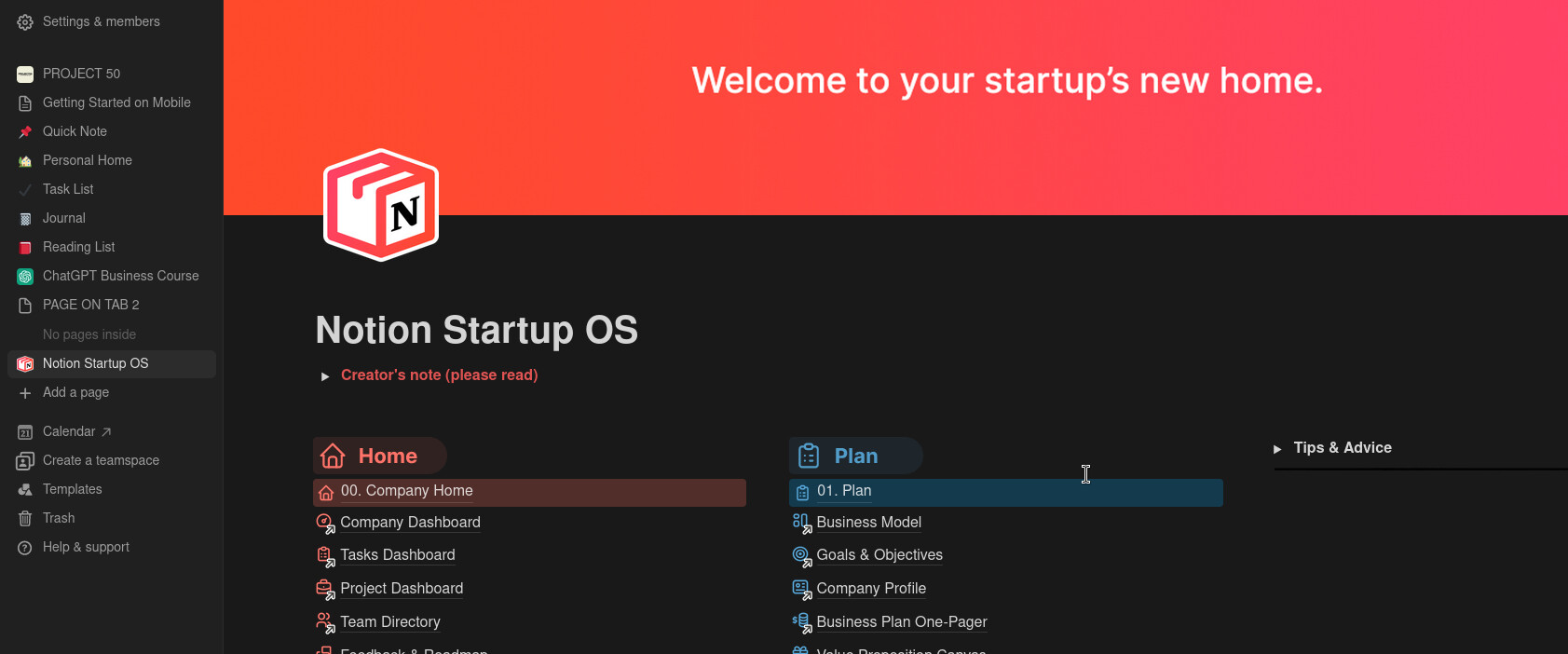
Drag the Notion Startup OS outside of the Untitled page you created before.
And BOOM you got it all inside your own account:
Happy Learning

 !
!