 The Complete shadPS4 Toolkit — Nothing Left Out
The Complete shadPS4 Toolkit — Nothing Left OutBloodborne at 60FPS on a 2017 GPU. Dark Souls at 4K. On your computer. Right now.
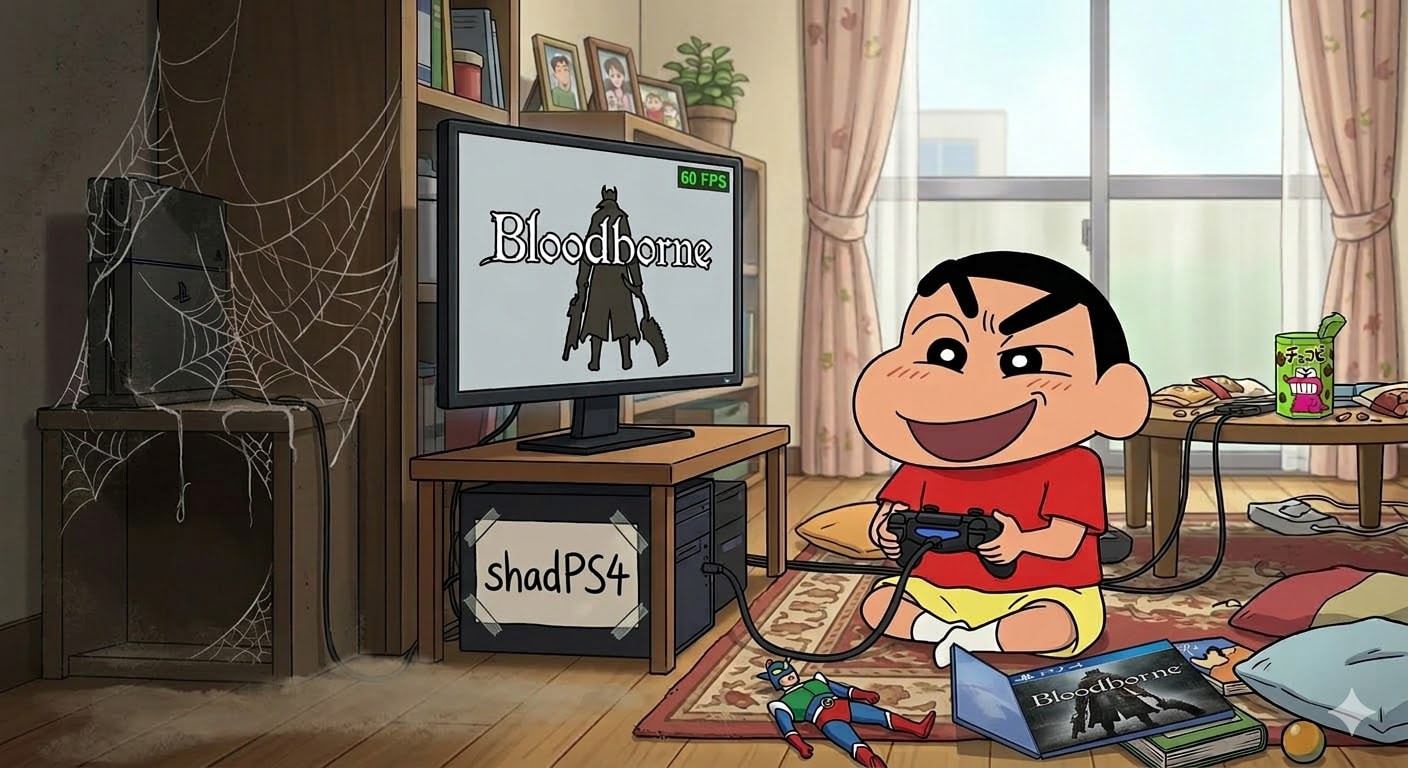
33+ games fully playable. 81+ reaching in-game. One open-source project built by the co-founder of PCSX2 — the PS2 emulator millions already use.
Sony won’t port Bloodborne to PC. Sony DMCA’d the 60FPS patch. So the community said “fine, we’ll do it ourselves.” And they did.
🔧 What You Need — Hardware Check
Think of it like this: the emulator is the DVD player. Your game dump is the disc. The firmware files are the player’s brain. You need all three.
| Part | Minimum (it runs) | Recommended (it runs well) |
|---|---|---|
| CPU | 4 cores / 6 threads, 2.5GHz+ (Intel 4th Gen / AMD Excavator) | 6+ cores, 3.5GHz+ |
| GPU | 2GB VRAM, Vulkan 1.3 (GTX 1060 / RX 580) | 8GB+ VRAM (RTX 3060 / RX 6700 XT) |
| RAM | 8GB DDR4 | 16GB+ — memory leaks are real, more RAM = fewer crashes |
| Storage | 50GB SSD | NVMe SSD — game dumps are 20-50GB each |
| OS | Windows 10+, Ubuntu 22.04+, macOS 15.4+ | Latest stable of each |
Trick: The PS4 uses the same x86 architecture as your PC. shadPS4 doesn’t “translate” anything — it re-implements the PS4’s operating system. That’s why it runs so much faster than you’d expect.
📥 Setup — 5 Steps, Zero Confusion
Step 1 — Download shadPS4
Go to shadps4.net → Downloads → grab the GUI version (QtLauncher) for your OS. It downloads as a ZIP. Extract it anywhere.
Step 2 — Get Your Game Files
You need game dumps from a jailbroken PS4. Think of “dumping” like ripping a DVD to your hard drive — you’re copying the game data off the console.
| Dumping Tool | How | Difficulty |
|---|---|---|
| Itemzflow | Homebrew app on PS4 → dumps to USB drive | Easiest |
| PS4 Dumper | PC app connects to PS4 over your network | Medium |
| Chameleon’s Host | Payload-based → dumps to USB | Medium |
Step 3 — Firmware Modules
Some games need PS4 system files. Get them from YOUR PS4:
FTP server on PS4 → connect with FileZilla → navigate to /system/common/lib/ → copy the files → paste into shadPS4’s sys_modules folder.
Step 4 — Launch
Open QtLauncher → point to your game folder → double-click a game → play. Xbox controllers work out of the box. DualShock 4 and DualSense also supported.
Step 5 — Config Tweaks
Open config.toml (inside the user folder) in any text editor:
| Setting | What It Does | Set To |
|---|---|---|
fullscreen |
Full screen mode | true |
isPS4Pro |
Emulates PS4 Pro hardware | true for better graphics in supported games |
vblankFrequency |
FPS target (60 = normal) | 120 to uncap framerate |
readbacks |
Fixes Bloodborne vertex issues | true (experimental) |
shadPS4 --resolution 3840x2160 CUSA00001forces 4K.--vblank-frequency 120unlocks beyond 60FPS.
⚡ Performance Tricks — Slideshow to Smooth
These are the difference between “it runs” and “it runs beautifully”:
Step 1 — Use an SSD. Mechanical drives stutter during shader compilation. Think of it like reading a book with pages glued together vs one that opens smoothly.
Step 2 — Enable Async Shader Compilation in settings. First-time stutter is normal — shaders are being built on the fly. Second playthrough is buttery.
Step 3 — Update GPU drivers monthly. Every driver update includes Vulkan improvements. Both AMD and NVIDIA push emulation-relevant fixes regularly.
Step 4 — Windows: right-click shadPS4.exe → Properties → Compatibility → check “Disable fullscreen optimizations.”
Step 5 — Set Windows power plan to High Performance. Settings → Power → High Performance. Laptops throttle by default.
Step 6 — Increase your pagefile to 16-32GB on an SSD. Memory leaks are a known issue. This prevents crashes when RAM fills up. Think of the pagefile as emergency overflow parking.
Step 7 — For 4-6GB VRAM GPUs: install the Downscale Textures mod + No Cloth Physics mod. This is how people run Bloodborne at 60FPS on an RX 580.
Step 8 — Look at the ground during VRAM-heavy areas. Not a joke. Some zones eat 8GB+ VRAM. Looking down reduces what the GPU needs to render until you’re past the heavy zone.
🩸 Bloodborne — The Complete Mod Stack
Bloodborne is THE reason most people care about shadPS4. Here’s the full toolkit that makes it run better than the original PS4 version:
| Mod | What It Does | Where |
|---|---|---|
| 60FPS Patch (Lance McDonald) | Unlocks framerate from 30 → 60 | Nexus Mods / archive.org |
| DeltaTime v2 | Fixes game speed at 60FPS — without this, 60FPS = double speed | Built into shadPS4 patch system |
| FPS Boost Maps (fromsoftserve) | Removes point lights → biggest single performance gain | Nexus Mods |
| No Cloth Physics | Removes cloth simulation → saves RAM/VRAM | Nexus Mods |
| Downscale Textures | Halves texture resolution → playable on 4GB GPUs | Nexus Mods |
| PC Sounds Mod | Restores missing audio some crashes strip | Nexus Mods |
| Bloodborne Remaster (fromsoftserve) | Enhanced lighting, shadows, ambient occlusion | Nexus Mods |
| 4K Texture Pack | Upscales all textures 2x → 2K/4K quality | Nexus Mods |
| Magnus Opus | Restores cut content from the original | Nexus Mods |
| Vertex Explosion Fix | Fixes broken character models | Nexus Mods |
| Intel Crash Fix | Prevents crashes on Intel 12th Gen+ CPUs | Nexus Mods |
Use BBLauncher (Nexus Mods) — a dedicated mod launcher that manages all Bloodborne mods in one place.
🎮 Steam Deck Setup
shadPS4 runs on Steam Deck because both use AMD x86 hardware. The Deck doesn’t need to “emulate” — it just re-implements the PS4 OS.
Quick setup: EmuDeck → Manage Emulators → ShadPS4 → Install. Games auto-appear in ES-DE and Steam ROM Manager.
| Setting | Steam Deck Config | Why |
|---|---|---|
| Resolution | 1280×900 patch or native 720p | Deck’s screen is 1280×800 — rendering higher wastes power |
| Framerate | Lock 30FPS handheld, unlock docked | Handheld fluctuates 30-50FPS. Docked holds 30 steady |
| Mods | FPS Boost Maps + Vertex Fix + No Cloth Physics | The holy trinity for Deck performance |
| TDP | 15W in SteamOS performance overlay | Best balance of performance vs battery |
🔓 The Jailbreak Gateway — Which PS4 Firmware Works
No jailbreak = no game dumping = no shadPS4. This is the first door you need to open.
| Firmware | Method | Stability |
|---|---|---|
| 4.05 – 5.05 | WebKit browser exploit | Rock solid |
| 7.00 – 9.60 | Universal WebKit exploit | Recommended starting point |
| 9.00 | pOOBs4 kernel exploit | Very stable, direct kernel access |
| 10.00 – 11.00 | PPPwn (PPPoE exploit) | Finicky — try Vue method first |
| 11.02 – 12.52 | Vue After Free + Lapse chain | Latest supported range |
| 13.02+ | Nothing. You’re locked out. | Do not update past 12.52 |
Buying a used PS4 for dumping? Target firmware 9.00 or below. Check Settings → System → System Information BEFORE buying.
Resources: ConsoleMods Exploit Chart · ConsoleMods Getting Started · Wololo.net Guide · PSXHAX Forum
💻 Windows vs Linux vs macOS vs Steam Deck
| Platform | Performance | Best For |
|---|---|---|
| Windows + NVIDIA | Baseline — most tested | Widest compatibility, most guides assume this |
| Windows + AMD | Same as NVIDIA | AMD drivers improving fast |
| Linux + AMD | +5-15% better in some games | Lower Vulkan overhead via Mesa RADV driver |
| Linux + NVIDIA | Mixed — sometimes worse | NVIDIA’s Linux Vulkan driver has quirks |
| macOS Apple Silicon | Works via Rosetta 2 + MoltenVK | Runs but slower — two translation layers |
| Intel Mac | Broken graphics | Not recommended |
| Steam Deck (SteamOS) | Solid at 720p/30FPS | Portable Bloodborne is real |
🛡️ Other PS4 Emulators — The Landscape
| Emulator | Status | Platform | The Deal |
|---|---|---|---|
| shadPS4 | Active, best | Win/Linux/macOS | The only one that plays AAA games |
| RPCSX | Active, early | Linux | Built by the RPCS3 team. Targets PS4 AND PS5 |
| fpPS4 | Active, early | Windows | Second-best compatibility. Written in Free Pascal |
| Kyty | Paused | Windows | First PS4 emu with a GUI |
| Obliteration | Active, no games | Win/Linux | Rust rewrite of Kyty’s core |
| PCSX5 | Fake/misleading | — | Avoid. Not a real PS5 emulator |
📚 Things Most Guides Skip
1. PKG Editor is mandatory after v0.7. Most tutorials are outdated on this.
2. Game updates go in CUSAxxxxx-UPDATE folders next to the main game folder.
3. DLC goes in the addonInstallDir path from config.toml — create a folder with the same CUSA ID.
4. Only specific firmware modules are needed — don’t dump the entire PS4 system partition. Check the wiki for the current list.
5. Nightly builds beat stable releases. The emulator moves fast. GitHub Actions nightly builds often fix crashes the stable version still has.
6. Intel 12th Gen+ (hybrid P-core/E-core architecture) has specific crash issues. Install the Intel Crash Fix mod for Bloodborne.
7. PS4 save files work if they’re decrypted. Modern dumping tools auto-decrypt. Encrypted saves won’t load.
8. Compatibility reports only accept unmodified game dumps. Patched games that crash aren’t valid bug reports.
9. Online multiplayer doesn’t work. No PSN, no matchmaking, no co-op. Offline only.
10. No way to dump games without jailbreak. Mast1c0re exploit only runs PS2 stuff. For PS4 game access you need homebrew on the console.
🔗 Resource Hub
| What | Where |
|---|---|
| Official site | shadps4.net |
| GitHub | github.com/shadps4-emu/shadPS4 |
| Compatibility list | shadps4.net/compatibility |
| Discord | discord.gg/bFJxfftGW6 |
| Wiki | GitHub Wiki |
| Quickstart | shadps4.net/quickstart |
| Bloodborne mods | Nexus Mods |
| Bloodborne guide | shadps4.org |
| EmuDeck (Steam Deck) | emudeck.github.io |
| Jailbreak guide | ConsoleMods Wiki |
| Jailbreak firmware chart | ConsoleMods Exploit Chart |
| Emulation wiki | Emulation General Wiki |
| Scene news | Wololo.net |
| PC setup walkthrough | Joey’s Retro Handhelds |
| Technical deep dive | DeepWiki |
| Progress discussion | NeoGAF Thread |
| Donate | Ko-fi |
| Want | Do |
|---|---|
 Play Bloodborne on PC Play Bloodborne on PC |
→ Grab shadPS4 + Bloodborne mod stack above |
 Play on Steam Deck Play on Steam Deck |
→ Install via EmuDeck, 30FPS lock, FPS Boost mod |
 Jailbreak your PS4 Jailbreak your PS4 |
→ Check firmware, follow ConsoleMods |
 Check if your game works Check if your game works |
→ Compatibility list |
 Report a bug Report a bug |
→ Test with vanilla dump first, then GitHub Issues |
 Get help fast Get help fast |
→ Discord |
Sony won’t give you the Bloodborne remaster. The community already built one.

 !
!