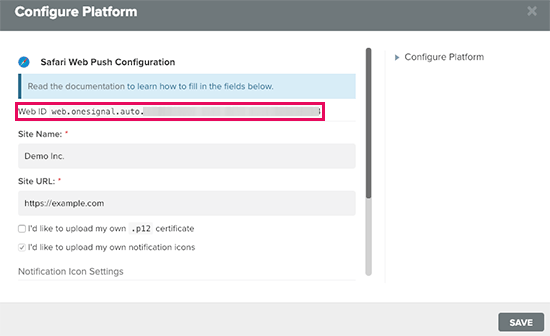
Don’t laugh at this question please. I dearly need help as to how they where able to achieve this. I want to follow this same pattern on my blog site. I want to know which type of software they are using to achieve this. Thanks guys.
you can do it with snagit
I use winsnap, it will sort you
You can also use Paint.net.
Thanks everyone that has contributed. So basically I need to be online before editing the screenshots abi!
I need offline application please. Thanks
Photoshop always the best option, and all these editing made on Photoshop, you can check the tutorial at the main site if you need further guidance. here are 2 online tool similar to Photoshop all features.
[Giveaway] Online Photoshop | Full Features | Work Online Instead Of Installing Software!
[GET] Best Online Alternative For Photoshop - Do Your Editing!
About offline, we do not allow requesting software/tool here, Google search, use Torrent site to grab Photoshop. that’s all.
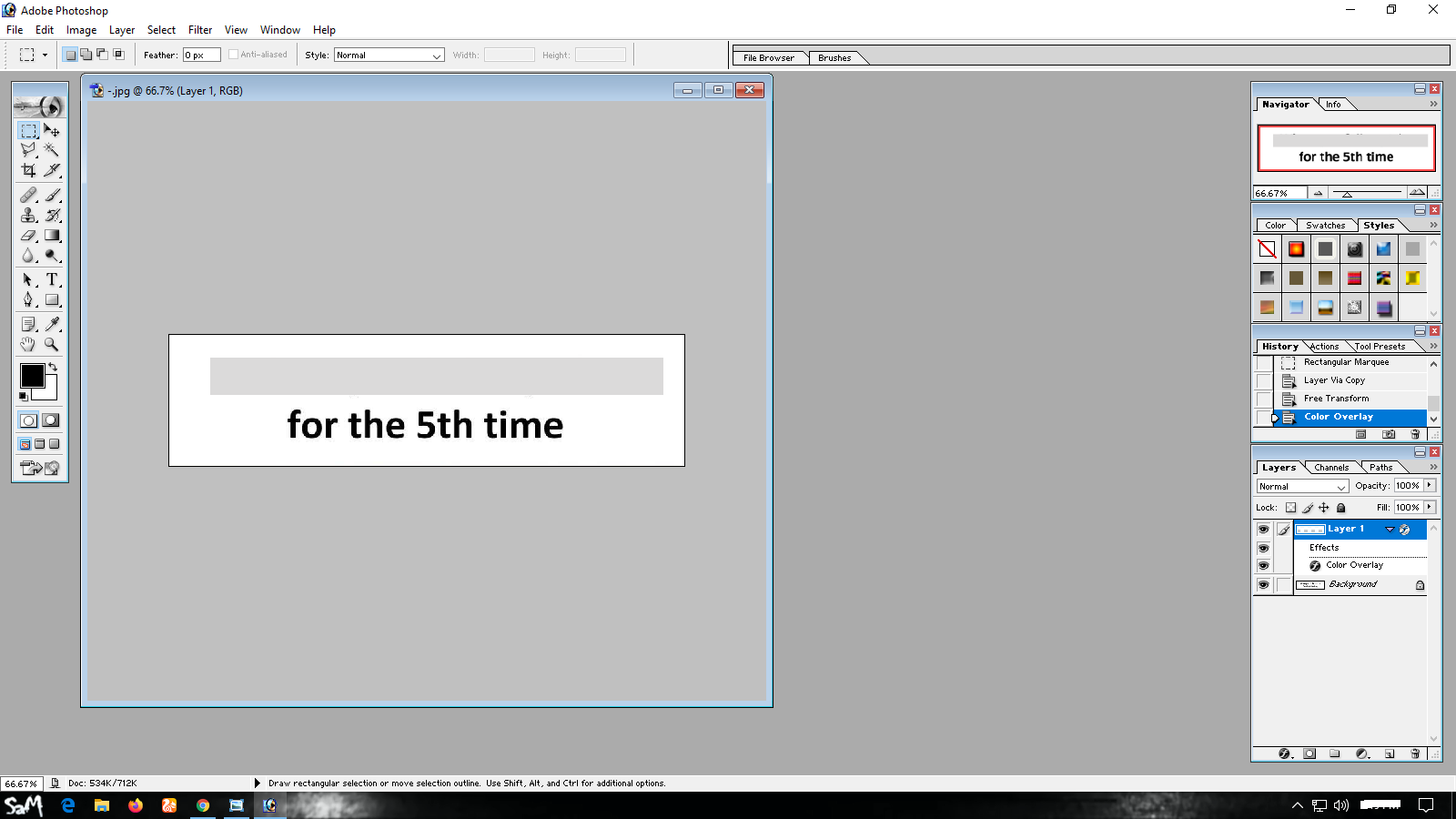
See how simple it is:
Project Photo

Blur
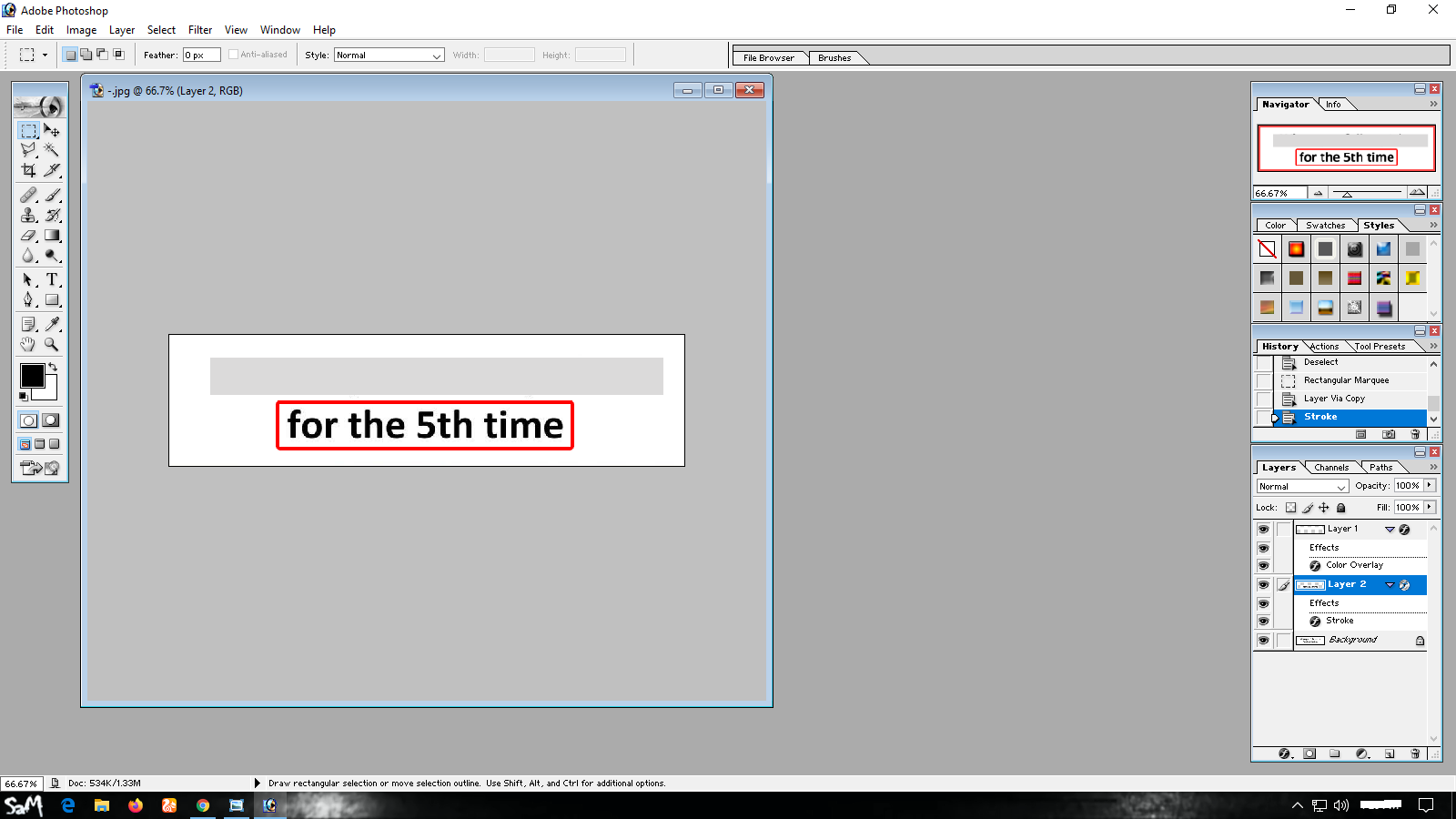
Red box
It’s Ready
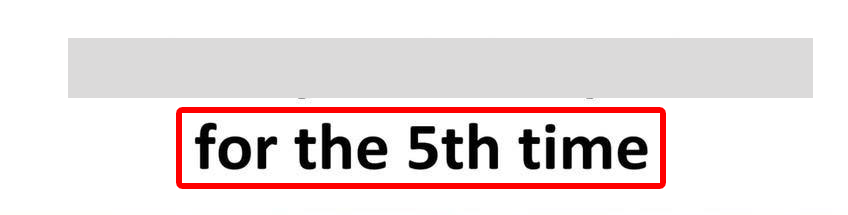
Good luck! 
Paint.net is a free and offline application. Download it and install it.
Hey!
This is done by browser extension (Awesome Screenshot)
Check it out 
 !
!